 Firefox
 1 / 3
1 / 3Loading font…
About Pliant Font
Pliant typeface was conceived to address specific internal design needs. Built on the Swiss typographic tradition, Pliant offers a neutral and universal structure, making it suitable for a wide range of uses. Its design ensures clarity and consistency, especially in continuous text where legibility is a priority. A distinctive feature of Pliant is its spacing, intentionally narrower than in many other typefaces. This decision was guided by practicality: it is easier to open up tight spacing to improve readability than to reduce spacing that is already too loose. This approach gives designers more control and flexibility when adapting the font to different contexts. Considering these design variables, shapes, spacing, proportions we developed an additional variant aimed at headline usage. Non Pliant Normal works well for this purpose, but we felt the need for a complementary version that could pair seamlessly with it. The result is an extended variant that maintains the original spirit of Pliant while offering broader letterforms and slightly more pronounced details. This balance allows it to perform strongly in display settings without losing the rational qualities that define the family. To contribute, see github.com/TheJonassss/Pliant . Your browser does not support the video tag.
Style & Use Cases
- Overall Style
- Ultra-light, Clean, Modern, Sans Serif
- Use Case
- Body Text, UI
- Ideal For
- branding, interfaces, and modern layouts
- Pairs With
- a contrasting serif for headings
Pliant Specifications
| Font Family | Pliant Thin |
| Style | Regular |
| Full Name | Pliant Thin |
| Version | 1.000 |
| Weight | 100 (Thin) |
| Glyph Count | 1207 glyphs |
| PostScript Name | Pliant-Thin |
| Designer | Jona Saucedo |
| Format | TTF (TrueType) |
| File Size | 293.1 KB |
OpenType Features
Pliant ships with 10 OpenType features you can switch on in apps that support them (Illustrator, InDesign, Affinity, Figma, CSS font-feature-settings).
- Case-sensitive forms
- Discretionary ligatures
- Fractions
- Standard ligatures
- Ordinals
- Scientific inferiors
- Subscripts
- Superscripts
- Slashed zero
- Stylistic sets (1)
- Variable font · axes: wght, wdth
Languages Supported
Pliant supports 521 languages.
How to Install Pliant Font
Step-by-step instructions for every platform
- 1Download the Pliant font file (.ttf or .otf).
- 2Locate the downloaded file in your Downloads folder.
- 3Right-click the font file.
- 4Select "Install" to install for the current user, or "Install for all users" to make it available system-wide.
- 5Pliant is now available in Word, Photoshop, Illustrator, and all other apps.
Browse fonts by theme
Curated collections →Saw a font in a picture? Identify any font from an image with our free Font Finder.
More Sans Serif Fonts
Browse all →
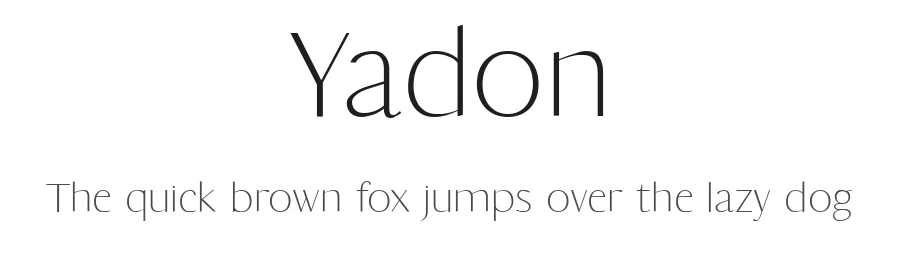
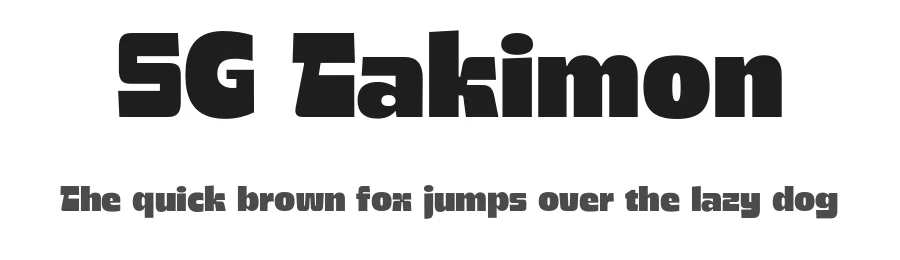

What pairs well with Pliant Font?
Pliant Font is a versatile sans-serif font that works for both headings and body text. Pair it with a contrasting serif or slab serif font to add visual interest and a clear distinction between titles and body copy.
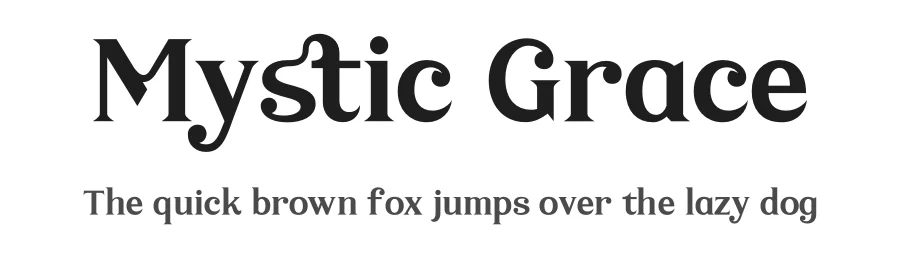
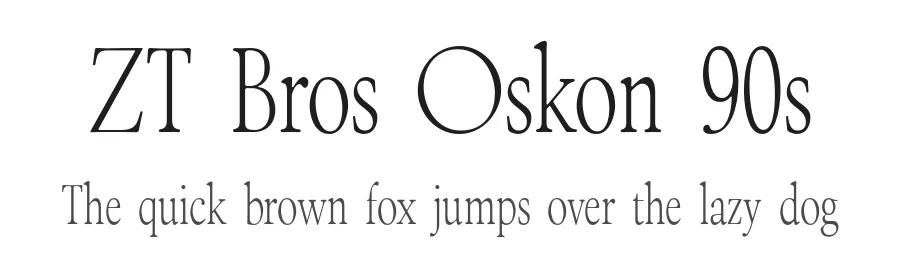
Premium Sans Serif Fonts
★ PremiumWant something with more weights, glyphs, and commercial polish? These premium sans serif fonts are worth a look.
Pliant Font
Reviewed by the FontBoxDL team · Updated July 2026