 Firefox
 1 / 8
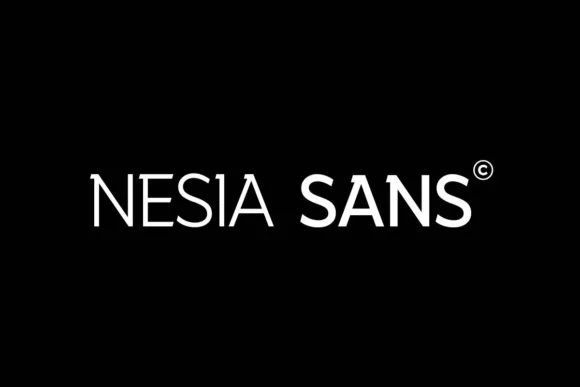
1 / 8About Nesia Sans Font
You're designing the brand identity for a tech startup, and you need a typeface that signals modern without leaning into trend or gimmick. Nesia Sans, designed by Ryan Vierra, is a slab serif that delivers exactly this kind of balance. The typeface combines clean geometry with confident strokes, giving you a tool that works equally well on screen or in print. Where many contemporary sans serifs feel cold or anonymous, Nesia brings actual personality to a layout.
The applications span a wide range: tech company logos and brand guidelines, editorial magazine headers, upscale packaging for boutique product lines, and modern wayfinding signage in retail or corporate spaces. The slab serif structure gives you something with warmth and substance that still reads as contemporary and restrained. Brands bridging the gap between technical and creative fields find this balance particularly useful. When you set it large for headlines, the proportions hold their weight and impact. Drop it to smaller sizes and it maintains clean readability without losing any of that structured character.
Multiple weights come included, so you can establish clear visual hierarchy across everything from web interfaces to print collateral. Nesia Sans has the kind of dependable quality that makes your work look considered and intentional. Grab it on Creative Fabrica.
Style & Use Cases
- Overall Style
- Sturdy, Confident, Sans Serif
- Use Case
- Headlines, Merch
- Ideal For
- vintage posters, logos, and product packaging
- Pairs With
- a light sans-serif
How to Install Nesia Sans Font
Step-by-step instructions for every platform
- 1Download the Nesia Sans font file (.ttf or .otf).
- 2Locate the downloaded file in your Downloads folder.
- 3Right-click the font file.
- 4Select "Install" to install for the current user, or "Install for all users" to make it available system-wide.
- 5Nesia Sans is now available in Word, Photoshop, Illustrator, and all other apps.
More by Ryan Vierra
View all →
Browse fonts by theme
Curated collections →Saw a font in a picture? Identify any font from an image with our free Font Finder.
More Slab Serif Fonts
Browse all →







What pairs well with Nesia Sans Font?
Nesia Sans Font is a slab serif font that shines as a display or heading face. Pair it with a clean sans-serif or serif font for body text — the contrast creates a clear hierarchy while the two styles stay balanced and easy to read.




Nesia Sans Font
by Ryan Vierra
Reviewed by the FontBoxDL team · Updated September 2026