 Firefox
 1 / 3
1 / 3Loading font…
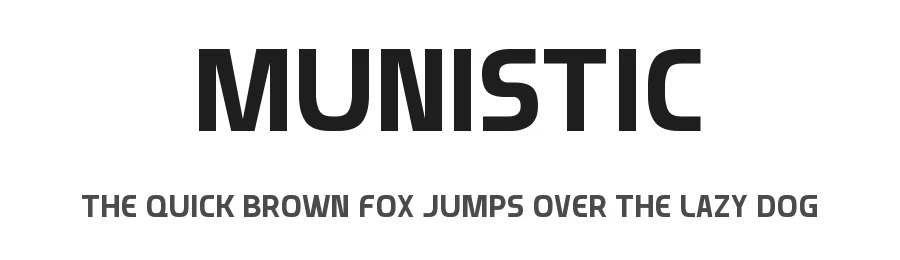
About Munistic Font
Munistic is a sans-serif font designed by Daymarius. It includes 175 glyphs, a regular weight, TTF (TrueType) format, and 197 languages. Munistic is free to download; check the license details on this page before commercial use. Sans-serif fonts like Munistic work best for clean body text, user interfaces, branding, and modern layouts.
Style & Use Cases
- Overall Style
- Clean, Modern, Basic
- Use Case
- Body Text, UI
- Ideal For
- branding, interfaces, and modern layouts
- Pairs With
- a contrasting serif for headings
Similar Fonts
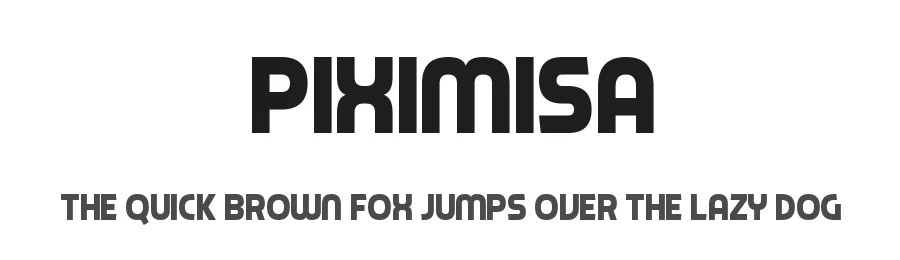
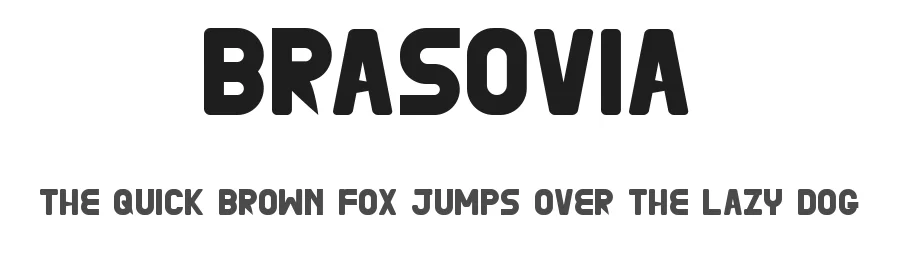
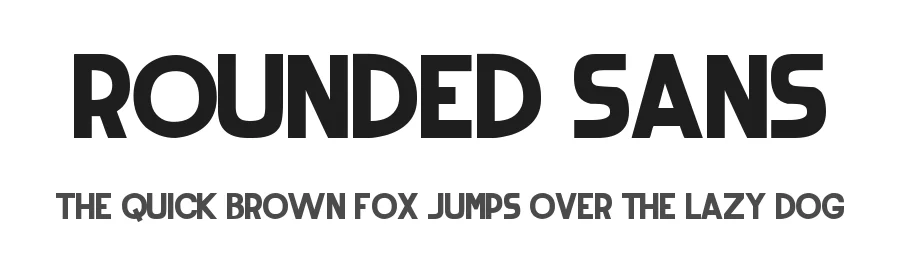
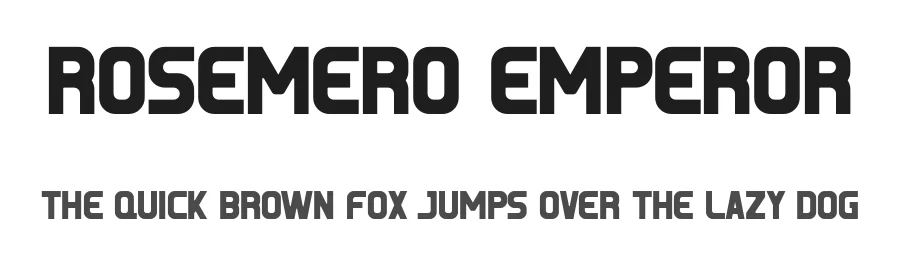
Fonts that look visually alike — matched by our Font Finder model.


Munistic Specifications
| Font Family | Munistic |
| Style | Regular |
| Full Name | Munistic |
| Version | 1.00 August 7, 2018, initial release |
| Weight | 400 (Regular) |
| Glyph Count | 175 glyphs |
| PostScript Name | Munistic |
| Designer | Vasily Draigo aka Daymarius |
| Format | TTF (TrueType) |
| File Size | 17.4 KB |
Languages Supported
Munistic supports 197 languages.
How to Install Munistic Font
Step-by-step instructions for every platform
- 1Download the Munistic font file (.ttf or .otf).
- 2Locate the downloaded file in your Downloads folder.
- 3Right-click the font file.
- 4Select "Install" to install for the current user, or "Install for all users" to make it available system-wide.
- 5Munistic is now available in Word, Photoshop, Illustrator, and all other apps.
More by Daymarius
View all →

Browse fonts by theme
Curated collections →Saw a font in a picture? Identify any font from an image with our free Font Finder.
More Sans Serif Fonts
Browse all →
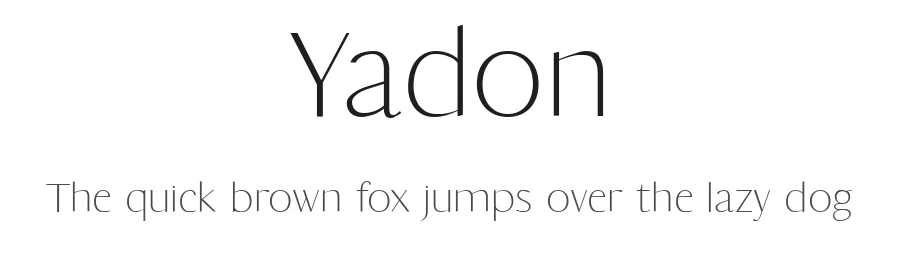
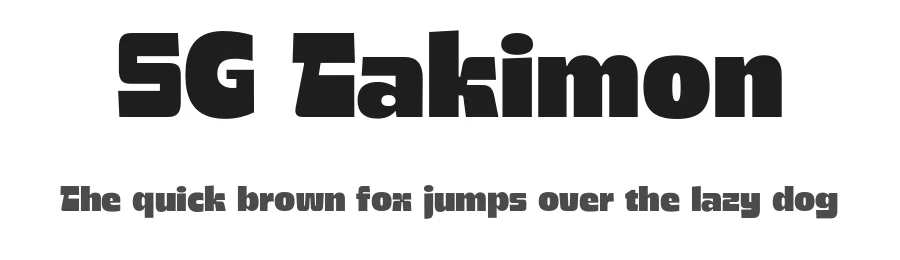

What pairs well with Munistic Font?
Munistic Font is a versatile sans-serif font that works for both headings and body text. Pair it with a contrasting serif or slab serif font to add visual interest and a clear distinction between titles and body copy.
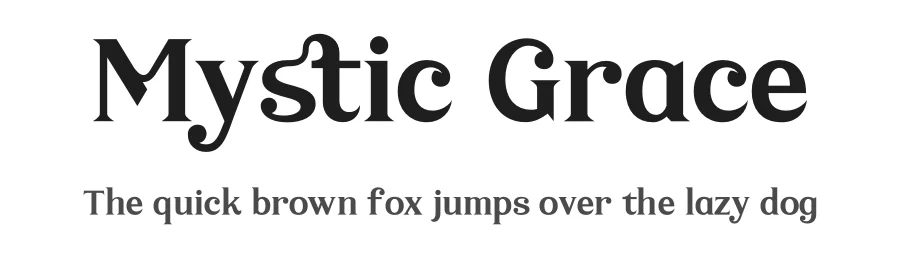
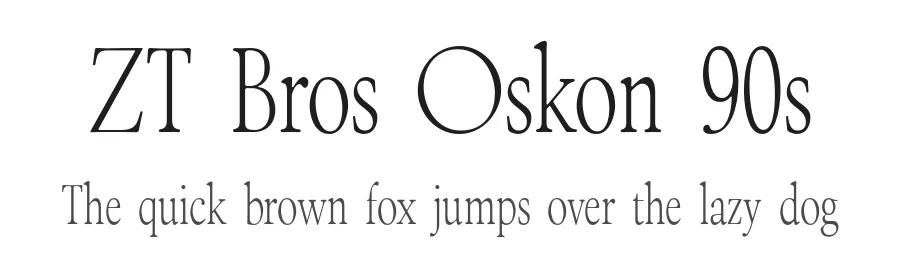
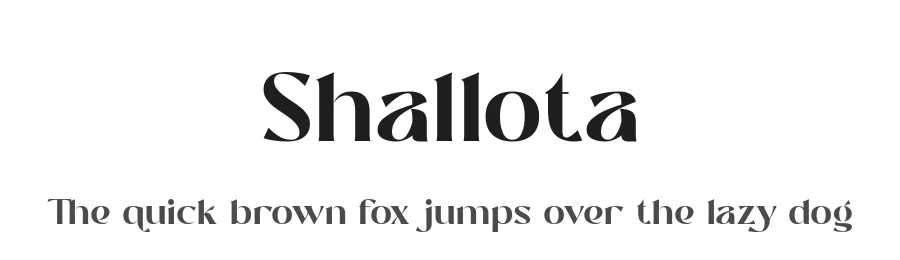
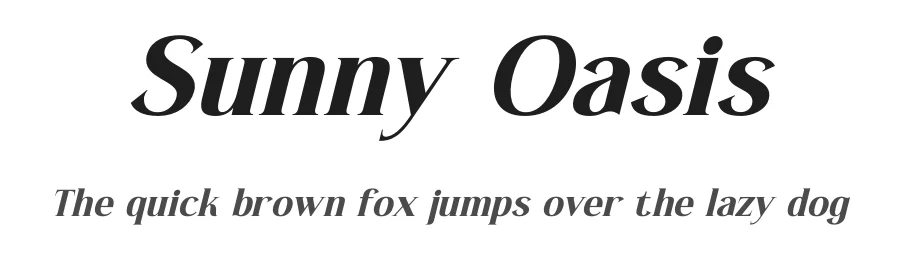
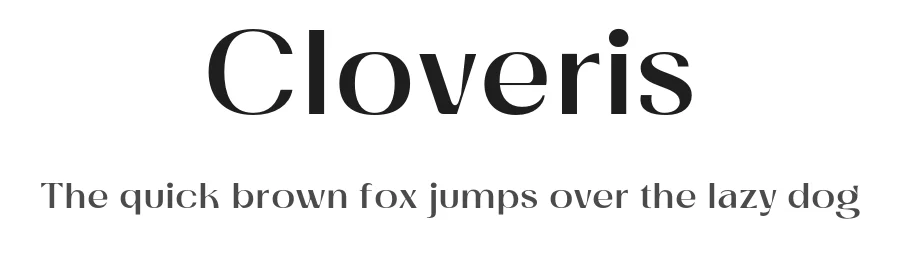
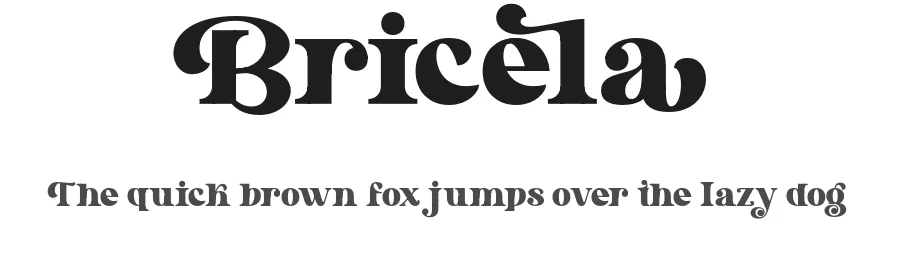
Premium Sans Serif Fonts
★ PremiumWant something with more weights, glyphs, and commercial polish? These premium sans serif fonts are worth a look.

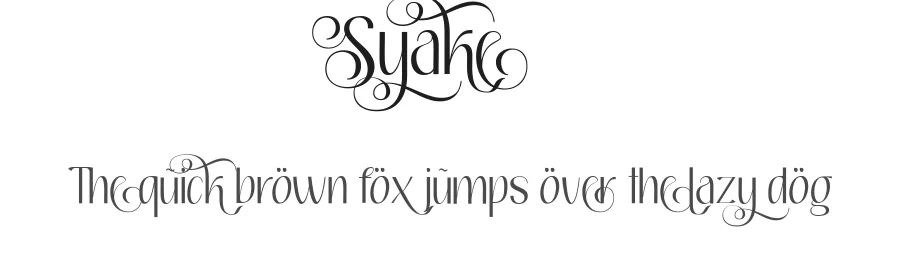
Munistic Font
by Daymarius
Reviewed by the FontBoxDL team · Updated June 2026
Munistic Font is a sans serif typeface by Daymarius, ideal for logos, invitations, branding, and creative projects.
License: Free for personal use