 Firefox
 1 / 8
1 / 8About Morista Expanded Font
Morista Expanded by IM Studio is a bold slab-serif with genuine varsity character, the kind of typeface that doesn't chase trends or pretend to transcend time. Outlined letterforms command real presence on the page, shaped by geometric principles that feel equally contemporary and historically rooted. Expanded proportions make each word feel substantial and built to demand attention, crisp at large sizes and fully legible in confined spaces.
This font covers more ground than you might expect. Sports design is where it feels most at home, since the structure echoes decades of team jersey lettering and athletic branding conventions. Vintage party invitations and event materials get their impact from this typeface when used as the headline font. Home décor projects such as wooden signs and wall installations gain heft and presence from this typeface's confident visual weight. Small brands apply it to product labels and boutique packaging when they need genuine character without sacrificing legibility. The expanded character set and outlined construction ensure the typeface stays readable and visually effective whatever your scale or specific design application.
Get Morista Expanded on Creative Fabrica and put that solid geometric presence to work.
Style & Use Cases
- Overall Style
- Sturdy, Confident, Display
- Use Case
- Headlines, Merch
- Ideal For
- vintage posters, logos, and product packaging
- Pairs With
- a light sans-serif
How to Install Morista Expanded Font
Step-by-step instructions for every platform
- 1Download the Morista Expanded font file (.ttf or .otf).
- 2Locate the downloaded file in your Downloads folder.
- 3Right-click the font file.
- 4Select "Install" to install for the current user, or "Install for all users" to make it available system-wide.
- 5Morista Expanded is now available in Word, Photoshop, Illustrator, and all other apps.
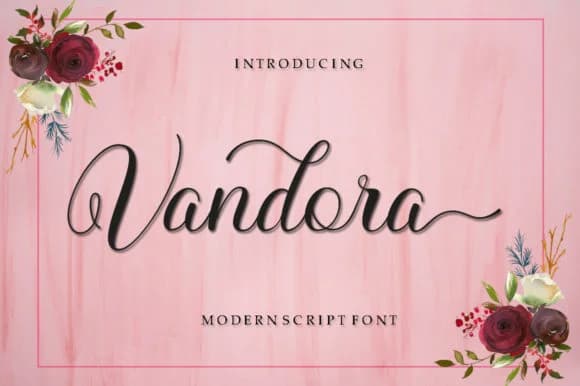
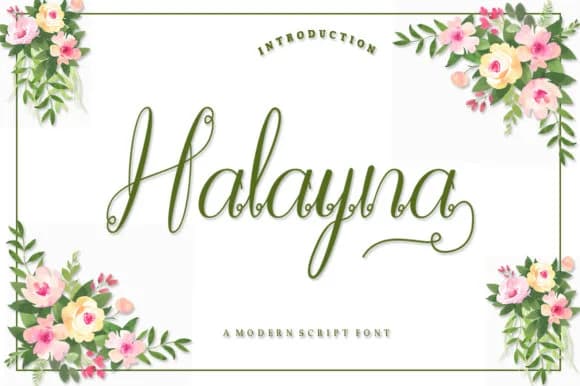
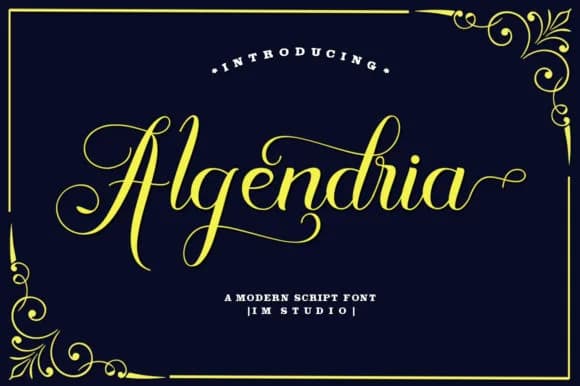
More by IM Studio
View all →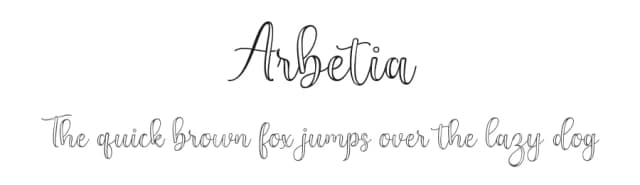
Browse fonts by theme
Curated collections →Saw a font in a picture? Identify any font from an image with our free Font Finder.
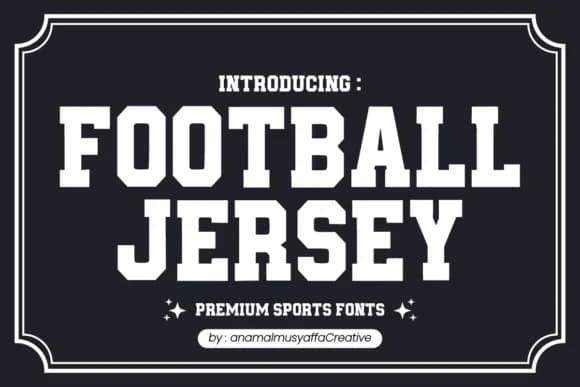
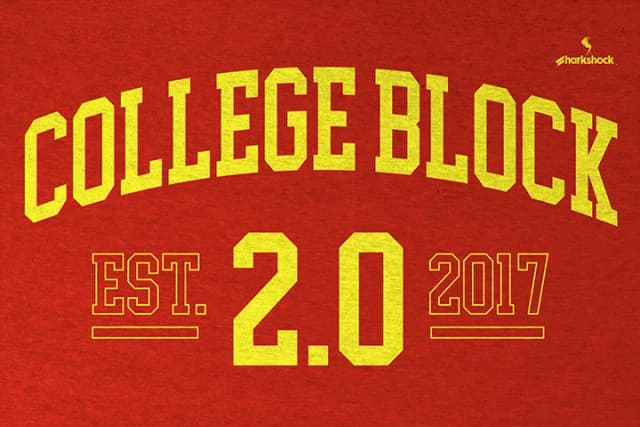
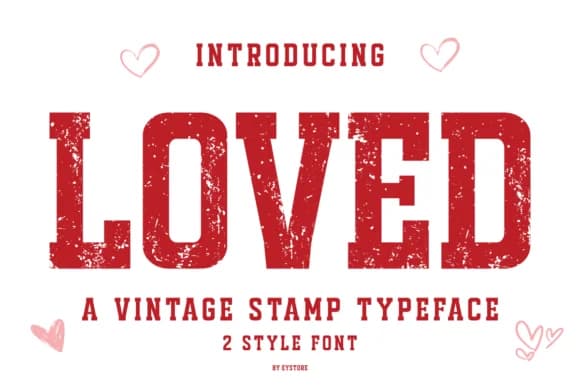
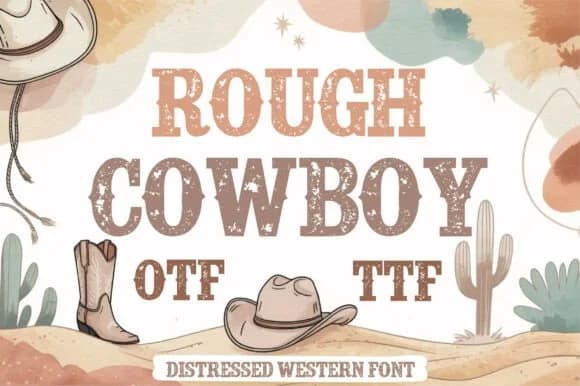
More Slab Serif Fonts
Browse all →
What pairs well with Morista Expanded Font?
Morista Expanded Font is a slab serif font that shines as a display or heading face. Pair it with a clean sans-serif or serif font for body text — the contrast creates a clear hierarchy while the two styles stay balanced and easy to read.



Morista Expanded Font
by IM Studio
Reviewed by the FontBoxDL team · Updated September 2026