 Firefox
 1 / 10
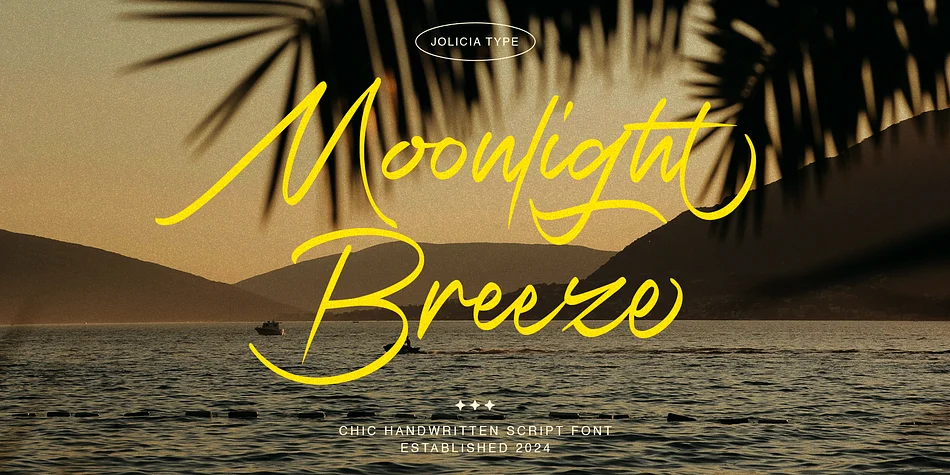
About Moonlight Breeze Font
Moonlight Breeze by Jolicia Type is a flowing handwritten script with a contemplative, intimate quality that reads as personal without veering into fussy territory. Each letter carries the warmth of something genuinely written by hand, which matters when you're designing in contexts where authenticity becomes part of the brand story. This font excels for custom wedding invitation suites, artisan product labels and packaging, hand-lettered storefront signage, and luxury beauty brand systems. The consistent letterforms keep the script readable even at smaller sizes, while the organic stroke weight preserves that handmade character clients recognize and often pay premium prices to commission.
Where Moonlight Breeze distinguishes itself is in its restraint. Many handwritten scripts slip into busy or dated territory within a season or two, but this one stays visually grounded and composed. Pair it with a clean serif for sophisticated contrast, or let it solo across minimalist layouts where every element carries weight. The graceful letterforms work equally well in indie publishing ventures as they do in carefully crafted branding systems. You can drop it into a project and trust it'll strengthen the design without muddying the aesthetic. Get the font on Creative Fabrica and discover how it works in your next piece.
Style & Use Cases
- Overall Style
- Elegant, Flowing
- Use Case
- Invitations, Branding
- Ideal For
- wedding stationery, greeting cards, and signatures
- Pairs With
- a simple uppercase sans
How to Install Moonlight Breeze Font
Step-by-step instructions for every platform
- 1Download the Moonlight Breeze font file (.ttf or .otf).
- 2Locate the downloaded file in your Downloads folder.
- 3Right-click the font file.
- 4Select "Install" to install for the current user, or "Install for all users" to make it available system-wide.
- 5Moonlight Breeze is now available in Word, Photoshop, Illustrator, and all other apps.
More by Jolicia Type
View all →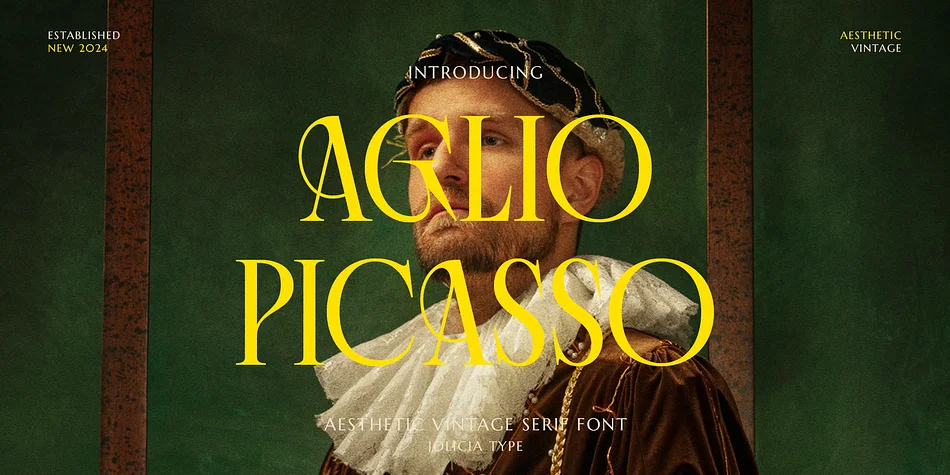
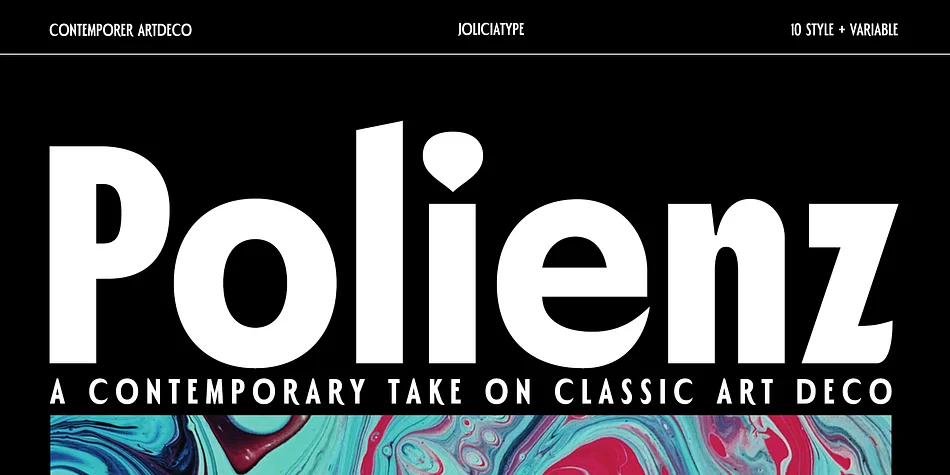
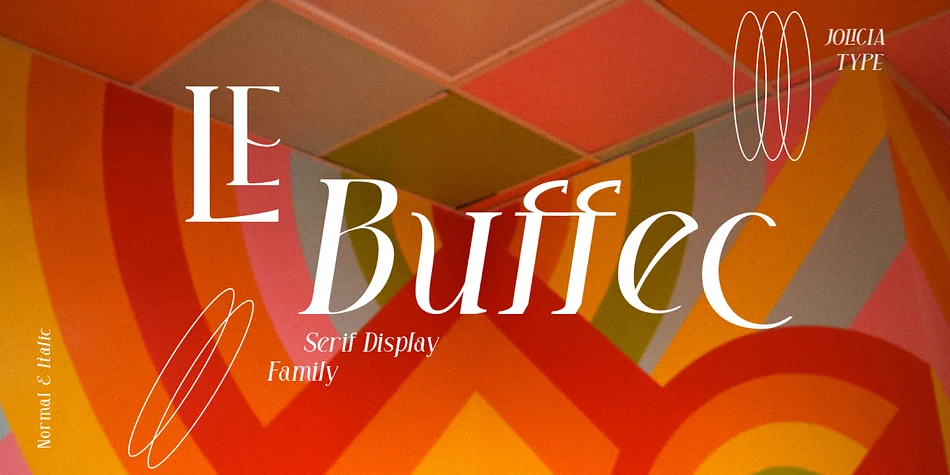
Browse fonts by theme
Curated collections →Saw a font in a picture? Identify any font from an image with our free Font Finder.
More Script Handwritten Fonts
Browse all →







What pairs well with Moonlight Breeze Font?
Moonlight Breeze Font is a script font that shines as a display or heading face. Pair it with a clean sans-serif or serif font for body text — the contrast creates a clear hierarchy while the two styles stay balanced and easy to read.




Moonlight Breeze Font
by Jolicia Type
Reviewed by the FontBoxDL team · Updated July 2026