 Firefox
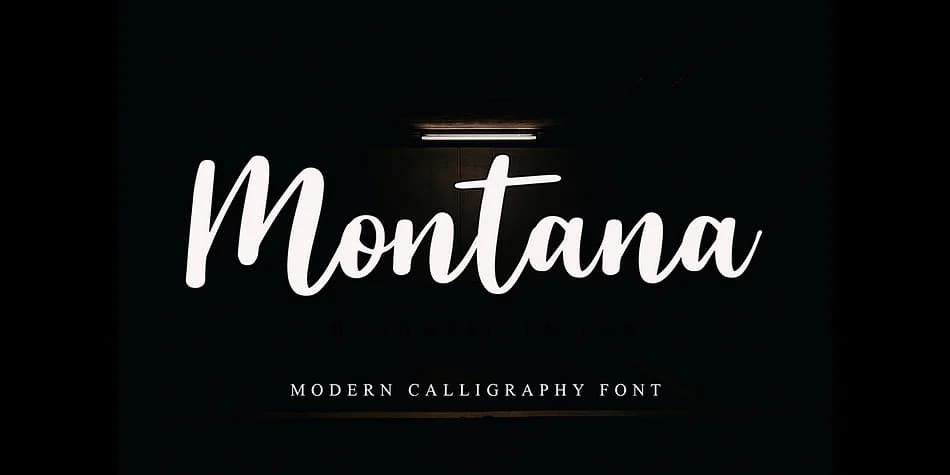 1 / 4
1 / 4About Montana Style Font
Montana Style evokes the elegance of handwriting from a fountain pen, with flowing lines that feel both refined and personal. Designed by NT Creator, this script font is available in two complementary styles, giving you flexibility across your design applications. The font really shines when used for wedding invitation suites, where its dainty letterforms bring sophistication to every detail. It works equally well for luxury gift tags and greeting cards, boutique skincare packaging, and fine dining menu headers where a touch of refinement is essential.
Its readable letterforms make it versatile enough to function as a display font in smaller applications, not just large headers or titles. What makes Montana Style work across these different contexts is that elegant balance; the script doesn't sacrifice legibility for aesthetics. You can use it confidently in projects where the audience needs to read comfortably while still feeling the attention to craftsmanship in every curve.
To make the most of Montana Style's elegance, pair it with a clean, geometric sans-serif for any body text or supporting content. That contrast between the script's flowing forms and the sans-serif's modern simplicity creates the kind of visual tension that makes designs feel intentional and polished. Pick up Montana Style from Creative Fabrica and start designing with that handcrafted sophistication.
Style & Use Cases
- Overall Style
- Elegant, Flowing
- Use Case
- Invitations, Branding
- Ideal For
- wedding stationery, greeting cards, and signatures
- Pairs With
- a simple uppercase sans
How to Install Montana Style Font
Step-by-step instructions for every platform
- 1Download the Montana Style font file (.ttf or .otf).
- 2Locate the downloaded file in your Downloads folder.
- 3Right-click the font file.
- 4Select "Install" to install for the current user, or "Install for all users" to make it available system-wide.
- 5Montana Style is now available in Word, Photoshop, Illustrator, and all other apps.
More by NT Creator
View all →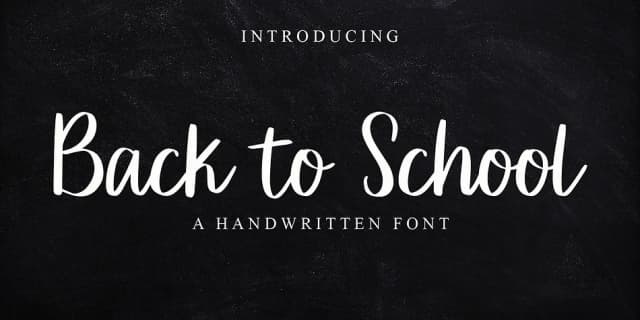

Browse fonts by theme
Curated collections →Saw a font in a picture? Identify any font from an image with our free Font Finder.
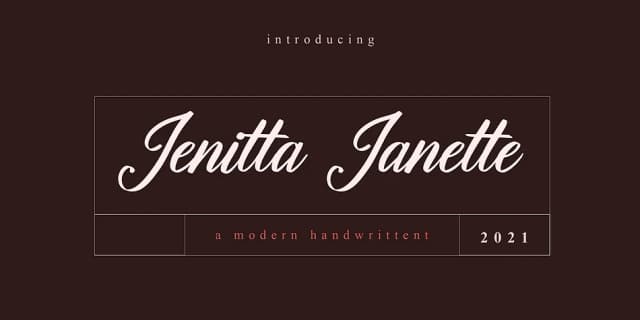
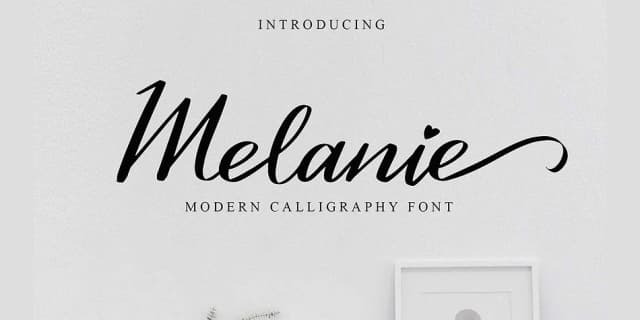
More Script Handwritten Fonts
Browse all →







What pairs well with Montana Style Font?
Montana Style Font is a script font that shines as a display or heading face. Pair it with a clean sans-serif or serif font for body text — the contrast creates a clear hierarchy while the two styles stay balanced and easy to read.



Montana Style Font
by NT Creator
Reviewed by the FontBoxDL team · Updated July 2026