 Firefox
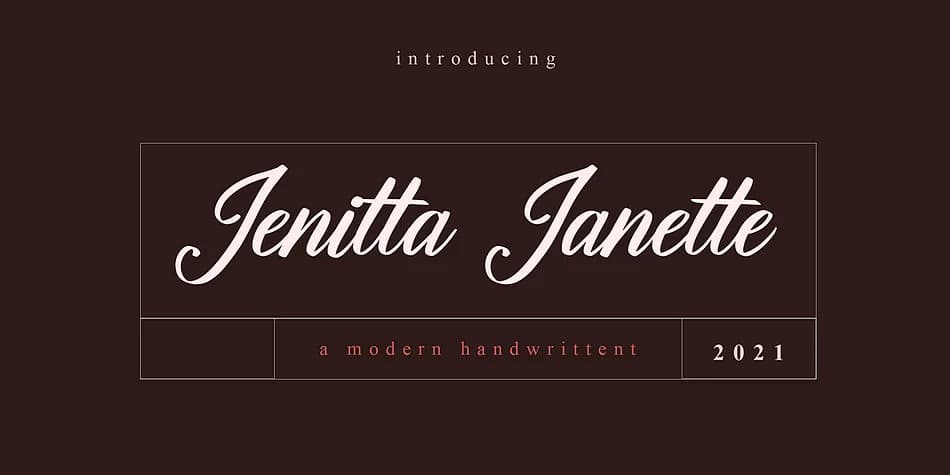 1 / 5
1 / 5About Jenitta Janette Font
There's something refined and intimate about this typeface. Jenitta Janette, designed by NT Creator, is a connected script that brings warmth to design work while maintaining strong readability. Its letterforms flow naturally without becoming overwrought.
Wedding invitation suites benefit from this font when that handwritten authenticity matters but consistency has to hold up across multiple pieces. Cosmetics packaging and artisan skincare labels are equally well served, with the script reinforcing the luxury, small-batch story your brand tells. Boutique stationery sets fit naturally here too. You could use it for DIY wedding place cards and menus that guests will actually read, or product tags for handmade goods sold online. At smaller sizes, the letterforms keep their character, staying practical when you're working within real layout constraints and production timelines.
Because it's a connected script, treat it as a display element and let it lead. Pair it with a neutral sans-serif for body text and captions (something clean and generous that gives Jenitta room to breathe). The contrast grounds your whole composition. Find Jenitta Janette on Creative Fabrica and add it to projects that deserve this kind of refined detail.
Style & Use Cases
- Overall Style
- Elegant, Flowing
- Use Case
- Invitations, Branding
- Ideal For
- wedding stationery, greeting cards, and signatures
- Pairs With
- a simple uppercase sans
How to Install Jenitta Janette Font
Step-by-step instructions for every platform
- 1Download the Jenitta Janette font file (.ttf or .otf).
- 2Locate the downloaded file in your Downloads folder.
- 3Right-click the font file.
- 4Select "Install" to install for the current user, or "Install for all users" to make it available system-wide.
- 5Jenitta Janette is now available in Word, Photoshop, Illustrator, and all other apps.
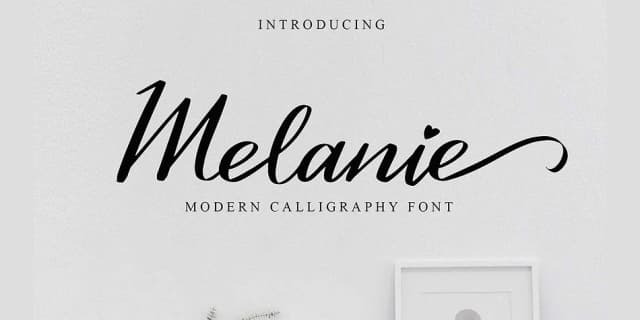
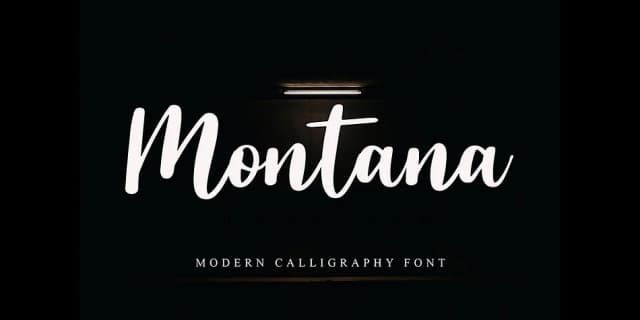
More by NT Creator
View all →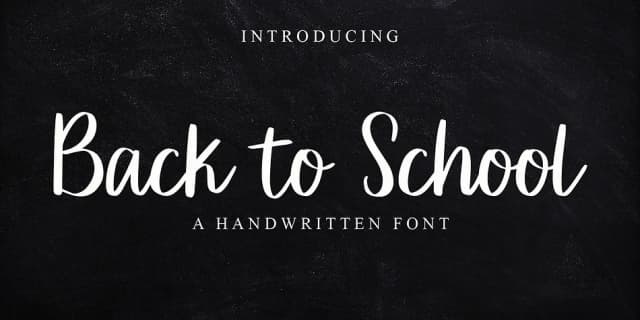

Browse fonts by theme
Curated collections →Saw a font in a picture? Identify any font from an image with our free Font Finder.
More Script Handwritten Fonts
Browse all →







What pairs well with Jenitta Janette Font?
Jenitta Janette Font is a script font that shines as a display or heading face. Pair it with a clean sans-serif or serif font for body text — the contrast creates a clear hierarchy while the two styles stay balanced and easy to read.



Jenitta Janette Font
by NT Creator
Reviewed by the FontBoxDL team · Updated July 2026