 Firefox
 1 / 3
1 / 3Loading font…
About Miranda Sans Font
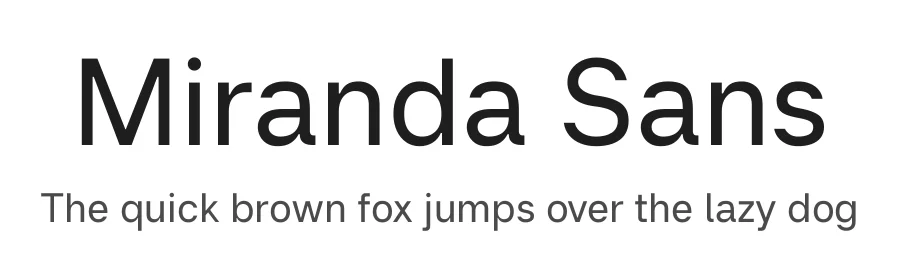
Miranda Sans is a contemporary sans serif typeface designed with a clear focus on readability on screens. It is built for text that needs to be read, not noticed, with calm proportions, open shapes, and carefully balanced spacing that holds up across sizes, weights, and long passages of content. To contribute, see github.com/maxthunberg/miranda-sans . The design avoids unnecessary stylistic gestures and instead concentrates on clarity, rhythm, and consistency. Each letter is shaped to work as part of a system, supporting words and sentences rather than drawing attention to itself. The result is a typeface that feels stable, neutral, and dependable, particularly in digital environments where legibility matters most. Miranda Sans was developed with variable font technology in mind, allowing it to adapt smoothly across weights while maintaining a consistent visual voice. The typeface is named after the designer's favorite person in the world, his sister Miranda. What words sometimes fail to express, letters might. The family currently includes multiple weights from Regular to Bold, with matching italics, and is designed to perform consistently across both screen and print environments.
Style & Use Cases
- Overall Style
- Clean, Modern, Sans Serif
- Use Case
- Body Text, UI
- Ideal For
- branding, interfaces, and modern layouts
- Pairs With
- a contrasting serif for headings
Miranda Sans Specifications
| Font Family | Miranda Sans |
| Style | Regular |
| Full Name | Miranda Sans Regular |
| Version | 1.000 |
| Weight | 400 (Regular) |
| Glyph Count | 460 glyphs |
| PostScript Name | MirandaSans-Regular |
| Designer | Max Thunberg |
| Format | TTF (TrueType) |
| File Size | 77.8 KB |
OpenType Features
Miranda Sans ships with 5 OpenType features you can switch on in apps that support them (Illustrator, InDesign, Affinity, Figma, CSS font-feature-settings).
- Contextual alternates
- Fractions
- Standard ligatures
- Ordinals
- Superscripts
- Variable font · axes: wght
Languages Supported
Miranda Sans supports 330 languages.
How to Install Miranda Sans Font
Step-by-step instructions for every platform
- 1Download the Miranda Sans font file (.ttf or .otf).
- 2Locate the downloaded file in your Downloads folder.
- 3Right-click the font file.
- 4Select "Install" to install for the current user, or "Install for all users" to make it available system-wide.
- 5Miranda Sans is now available in Word, Photoshop, Illustrator, and all other apps.
Browse fonts by theme
Curated collections →Saw a font in a picture? Identify any font from an image with our free Font Finder.
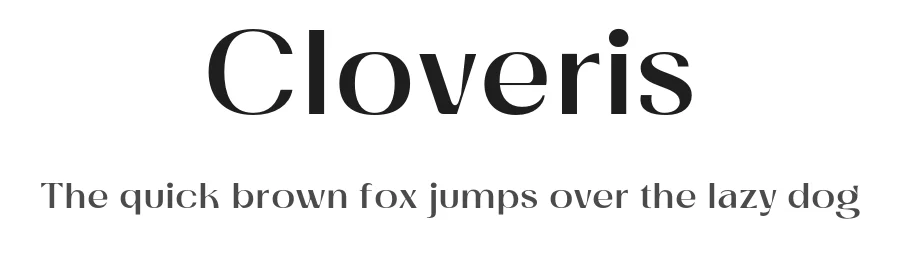
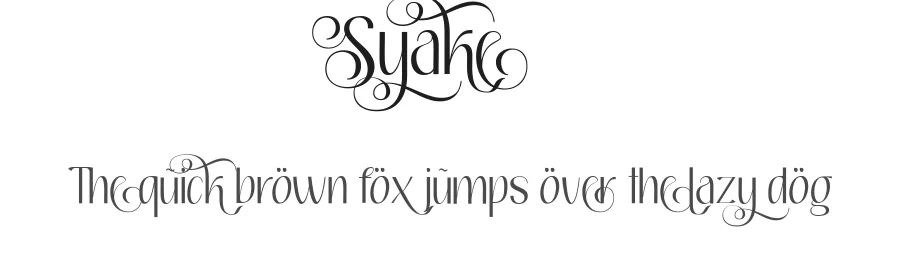
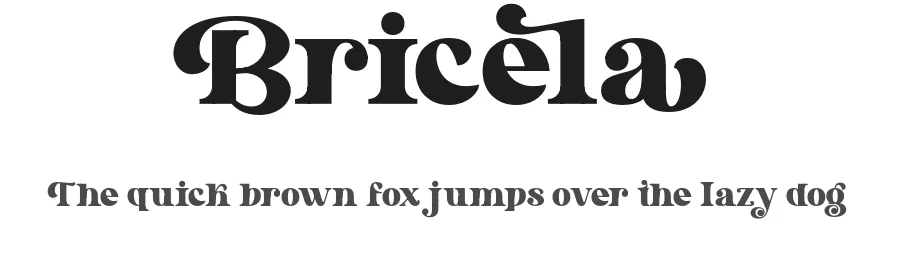
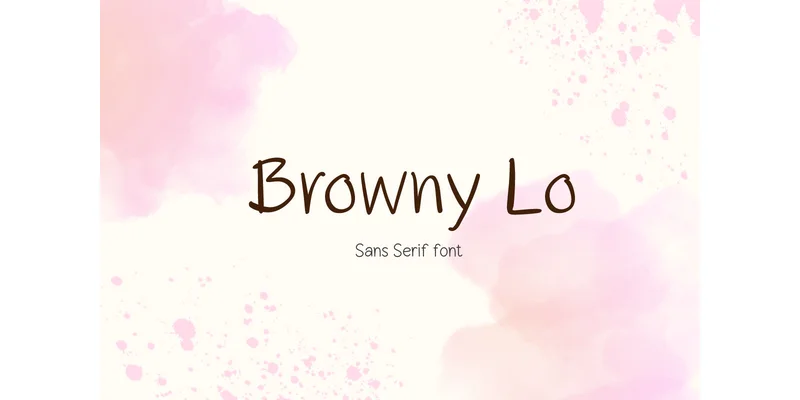
More Sans Serif Fonts
Browse all →
What pairs well with Miranda Sans Font?
Miranda Sans Font is a versatile sans-serif font that works for both headings and body text. Pair it with a contrasting serif or slab serif font to add visual interest and a clear distinction between titles and body copy.
Premium Sans Serif Fonts
★ PremiumWant something with more weights, glyphs, and commercial polish? These premium sans serif fonts are worth a look.
Miranda Sans Font
by Max Thunberg
Reviewed by the FontBoxDL team · Updated July 2026