 Firefox
 1 / 3
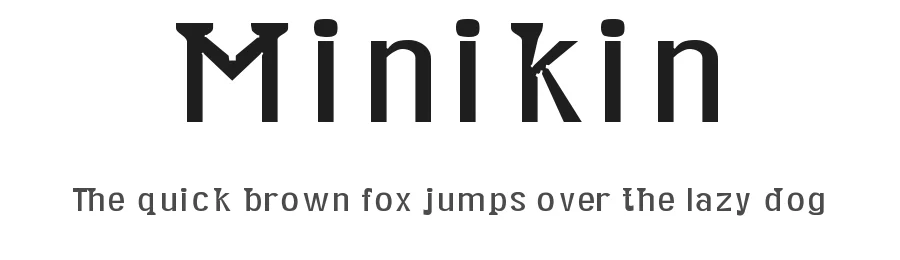
1 / 3The quick brown fox jumps over the lazy dog
Loading font…
About Minikin Font
Minikin is a caption font, made for display at extremely small sizes.
I call it a semi-serif font because it only has serifs on ascenders and descenders. By making the ascenders and descenders so wide, I was able to shrink their height. Its fairly common for descenders to take up about 20% of a fonts height. In Minikin, the descenders only take up 15% of the height. The ascenders are also compressed to take only 15% (measuring between x-height and cap-height). A few characters(,|, {,},l, and) extend beyond the cap-height by a further 3%. This leaves a full 67% of the height for main body of most letters. Some other things that make it legible at small sizes are:
(1) It has low stroke contrast. The thickest strokes are about 13% of the height. The thinnest are about 8%.
(2) It has thick strokes, which prevents it from looking washed-out at small sizes. (At larger sizes, its thick strokes and vertical emphasis make it look a bit like a blackletter.)
(3) Its counters are very open. Rather than anchoring curves with one point, I often anchored them with two, making the circular areas bulge toward becoming rectangles.
(4) Where whitespace points in toward the letter, a little additional whitespace has been hollowed out to prevent that corner from filling with ink when printed. For an example of these hollows, view the ampersand around size 72.
(5) The letters are spaced generously: usually each of the bearings (the margins on each letters edges) is about as wide as a stroke, which means that the space between each letter pair is almost two strokes wide.
You can use this font under a Creative Commons Attribution 2.0 Generic license (https://creativecommons.org/licenses/by/2.0/).
If you do use it, please send an email to herrli ch [at] hotmail com to let me know. (No obligation to email, but it'll give me a warm fuzzy feeling if you do.) I also welcome donations using dafont.com's donate link.
Style & Use Cases
- Overall Style
- Clean, Modern, Basic
- Use Case
- Body Text, UI
- Ideal For
- branding, interfaces, and modern layouts
- Pairs With
- a contrasting serif for headings
OpenType Features
Minikin ships with 1 OpenType feature you can switch on in apps that support them (Illustrator, InDesign, Affinity, Figma, CSS font-feature-settings).
- Standard ligatures
How to Install Minikin Font
Step-by-step instructions for every platform
- 1Download the Minikin font file (.ttf or .otf).
- 2Locate the downloaded file in your Downloads folder.
- 3Right-click the font file.
- 4Select "Install" to install for the current user, or "Install for all users" to make it available system-wide.
- 5Minikin is now available in Word, Photoshop, Illustrator, and all other apps.
Browse fonts by theme
Curated collections →Saw a font in a picture? Identify any font from an image with our free Font Finder.
More Sans Serif Fonts
Browse all →
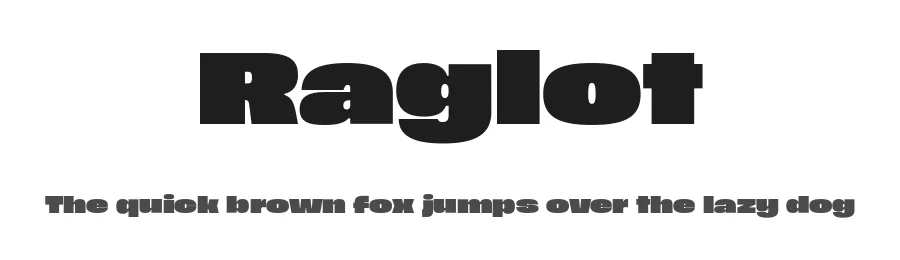
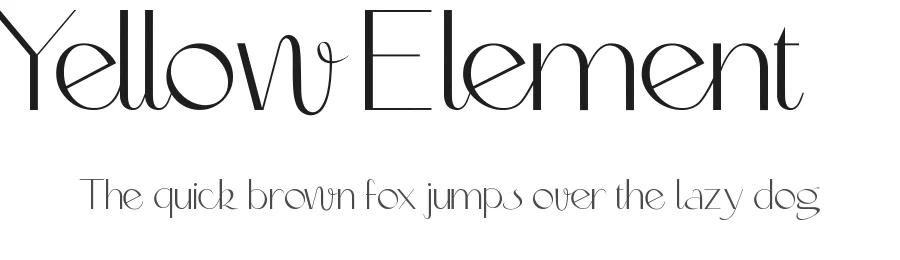
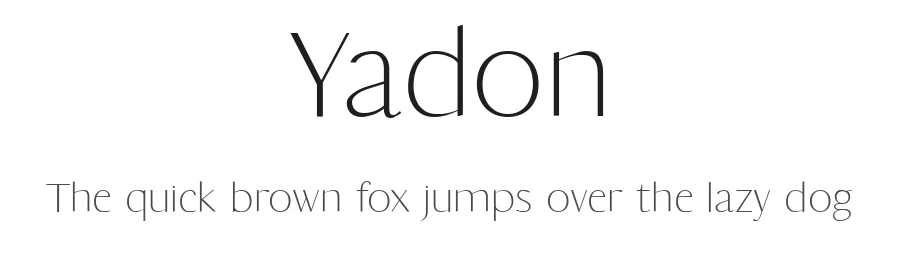
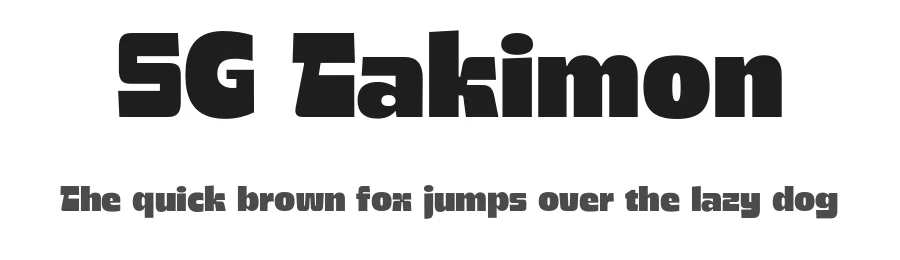
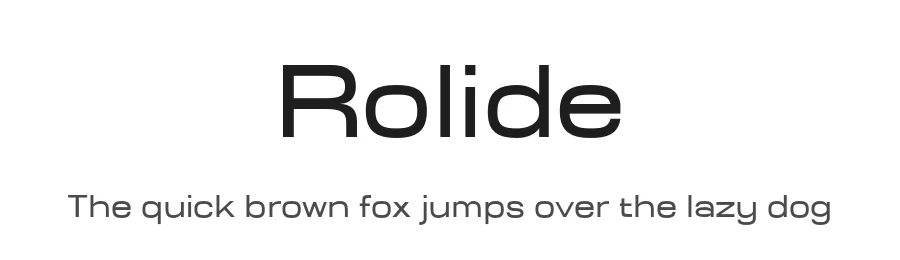
What pairs well with Minikin Font?
Minikin Font is a versatile sans-serif font that works for both headings and body text. Pair it with a contrasting serif or slab serif font to add visual interest and a clear distinction between titles and body copy.
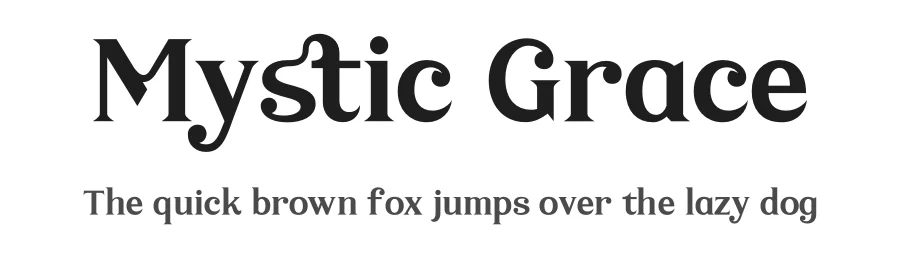
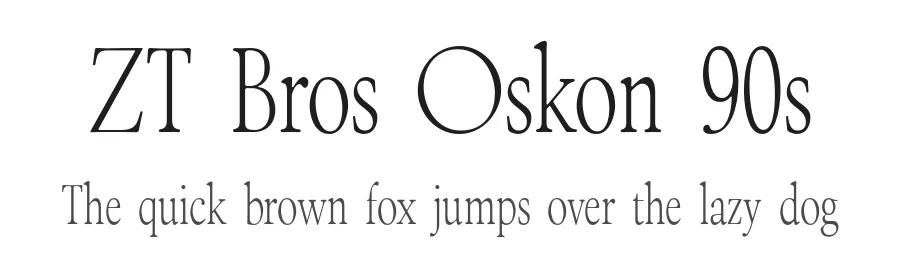
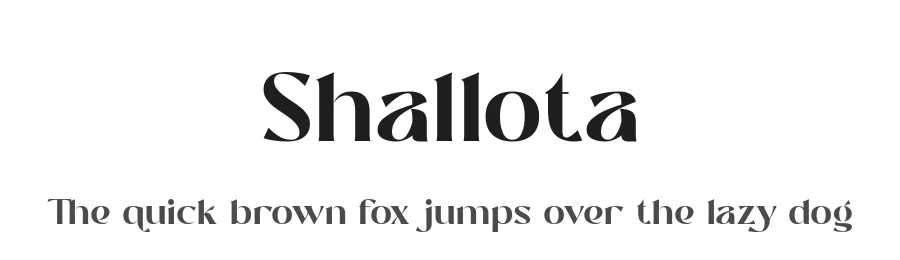
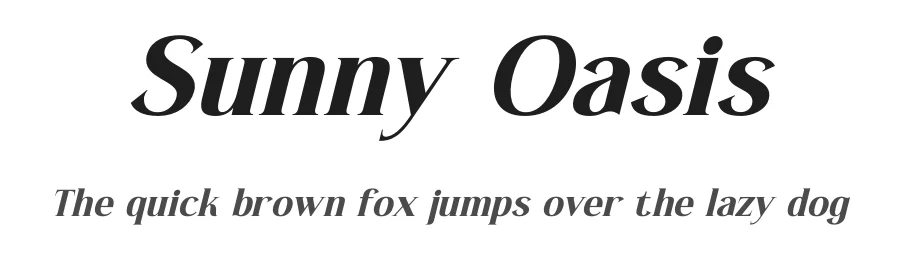
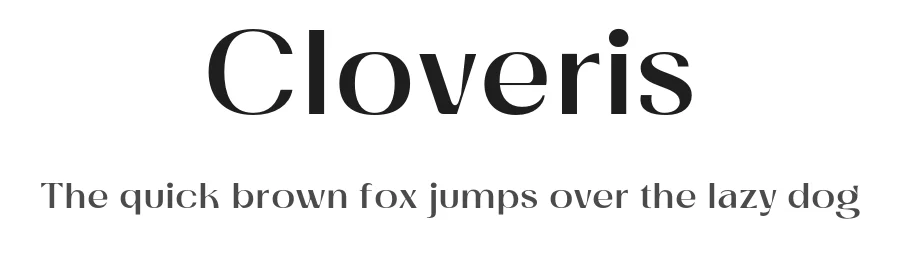
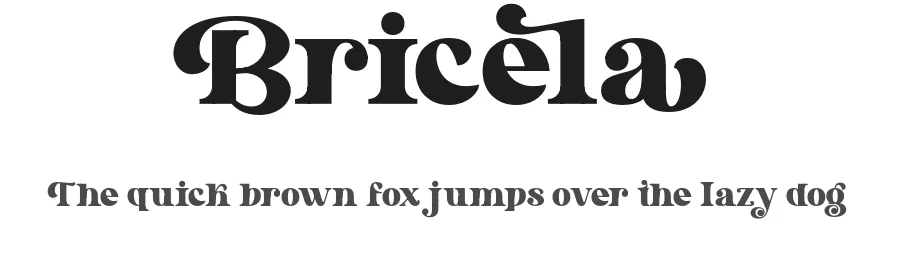
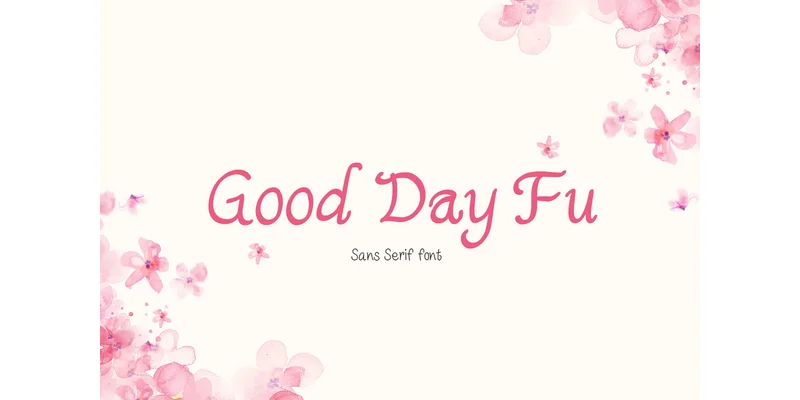
Premium Sans Serif Fonts
★ PremiumWant something with more weights, glyphs, and commercial polish? These premium sans serif fonts are worth a look.
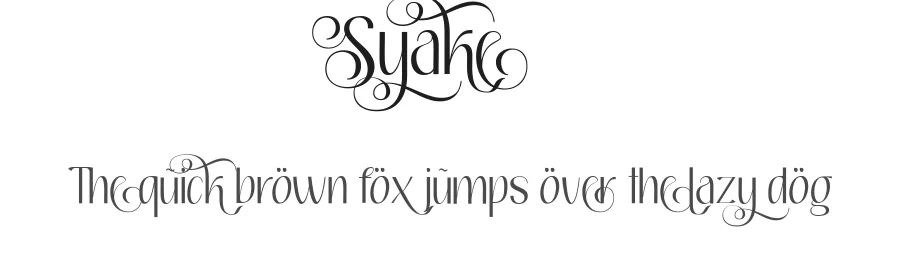
Minikin Font
Reviewed by the FontBoxDL team · Updated October 2026
Free for personal use
Free for commercial use
License: Public domain / GPL / OFL
Free