 Firefox
 1 / 3
1 / 3Loading font…
About LT Asus Font
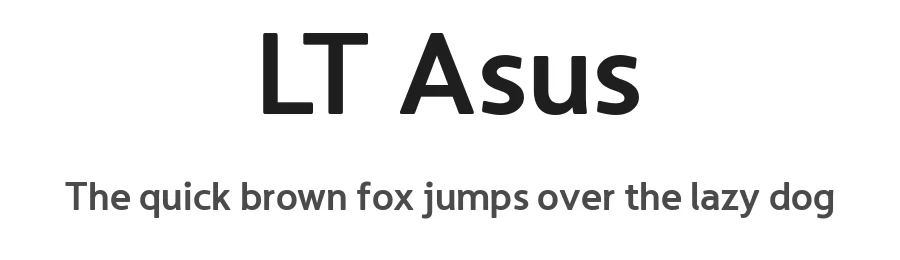
Please welcome Asus from LyonsType. A typeface that comes off to be digital-device ready by the pre-conceived notions of digital neutrality. Asus is not only a typeface driven by the digital notion, but its name is also after the founder's computer vendor Asus/Republic of Gamers - most notably for a qualified purpose of applying monospace variations to give the typeface a real digital perspective.
Asus is a distinctive type design to display a depth of round corners (you can barely see round corners depending on the size of the font) and a solidity of humanism. It isn't necessarily a typeface to take the steps of a tried and tested sequence, it's to spice up the lightheartedness of digital brands of individuals to where the typeface is usable for technology, epic projects, personal banners, personal signages, and the rest of the like. A fixed-width monospace variant of Asus is also useful for terminal emulation, forms of programming, and anything that individuals use with monospace typefaces. Even the monospace typeface out of the family shows quality at a 12 pt size regardless of which style is set for it.
Like other gamer-esque and superiority of fonts - the font's resilient sense of robustness, along with the letter proportions and the rest of it stack up its flexibility on every aspect of digitalism - not too edgy, not too hard to read - just the right amount of hinting it needs.
Asus is available in 4 roman styles, 4 italics and (as mentioned before) includes a monospace variant with 2 italics. The family are as follows: Light, Light Italic, Regular, Italic, Bold, Bold Italic, Heavy, Heavy Italic, Mono, Mono Italic, Mono Bold and Mono Bold Italic.
Style & Use Cases
- Overall Style
- Clean, Modern, Basic
- Use Case
- Body Text, UI
- Ideal For
- branding, interfaces, and modern layouts
- Pairs With
- a contrasting serif for headings
OpenType Features
LT Asus ships with 6 OpenType features you can switch on in apps that support them (Illustrator, InDesign, Affinity, Figma, CSS font-feature-settings).
- Fractions
- Standard ligatures
- Ordinals
- Scientific inferiors
- Subscripts
- Superscripts
How to Install LT Asus Font
Step-by-step instructions for every platform
- 1Download the LT Asus font file (.ttf or .otf).
- 2Locate the downloaded file in your Downloads folder.
- 3Right-click the font file.
- 4Select "Install" to install for the current user, or "Install for all users" to make it available system-wide.
- 5LT Asus is now available in Word, Photoshop, Illustrator, and all other apps.
More by LyonsType
View all →
Browse fonts by theme
Curated collections →Saw a font in a picture? Identify any font from an image with our free Font Finder.
More Sans Serif Fonts
Browse all →
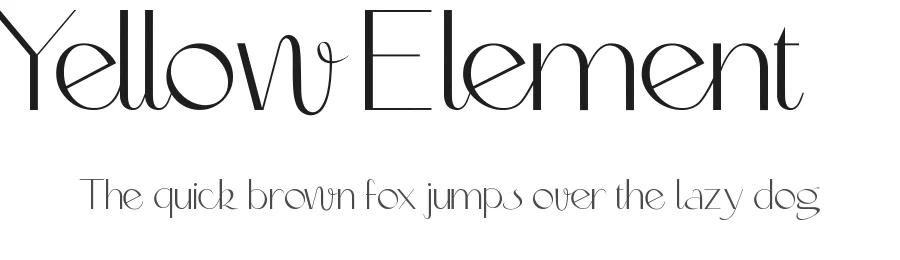
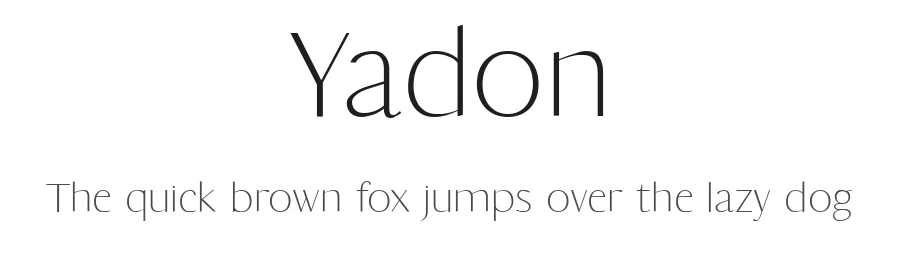
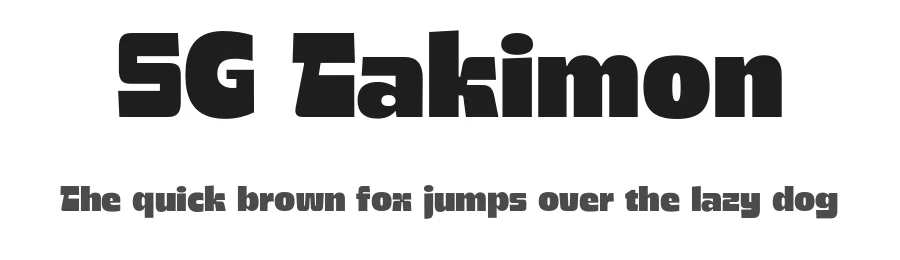
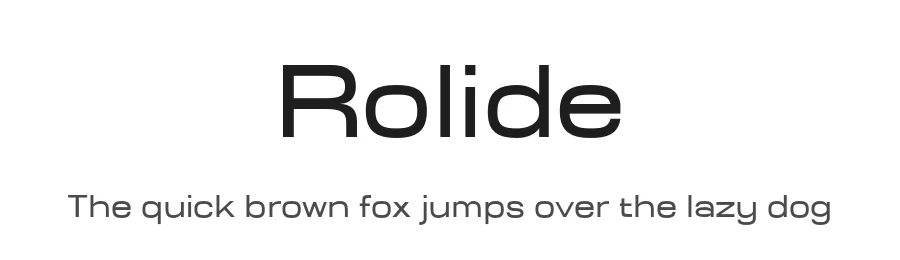
What pairs well with LT Asus Font?
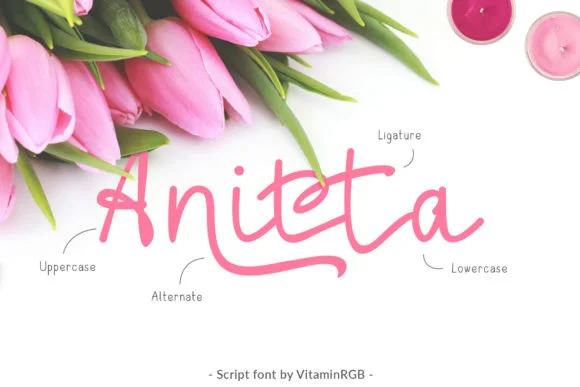
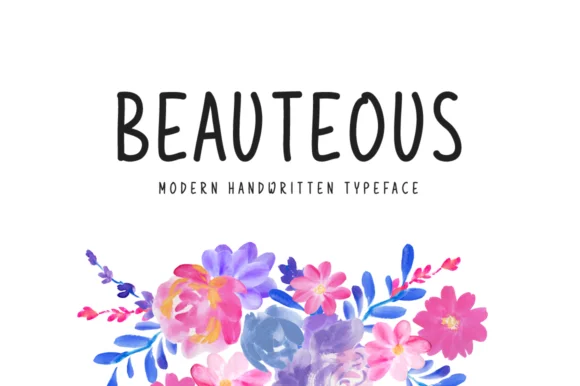
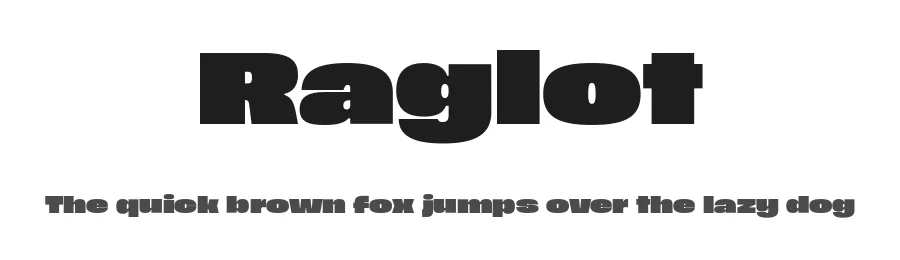
LT Asus Font is a versatile sans-serif font that works for both headings and body text. Pair it with a contrasting serif or slab serif font to add visual interest and a clear distinction between titles and body copy.
Premium Sans Serif Fonts
★ PremiumWant something with more weights, glyphs, and commercial polish? These premium sans serif fonts are worth a look.
LT Asus Font
by LyonsType
Reviewed by the FontBoxDL team · Updated October 2026