 Firefox
 1 / 3
1 / 3Loading font…
About JM Modern Font
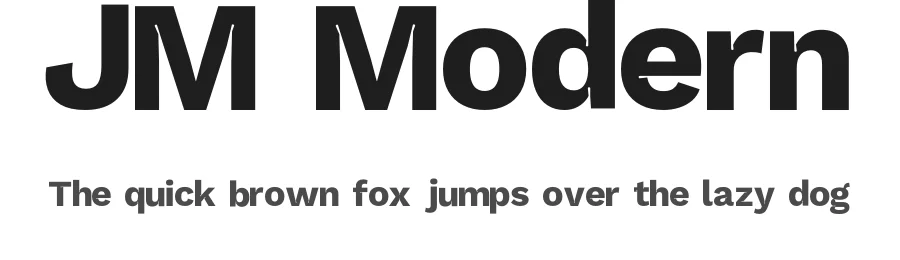
JM Modern is a straightforward sans-serif typeface in regular weight, offering 87 glyphs with support for 89+ Latin-based languages. Stripped of unnecessary embellishment, it suits both regional and international design projects. The typeface performs well across applications where clarity and readability matter equally alongside contemporary visual aesthetics.
This sans-serif excels in business presentations, product packaging, mobile app interfaces, and web design systems. JM Modern's extensive language support makes it particularly valuable for small businesses creating multilingual signage and labels, e-commerce platforms targeting international audiences, nonprofit organizations managing multilingual campaigns across multiple regions, and design agencies working with diverse global client bases. The straightforward character set lends itself to responsive design scenarios where legibility across different viewport sizes is critical. Its regular weight maintains strong readability without requiring any size adjustments for most applications or contexts.
The font is free for both personal and commercial use, downloadable directly from this page with no licensing restrictions on commercial work. Choose JM Modern when you need a dependable, understated sans-serif that avoids looking dated within a year or two: it occupies the useful middle ground between generic system fonts and more distinctive display typefaces, delivering genuine utility without drawing unnecessary attention to itself.
Style & Use Cases
- Overall Style
- Clean, Modern, Sans Serif
- Use Case
- Body Text, UI
- Ideal For
- branding, interfaces, and modern layouts
- Pairs With
- a contrasting serif for headings
JM Modern Specifications
| Font Family | JMM |
| Style | Regular |
| Full Name | JMM |
| Version | 1.005 |
| Weight | 500 (Medium) |
| Glyph Count | 87 glyphs |
| PostScript Name | JMMRegular |
| Designer | |
| Format | OTF (CFF) |
| File Size | 50.4 KB |
Languages Supported
JM Modern supports 89 languages.
How to Install JM Modern Font
Step-by-step instructions for every platform
- 1Download the JM Modern font file (.ttf or .otf).
- 2Locate the downloaded file in your Downloads folder.
- 3Right-click the font file.
- 4Select "Install" to install for the current user, or "Install for all users" to make it available system-wide.
- 5JM Modern is now available in Word, Photoshop, Illustrator, and all other apps.
Browse fonts by theme
Curated collections →Saw a font in a picture? Identify any font from an image with our free Font Finder.
More Sans Serif Fonts
Browse all →
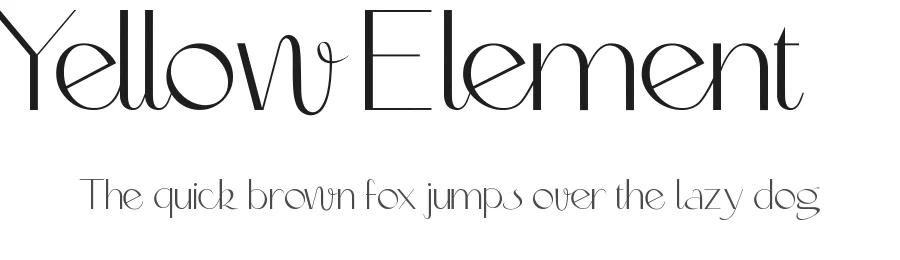
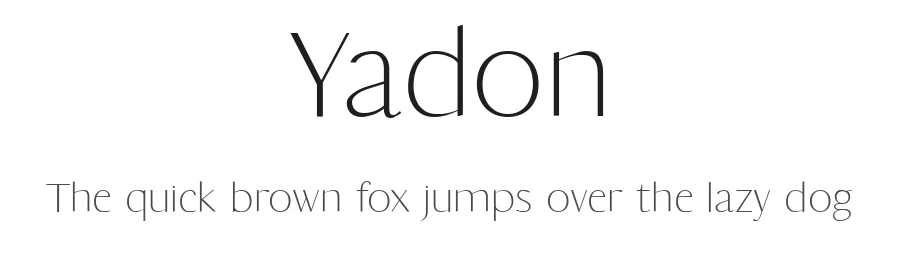
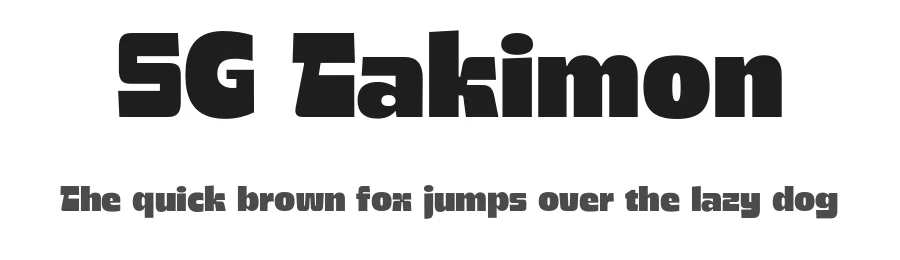
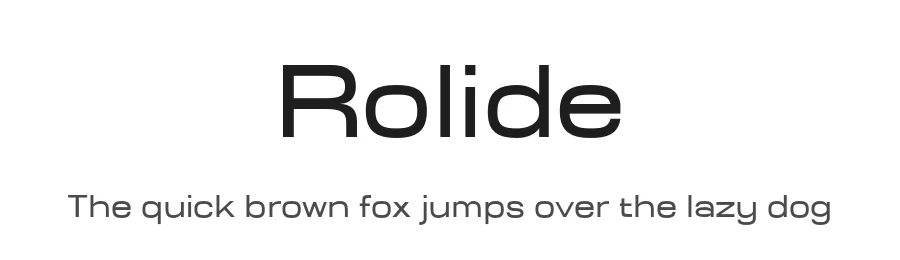
What pairs well with JM Modern Font?
JM Modern Font is a versatile sans-serif font that works for both headings and body text. Pair it with a contrasting serif or slab serif font to add visual interest and a clear distinction between titles and body copy.
Premium Sans Serif Fonts
★ PremiumWant something with more weights, glyphs, and commercial polish? These premium sans serif fonts are worth a look.
JM Modern Font
Reviewed by the FontBoxDL team · Updated October 2026