 Firefox
 1 / 8
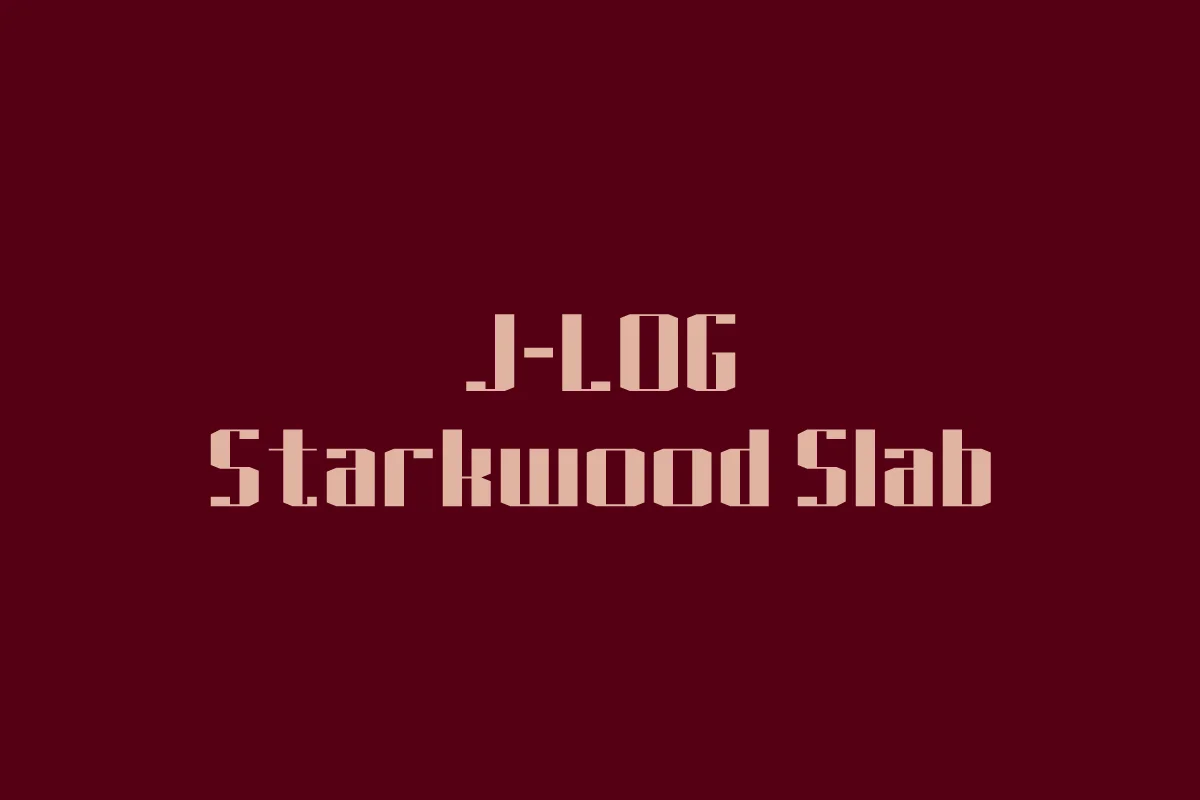
1 / 8About J-LOG Starkwood Slab Font
J-LOG Starkwood Slab is a bold slab-serif typeface that brings substantial weight and visual presence to display work. Its sturdy geometric structure suits projects that genuinely need confident, grounded typography: think handcrafted food product labels, artisan brewery packaging, editorial headlines in print magazines, and literary book cover designs where legibility partners beautifully with distinctive visual character. The natural warmth of a traditional slab serif reads as both contemporary and trustworthy, which is exactly why designers consistently reach for it when building comprehensive brand identity systems or designing packaged goods that absolutely demand attention on retail shelves.
What makes Starkwood effective is its clear balance between distinctive personality and genuine readability, holding up solidly across different scales. You can use it large for strong headline impact or at smaller sizes without sacrificing its inherent character and typographic strength. Website headers, poster layouts, logo design work, and packaging systems all benefit tremendously from this versatility and need the kind of unified, reliable typography that this typeface delivers. The slab structure provides consistent visual stability and weight, making it particularly strong for food branding, craft product identity, corporate logotypes, and editorial spreads where you genuinely need a typeface with backbone and real authority.
Bring this typeface into your next project on Creative Fabrica.
Style & Use Cases
- Overall Style
- Sturdy, Confident
- Use Case
- Headlines, Merch
- Ideal For
- vintage posters, logos, and product packaging
- Pairs With
- a light sans-serif
How to Install J-LOG Starkwood Slab Font
Step-by-step instructions for every platform
- 1Download the J-LOG Starkwood Slab font file (.ttf or .otf).
- 2Locate the downloaded file in your Downloads folder.
- 3Right-click the font file.
- 4Select "Install" to install for the current user, or "Install for all users" to make it available system-wide.
- 5J-LOG Starkwood Slab is now available in Word, Photoshop, Illustrator, and all other apps.
More by jlog3K
View all →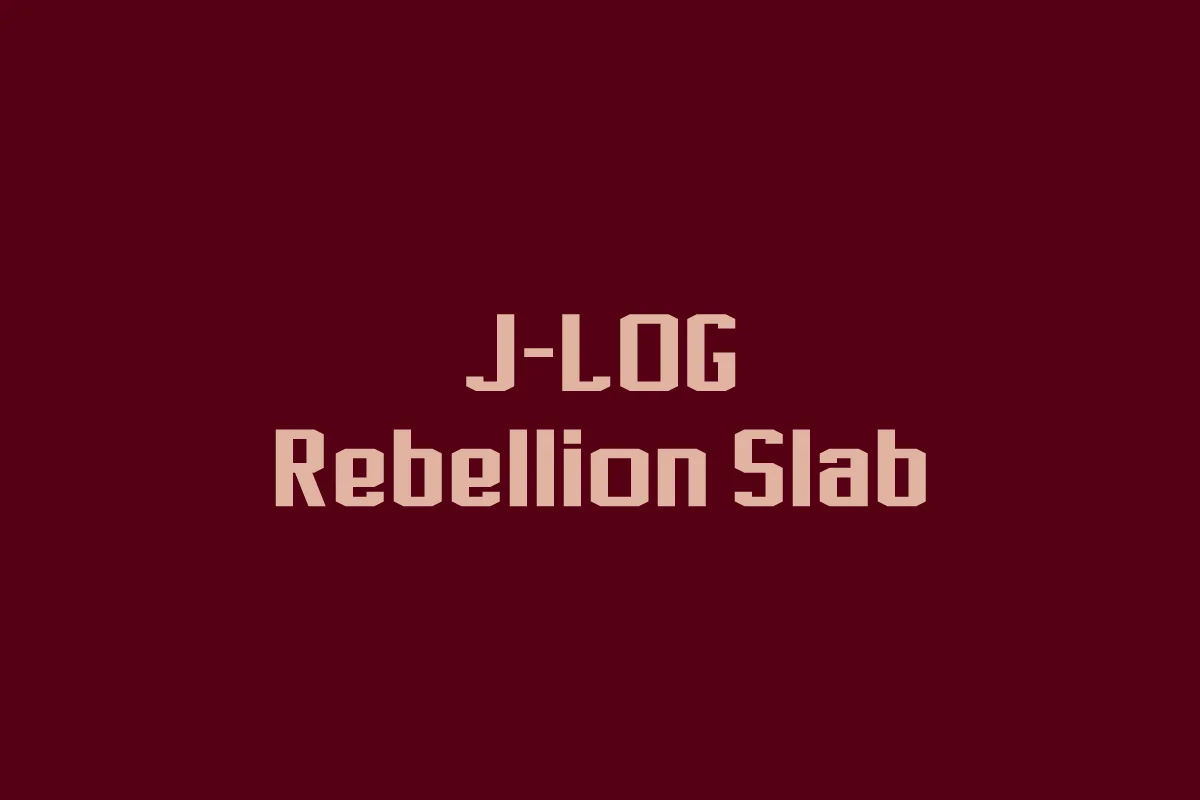
Browse fonts by theme
Curated collections →Saw a font in a picture? Identify any font from an image with our free Font Finder.
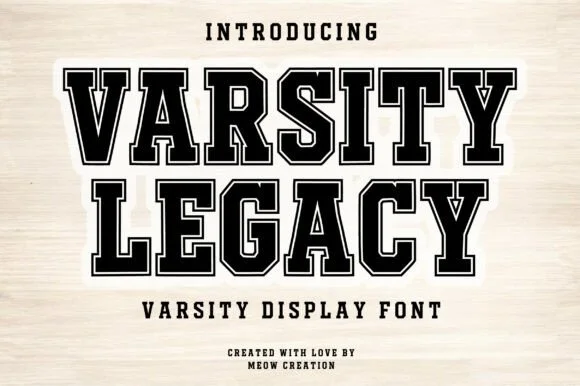
More Slab Serif Fonts
Browse all →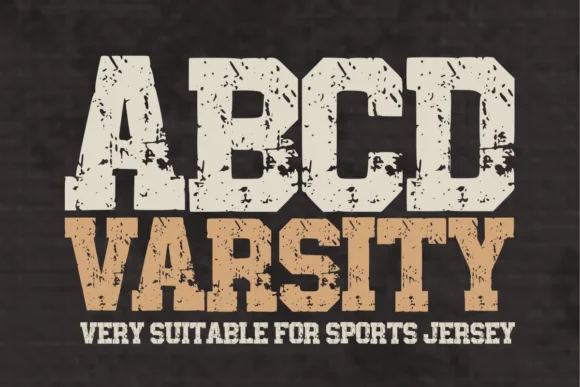

What pairs well with J-LOG Starkwood Slab Font?
J-LOG Starkwood Slab Font is a slab serif font that shines as a display or heading face. Pair it with a clean sans-serif or serif font for body text — the contrast creates a clear hierarchy while the two styles stay balanced and easy to read.




J-LOG Starkwood Slab Font
by jlog3K
Reviewed by the FontBoxDL team · Updated September 2026