 Firefox
 1 / 3
1 / 3Loading font…
About Husty Brush Font
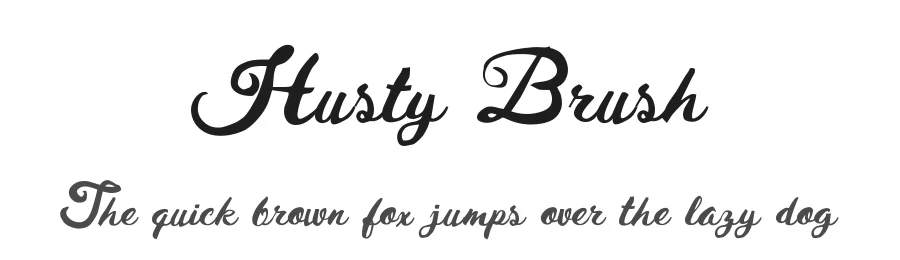
Husty Brush is a handwritten script typeface built on loose, organic brush strokes. The full character set includes 252 glyphs and supports over 209 Latin-based languages, broadening its appeal across international projects. Practical applications span custom wedding invitation lettering, organic branding for indie boutique labels, hand-drawn aesthetic social media graphics, and personal DIY craft projects where the authenticity of real brushwork carries more weight than geometric precision.
The typeface draws its character from flowing, irregular letterforms that convincingly mimic actual brush techniques rather than relying on digital smoothing and manufactured uniformity. Designers tackling indie product packaging, hand-lettered event posters, DIY scrapbooking layouts, or handmade stationery suites will find the casual confidence of these letterforms well-suited to work that demands genuine warmth and a human touch. The style occupies the middle ground between formal script and loose marker lettering, distinguishing itself from the overly polished look many commercial brush fonts adopt.
This typeface is free for personal use only; commercial licensing requires contacting the designer directly. Select Husty Brush when your project needs a handwritten aesthetic that reads as genuine rather than manufactured, particularly for small-batch creative work where individual character and imperfection add genuine value.
Style & Use Cases
- Overall Style
- Elegant, Flowing, Script
- Use Case
- Invitations, Branding
- Ideal For
- wedding stationery, greeting cards, and signatures
- Pairs With
- a simple uppercase sans
Similar Fonts
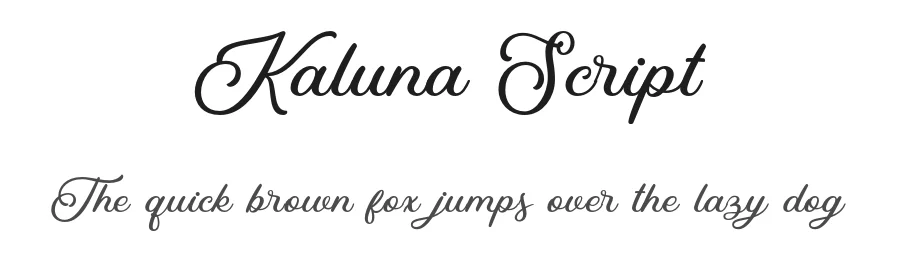
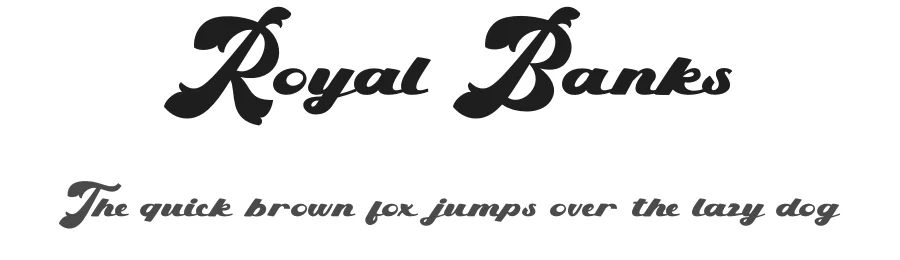
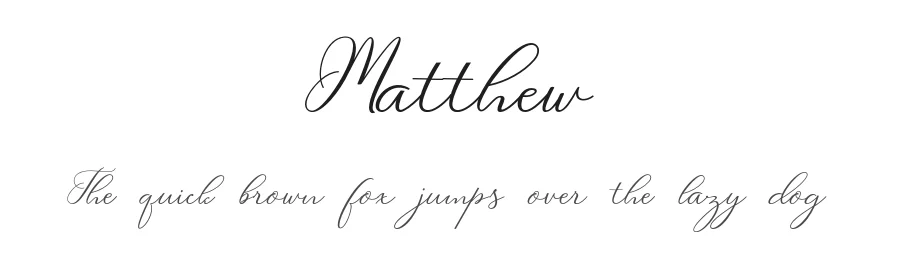
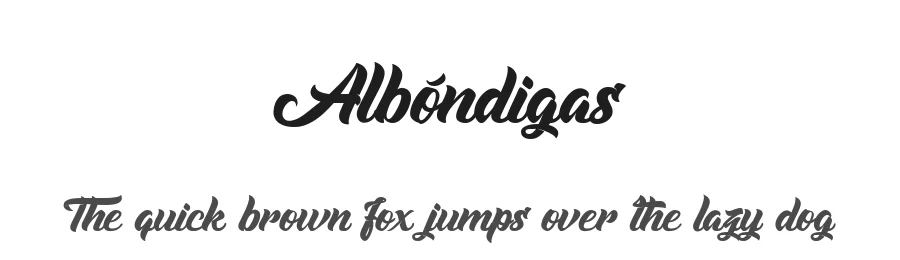
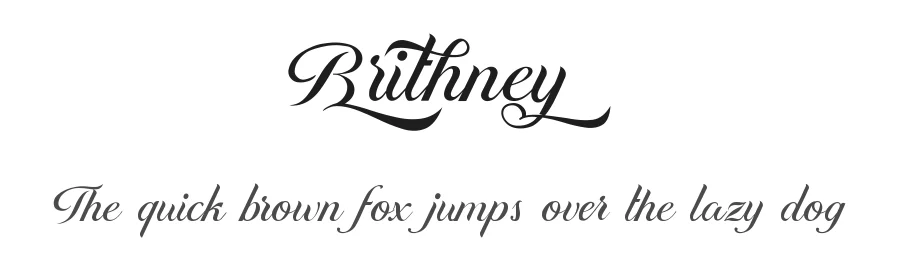
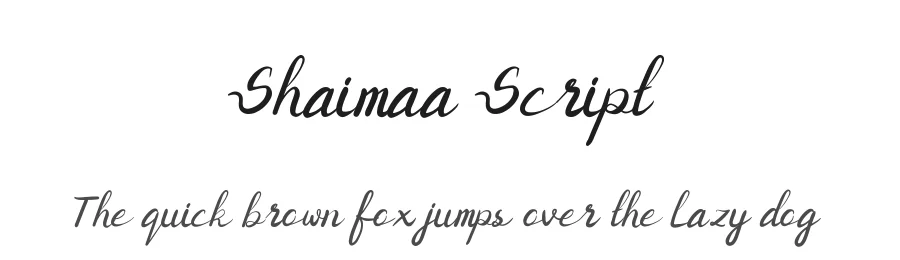
Fonts that look visually alike — matched by our Font Finder model.
Husty Brush Specifications
| Font Family | Husty Brush |
| Style | Regular |
| Full Name | HustyBrush |
| Version | 1.000 |
| Weight | 400 (Regular) |
| Glyph Count | 252 glyphs |
| PostScript Name | HustyBrush |
| Designer | Ferdiansyah_ijemrockart |
| Format | TTF (TrueType) |
| File Size | 69.6 KB |
OpenType Features
Husty Brush ships with 1 OpenType feature you can switch on in apps that support them (Illustrator, InDesign, Affinity, Figma, CSS font-feature-settings).
- Stylistic sets (2)
Languages Supported
Husty Brush supports 209 languages.
How to Install Husty Brush Font
Step-by-step instructions for every platform
- 1Download the Husty Brush font file (.ttf or .otf).
- 2Locate the downloaded file in your Downloads folder.
- 3Right-click the font file.
- 4Select "Install" to install for the current user, or "Install for all users" to make it available system-wide.
- 5Husty Brush is now available in Word, Photoshop, Illustrator, and all other apps.
Browse fonts by theme
Curated collections →Saw a font in a picture? Identify any font from an image with our free Font Finder.
More Script Handwritten Fonts
Browse all →







What pairs well with Husty Brush Font?
Husty Brush Font is a script font that shines as a display or heading face. Pair it with a clean sans-serif or serif font for body text — the contrast creates a clear hierarchy while the two styles stay balanced and easy to read.




Premium Script Handwritten Fonts
★ PremiumWant something with more weights, glyphs, and commercial polish? These premium script handwritten fonts are worth a look.
Husty Brush Font
by ijem
Reviewed by the FontBoxDL team · Updated October 2026
License: Free for personal use