 Firefox
 1 / 3
1 / 3Loading font…
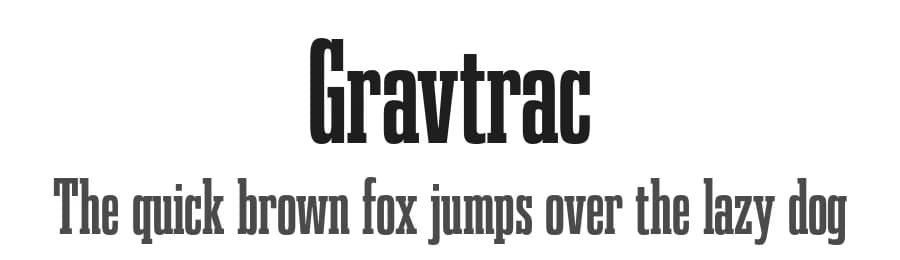
About Gravtrac Font
Gravtrac is an ultra-condensed slab serif built for maximum impact in minimal space. Its compact letterforms, squared serifs, and tight spacing deliver strength and clarity under compression, from Thin to Heavy across four widths; Condensed, Compressed, Crammed, and Crushed. Tuned italics and short ascenders maintain rhythm where horizontal room is scarce, making it ideal for headlines, packaging, spines, and transit graphics. With 58 styles and support for Latin, Greek, and Cyrillic scripts, Gravtrac gives designers precise control over density and tone. When every millimeter counts, it keeps messages bold and legible.
This font includes a license that allows free commercial use: sometimes referred to as a desktop license. This allows you to install the font on a computer and use it to create posters, web graphics, game graphics, t-shirts, videos, signs, logos and more. Read the license agreement for details.
If you'd like to embed these fonts in an app, on the web or anything that's not covered by the desktop license agreement, visit the link below. You'll find distributors who offer different types of licenses, or you can contact me for help.
https://typodermicfonts.com/gravtrac/
This free font is part of a larger font family. Check out the rest of the family through the link above.
Style & Use Cases
- Overall Style
- Bold, Classic, Refined, Basic
- Use Case
- Editorial, Print
- Ideal For
- book covers, long-form text, and traditional branding
- Pairs With
- a clean sans-serif for captions
Similar Fonts
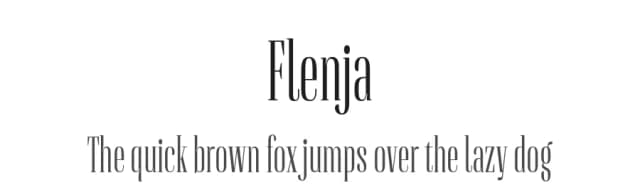
Fonts that look visually alike — matched by our Font Finder model.



Gravtrac Specifications
| Font Family | Gravtrac Comp |
| Style | Bold |
| Full Name | Gravtrac Bold Compressed |
| Version | 1.100 |
| Weight | 700 (Bold) |
| Glyph Count | 702 glyphs |
| PostScript Name | Gravtrac-BoldCompressed |
| Designer | Raymond Larabie |
| Format | OTF (CFF) |
| File Size | 74.7 KB |
OpenType Features
Gravtrac ships with 4 OpenType features you can switch on in apps that support them (Illustrator, InDesign, Affinity, Figma, CSS font-feature-settings).
- Fractions
- Old-style figures
- Scientific inferiors
- Superscripts
Languages Supported
Gravtrac supports 364 languages.
How to Install Gravtrac Font
Step-by-step instructions for every platform
- 1Download the Gravtrac font file (.ttf or .otf).
- 2Locate the downloaded file in your Downloads folder.
- 3Right-click the font file.
- 4Select "Install" to install for the current user, or "Install for all users" to make it available system-wide.
- 5Gravtrac is now available in Word, Photoshop, Illustrator, and all other apps.
More by Typodermic Fonts
View all →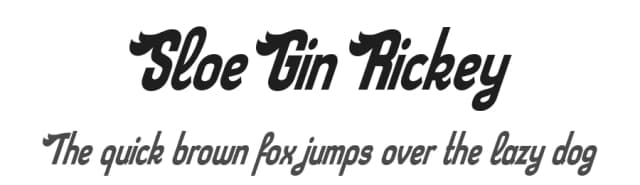
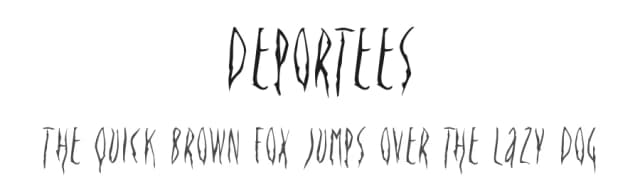
Browse fonts by theme
Curated collections →Saw a font in a picture? Identify any font from an image with our free Font Finder.
More Serif Fonts
Browse all →
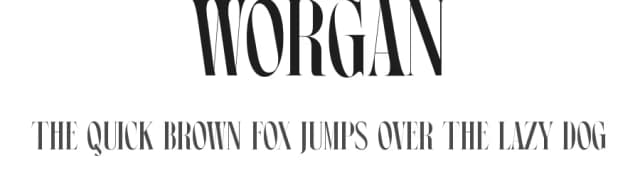
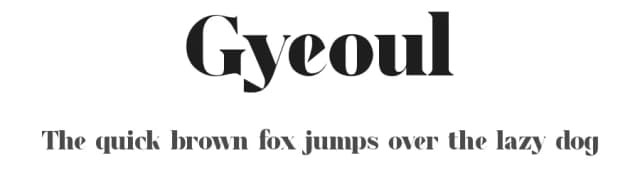
What pairs well with Gravtrac Font?
Gravtrac Font is a versatile serif font that works for both headings and body text. Pair it with a contrasting sans-serif or slab serif font to add visual interest and a clear distinction between titles and body copy.



Premium Serif Fonts
★ PremiumWant something with more weights, glyphs, and commercial polish? These premium serif fonts are worth a look.


