
 1 / 8
1 / 8About Glass Doodle Font
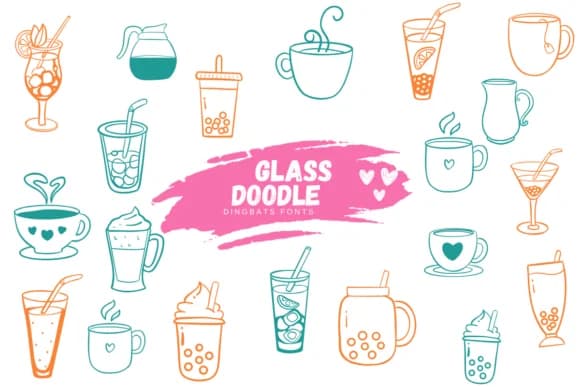
Glass Doodle, designed by Suphitchaya, delivers a collection of hand-drawn eyewear illustrations rendered as a dingbat font. Each glyph captures distinct frame styles and lens shapes, from retro browlines to abstract geometric forms, creating a visual library that feels more like doodling than typography. The characters work as standalone symbols and decorative elements rather than text, giving you flexibility to layer them into layouts or use them as accent marks.
This typeface opens possibilities for specific projects where quirky, illustrated glassware adds warmth and character. Craft cocktail bar menus benefit from its cheeky visual language, as do eyewear brand packaging designs and boutique product labels that need personality without corporate polish. It works equally well for DIY sticker sheets, beverage-themed illustration projects, and indie greeting card designs where clip-art aesthetics meet handmade charm. You'll also find it useful for social media graphics and small-batch product branding. Available in both OTF and TTF formats, Glass Doodle integrates smoothly into Procreate, Affinity Designer, and Affinity Photo workflows.
This font suits anyone building designs where illustration and type blend together, especially small businesses, craft makers, and independent designers who want visual warmth over corporate precision. Get Glass Doodle on Creative Fabrica to add whimsical, hand-drawn detail to your next project.
Style & Use Cases
- Overall Style
- Iconographic, Fonts
- Use Case
- Icons, Accents
- Ideal For
- ornaments, bullets, and decorative flourishes
- Pairs With
- any text font
How to Install Glass Doodle Font
Step-by-step instructions for every platform
- 1Download the Glass Doodle font file (.ttf or .otf).
- 2Locate the downloaded file in your Downloads folder.
- 3Right-click the font file.
- 4Select "Install" to install for the current user, or "Install for all users" to make it available system-wide.
- 5Glass Doodle is now available in Word, Photoshop, Illustrator, and all other apps.
More by Suphitchaya
View all →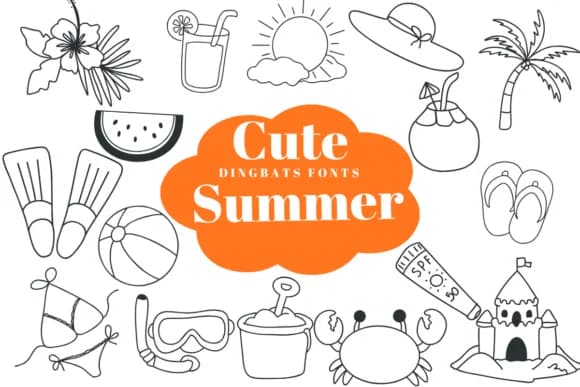
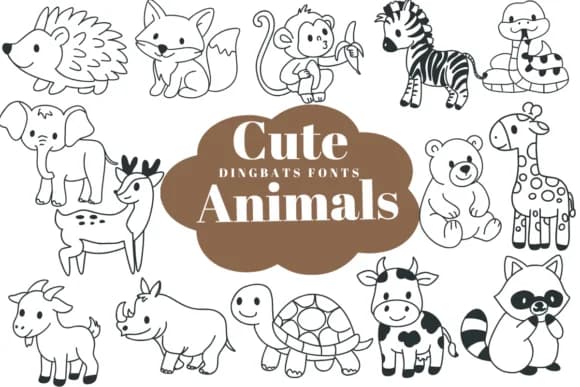
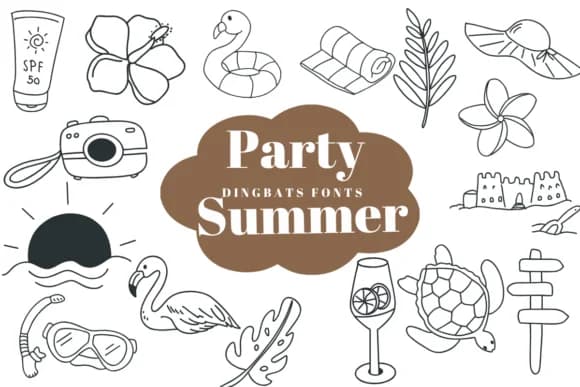
Browse fonts by theme
Curated collections →Saw a font in a picture? Identify any font from an image with our free Font Finder.
More Dingbats Fonts
Browse all →







What pairs well with Glass Doodle Font?
Glass Doodle Font is a versatile dingbats font that works for both headings and body text. Pair it with a contrasting sans-serif or serif font to add visual interest and a clear distinction between titles and body copy.



Glass Doodle Font
by Suphitchaya
Reviewed by the FontBoxDL team · Updated July 2026