 Firefox
 1 / 8
1 / 8About Ghofty Font by qrdesignstd Font
Ghofty Font, created by qrdesignstd, channels vintage glamour through a serif structure built on stark contrast. Bold, commanding downstrokes play against impossibly fine hairlines, creating visual tension that simultaneously conveys power and refinement. The letterforms borrow from 1920s and 80s design language while staying decidedly modern, which explains why the font works equally well in editorial spreads, luxury brand identities, and premium packaging.
High-contrast serifs like this one occupy a sweet spot in contemporary design. Use Ghofty for upscale beauty product labeling and packaging where restraint and sophistication matter equally, fashion magazine section headers and mastheads that need to command the page, jewelry brand identity systems, and boutique salon signage. The weight variation across its glyphs delivers genuine polish without reading as heavy or dated. Multilingual support makes it practical for international luxury brands that need consistent voice across markets and languages.
Designers building identities in beauty, fashion, and premium lifestyle categories will find this typeface indispensable. Ghofty works across editorial layouts, packaging, and digital branding, delivering understated elegance that luxury-sector clients genuinely expect. Get it on Creative Fabrica and bring this sophisticated serif to your next high-end project.
Style & Use Cases
- Overall Style
- Classic, Refined, 1920s
- Use Case
- Editorial, Print
- Ideal For
- book covers, long-form text, and traditional branding
- Pairs With
- a clean sans-serif for captions
How to Install Ghofty Font by qrdesignstd Font
Step-by-step instructions for every platform
- 1Download the Ghofty Font by qrdesignstd font file (.ttf or .otf).
- 2Locate the downloaded file in your Downloads folder.
- 3Right-click the font file.
- 4Select "Install" to install for the current user, or "Install for all users" to make it available system-wide.
- 5Ghofty Font by qrdesignstd is now available in Word, Photoshop, Illustrator, and all other apps.
More by qrdesignstd
View all →
Browse fonts by theme
Curated collections →Saw a font in a picture? Identify any font from an image with our free Font Finder.
More Serif Fonts
Browse all →
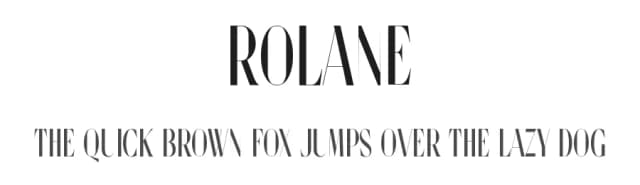
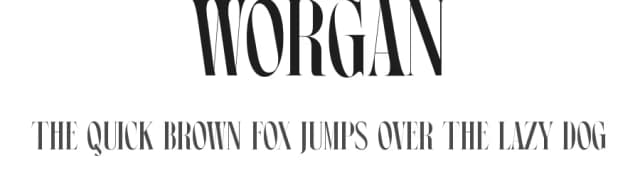
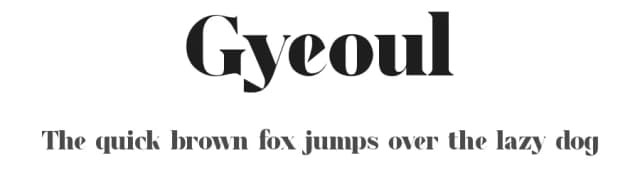
What pairs well with Ghofty Font by qrdesignstd Font?
Ghofty Font by qrdesignstd Font is a versatile serif font that works for both headings and body text. Pair it with a contrasting sans-serif or slab serif font to add visual interest and a clear distinction between titles and body copy.



Ghofty Font by qrdesignstd Font
by qrdesignstd
Reviewed by the FontBoxDL team · Updated October 2026
One-time purchase