 Firefox
 1 / 3
1 / 3Loading font…
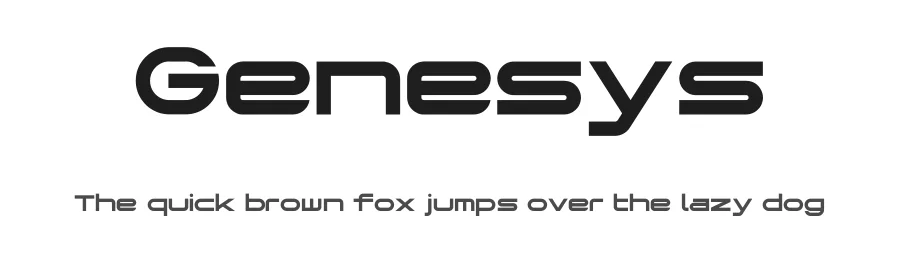
About Genesys Font
Genesys is a clean, modern sans-serif typeface built for straightforward applications in both digital and print design. With 107 glyphs and support for over 107 Latin-based languages, it provides reliable character coverage for international projects without unnecessary decorative flourishes that might clutter functional layouts.
The font's no-nonsense structure makes it genuinely useful for interface design, product labels, and technical documentation where clarity is essential. App UI labels benefit from its legible proportions, while brand identity work that emphasizes straightforward communication can build complete design systems around it. Business cards and printed materials read crisply at any size, and email marketing campaigns maintain that same professional simplicity across all devices and platforms. For international teams, its broad language support eliminates the need to swap typefaces when expanding projects to new markets, significantly reducing production friction and workflow complications.
Free for personal and commercial use, Genesys works reliably across client projects, product packaging, and commercial websites without any licensing friction or concerns. When building a two-typeface system, pair it with a serif font for body text in longer documents to create functional visual hierarchy. Alternatively, let it handle your entire design system independently if your layout prioritizes clean, functional clarity over visual ornamentation.
Style & Use Cases
- Overall Style
- Clean, Modern, Sans Serif
- Use Case
- Body Text, UI
- Ideal For
- branding, interfaces, and modern layouts
- Pairs With
- a contrasting serif for headings
Genesys Specifications
| Font Family | Genesys |
| Style | |
| Full Name | Genesys |
| Version | 001.000 |
| Weight | 400 (Regular) |
| Glyph Count | 107 glyphs |
| PostScript Name | Genesys |
| Format | TTF (TrueType) |
| File Size | 24 KB |
Languages Supported
Genesys supports 107 languages.
How to Install Genesys Font
Step-by-step instructions for every platform
- 1Download the Genesys font file (.ttf or .otf).
- 2Locate the downloaded file in your Downloads folder.
- 3Right-click the font file.
- 4Select "Install" to install for the current user, or "Install for all users" to make it available system-wide.
- 5Genesys is now available in Word, Photoshop, Illustrator, and all other apps.
Browse fonts by theme
Curated collections →Saw a font in a picture? Identify any font from an image with our free Font Finder.
More Sans Serif Fonts
Browse all →

What pairs well with Genesys Font?
Genesys Font is a versatile sans-serif font that works for both headings and body text. Pair it with a contrasting serif or slab serif font to add visual interest and a clear distinction between titles and body copy.
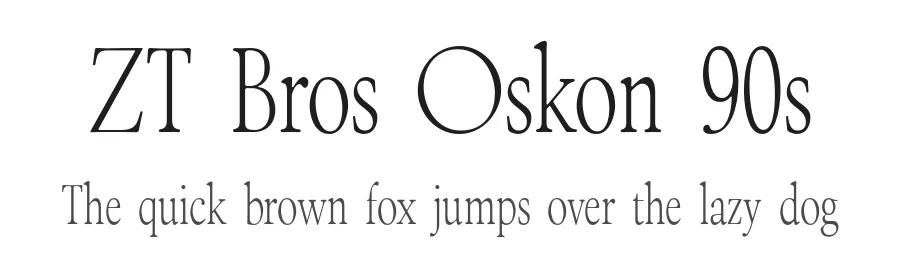
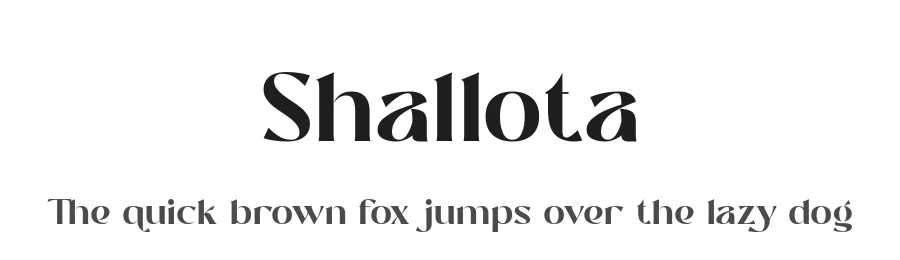
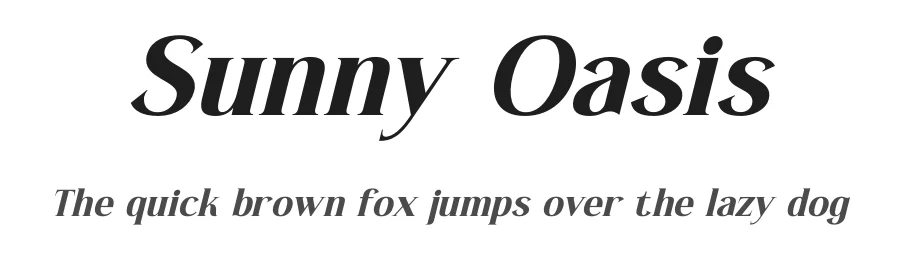
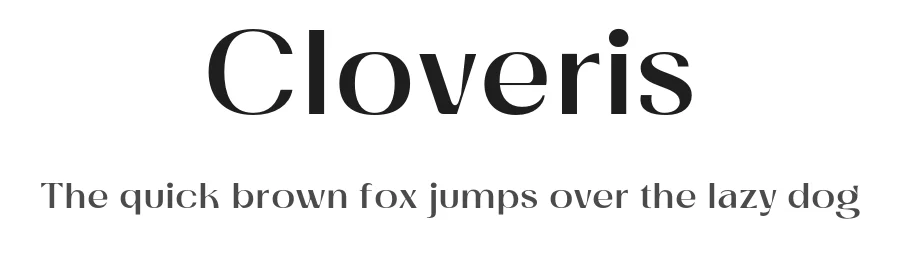
Premium Sans Serif Fonts
★ PremiumWant something with more weights, glyphs, and commercial polish? These premium sans serif fonts are worth a look.

Genesys Font
Reviewed by the FontBoxDL team · Updated October 2026