 Firefox
 1 / 10
About Flicking Font
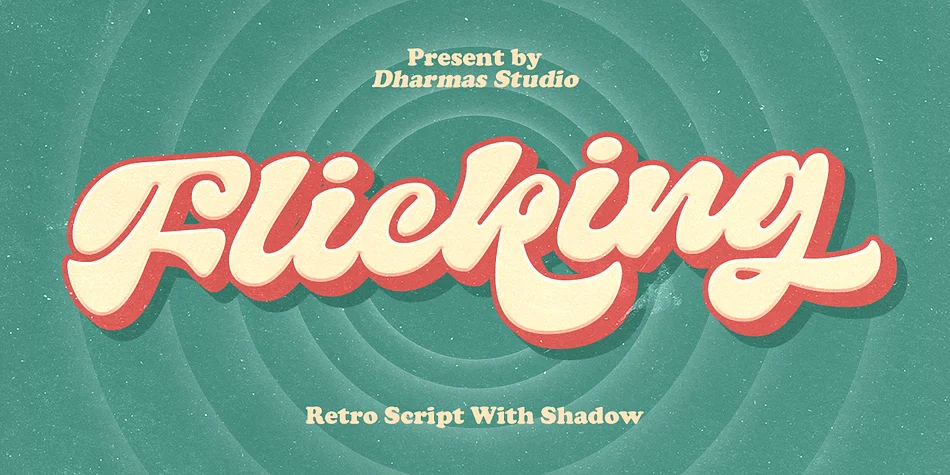
Picture yourself designing a vintage record label or retro concert poster. That's where Flicking from Dharmas Studio truly lives. This 1960s-inspired script channels that era's confident, handwritten energy while maintaining clean architectural lines that feel both nostalgic and contemporary. The letterforms have genuine personality without demanding attention away from the words themselves.
The font shines across luxury cosmetics branding, indie bookshop window signs, vinyl album artwork, and retro wedding invitation suites. Its two versions, Regular and Shadow, give you real flexibility for setting simple logos or building complex layered vintage packaging designs. The shadow version adds dimensional depth without requiring additional software tricks. Just select the alternate and you're working with built-in depth, making it easy to create visual hierarchy in a single project.
Built in multiple formats (TTF, OTF, WOFF, WOFF2) with support for 24 languages, Flicking installs smoothly on both Mac and Windows machines. You'll find it works across Adobe Illustrator, Photoshop, Word, and Canva without needing extra configuration or workarounds. At large display sizes, the script's dimensional quality really opens up, making it particularly strong for posters, window signage, and vintage event branding. Grab it on Creative Fabrica and bring authentic 60s character to your next project.
Style & Use Cases
- Overall Style
- Elegant, Flowing
- Use Case
- Invitations, Branding
- Ideal For
- wedding stationery, greeting cards, and signatures
- Pairs With
- a simple uppercase sans
How to Install Flicking Font
Step-by-step instructions for every platform
- 1Download the Flicking font file (.ttf or .otf).
- 2Locate the downloaded file in your Downloads folder.
- 3Right-click the font file.
- 4Select "Install" to install for the current user, or "Install for all users" to make it available system-wide.
- 5Flicking is now available in Word, Photoshop, Illustrator, and all other apps.
More by Dharmas Studio
View all →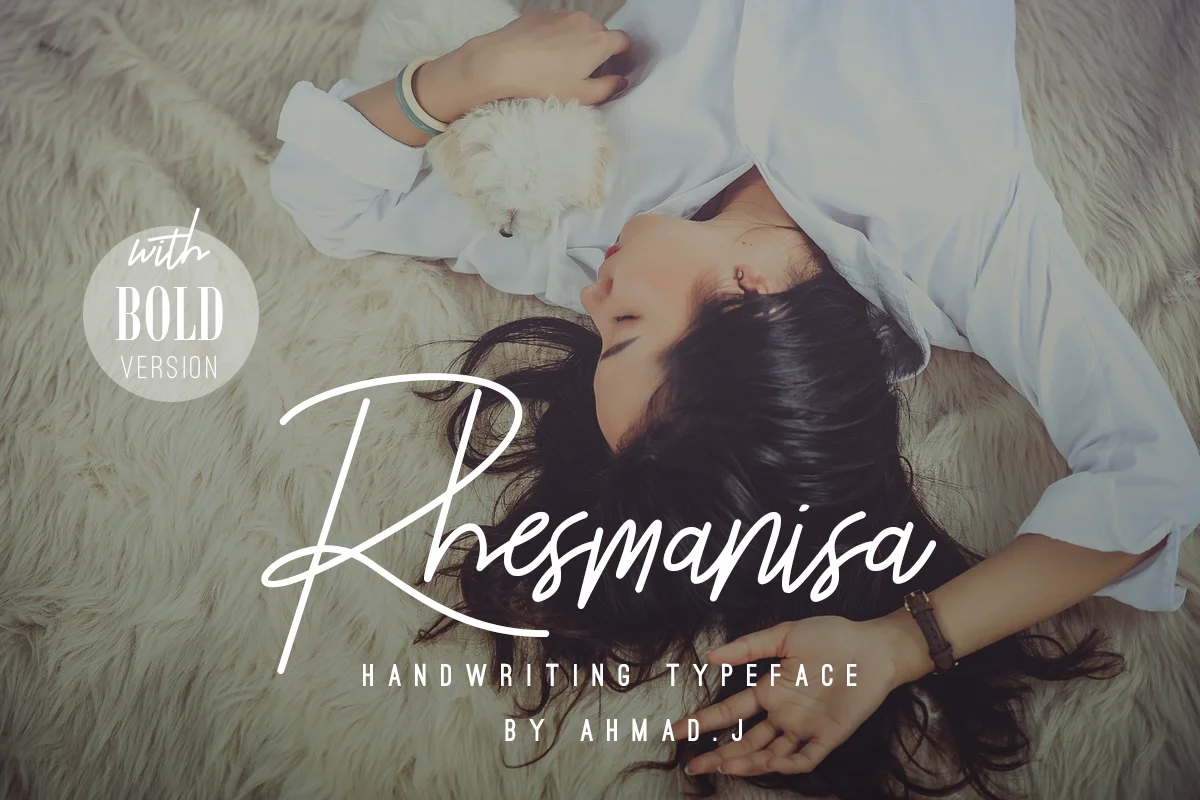
Browse fonts by theme
Curated collections →Saw a font in a picture? Identify any font from an image with our free Font Finder.
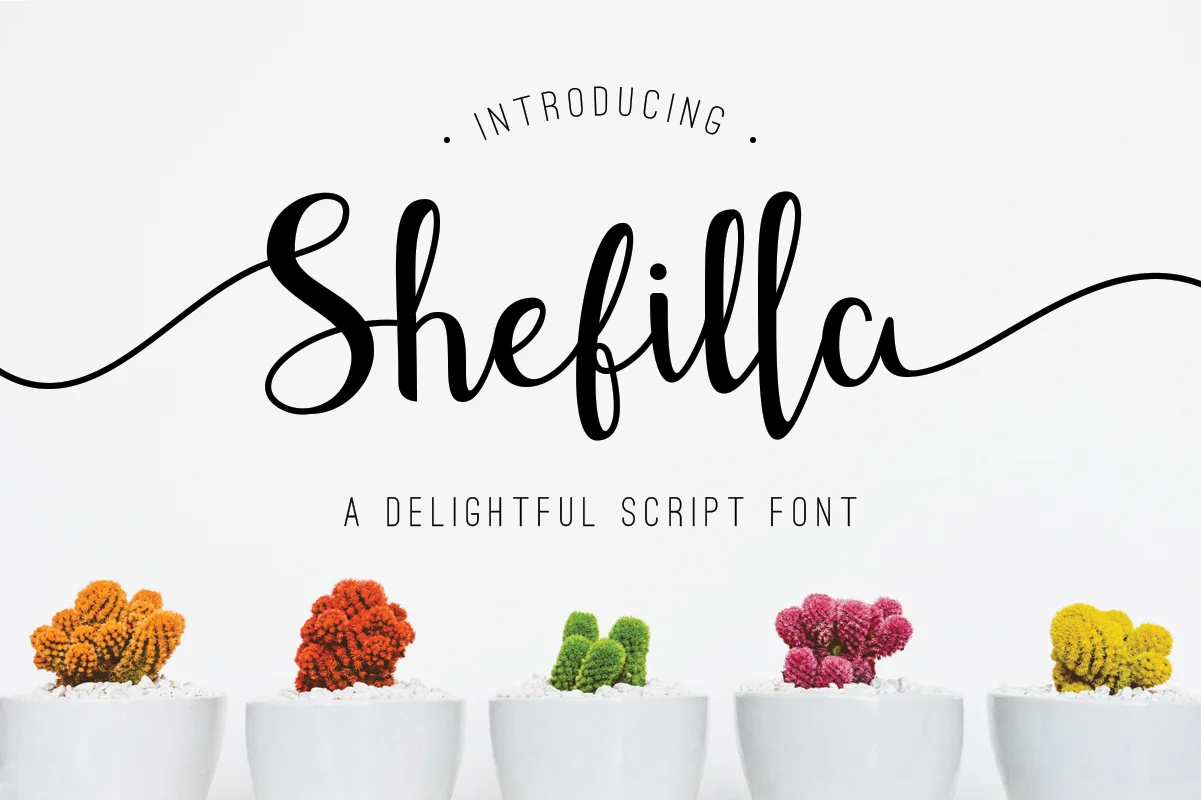
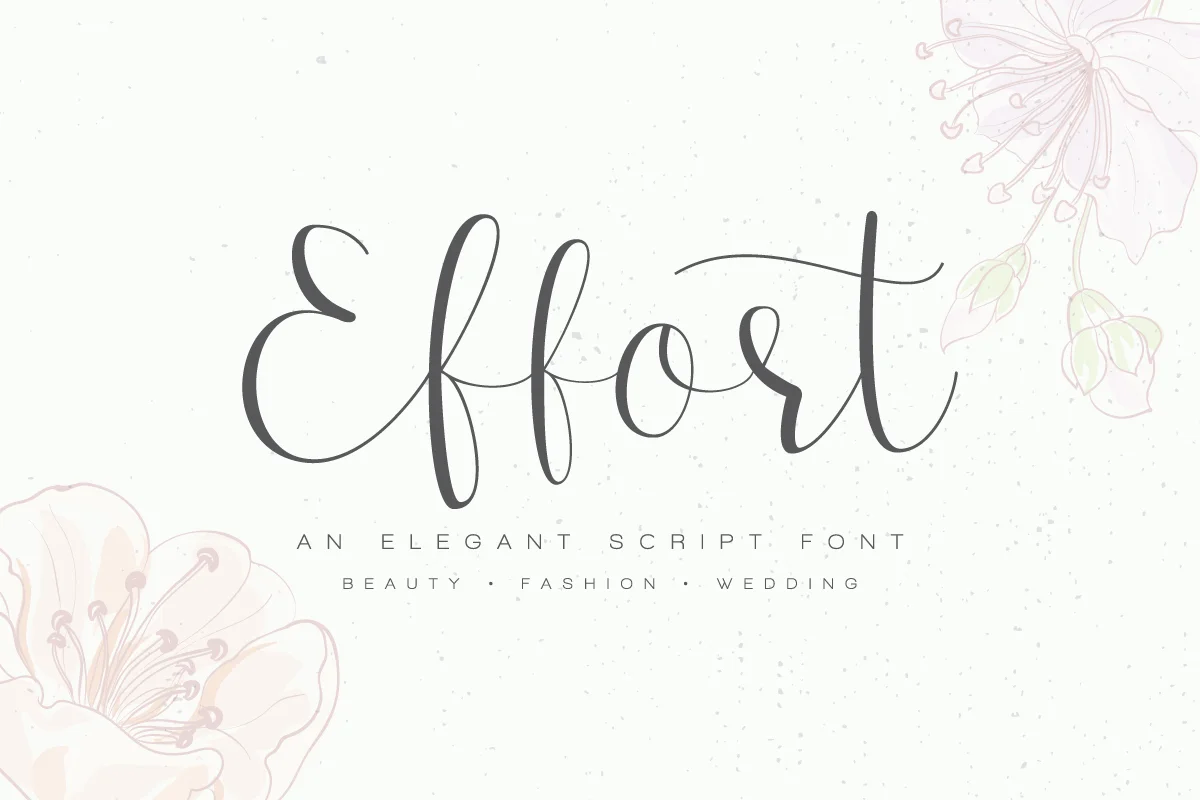
More Script Handwritten Fonts
Browse all →







What pairs well with Flicking Font?
Flicking Font is a script font that shines as a display or heading face. Pair it with a clean sans-serif or serif font for body text — the contrast creates a clear hierarchy while the two styles stay balanced and easy to read.




Flicking Font
Reviewed by the FontBoxDL team · Updated July 2026