 Firefox
 1 / 6
1 / 6About Daniela Font
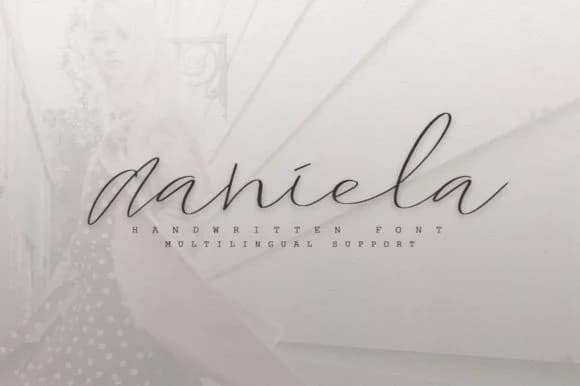
There's something inherently warm about a font that feels handwritten. Daniela, designed by Katie Holland, captures that conversational, personal quality that drawing by hand naturally gives you. It has the mark-making character of a careful hand without slipping into stylization or artifice. Each letterform carries intention and honest human imperfection in the best way.
This script works beautifully for wedding invitation suites, where authenticity genuinely matters more than polish. It's equally suited to cosmetics and skincare labels, small-batch craft packaging, and Etsy product listings where that human touch actually increases perceived value in customers' eyes. Greeting cards, thank-you notes, and save-the-dates feel more genuine when set in Daniela's flowing letterforms. Social media content for indie brands and makers gains real credibility from its unpretentious, conversational character. Custom stationery and handmade business branding both benefit immensely from the personal touch this typeface brings.
The font's hand-drawn quality comes through beautifully in every stroke, giving your designs a real sense of careful attention and genuine craft. Pair Daniela with a clean, geometric sans-serif for secondary text or callouts, and both faces will breathe easily. Find it on Creative Fabrica, ready to download and use in your projects.
Style & Use Cases
- Overall Style
- Elegant, Flowing, Daniela
- Use Case
- Invitations, Branding
- Ideal For
- wedding stationery, greeting cards, and signatures
- Pairs With
- a simple uppercase sans
How to Install Daniela Font Font
Step-by-step instructions for every platform
- 1Download the Daniela Font font file (.ttf or .otf).
- 2Locate the downloaded file in your Downloads folder.
- 3Right-click the font file.
- 4Select "Install" to install for the current user, or "Install for all users" to make it available system-wide.
- 5Daniela Font is now available in Word, Photoshop, Illustrator, and all other apps.
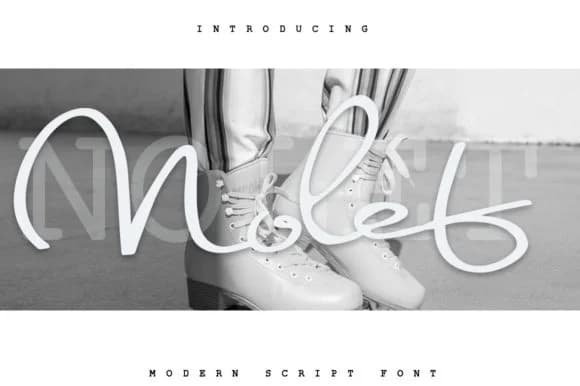
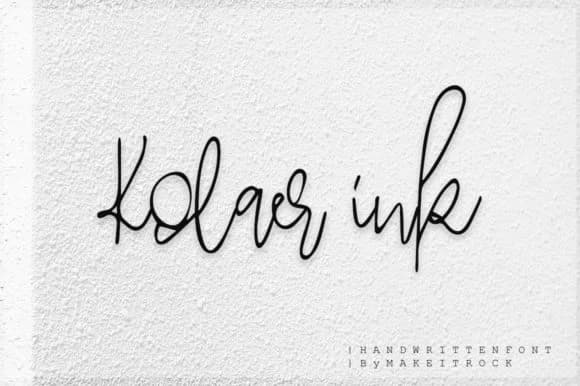
More by Katie Holland
View all →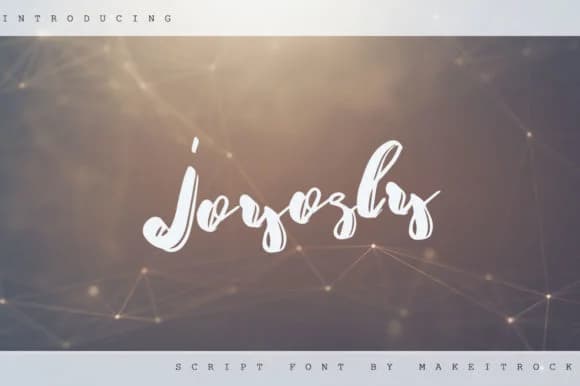
Browse fonts by theme
Curated collections →Saw a font in a picture? Identify any font from an image with our free Font Finder.
More Script Handwritten Fonts
Browse all →







What pairs well with Daniela Font?
Daniela Font is a script font that shines as a display or heading face. Pair it with a clean sans-serif or serif font for body text — the contrast creates a clear hierarchy while the two styles stay balanced and easy to read.



Daniela Font
Reviewed by the FontBoxDL team · Updated June 2026