 Firefox
 1 / 8
1 / 8About Kolaer Ink Font
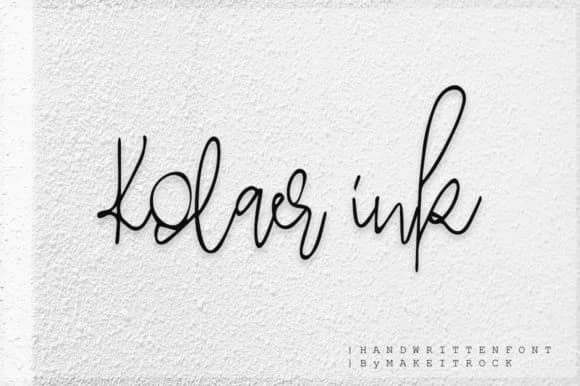
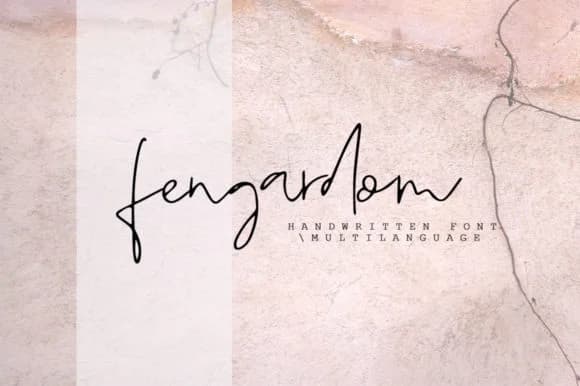
Kolaer Ink Font by Katie Holland captures letterforms that feel genuinely handwritten, with brushed curves that suggest a pen moving naturally across paper. Unlike many digital scripts that aim for mechanical perfection, this font embraces the slight variation and gesture you'd find in actual handwriting. The result is neither stiff nor overly casual, striking a balance between distinctive character and legibility that works across different contexts. What sets it apart is how the curves maintain their flow without becoming theatrical or overwrought.
The font excels for wedding invitation suites where that personal touch matters, as well as Etsy product labels that benefit from an artisan aesthetic. Boutique skincare packaging, DIY craft signage, personalized menu cards, and hand-lettered greeting card designs all gain authenticity from its organic feel. Custom stationery projects, monogram designs, and journaling templates also showcase what this script does best. It performs particularly well in contexts where you want handmade warmth without looking amateurish.
Kolaer Ink Font works best for creative professionals and handmade brands looking to add genuine personality without sacrificing readability or visual polish. It's equally at home anchoring a luxury product line as it is adorning a DIY craft project, which makes it surprisingly versatile despite its distinctive voice. The script bridges the gap between personal and professional in a way that feels honest. Discover Kolaer Ink Font on Creative Fabrica.
Style & Use Cases
- Overall Style
- Elegant, Flowing, Kolaer Ink
- Use Case
- Invitations, Branding
- Ideal For
- wedding stationery, greeting cards, and signatures
- Pairs With
- a simple uppercase sans
How to Install Kolaer Ink Font Font
Step-by-step instructions for every platform
- 1Download the Kolaer Ink Font font file (.ttf or .otf).
- 2Locate the downloaded file in your Downloads folder.
- 3Right-click the font file.
- 4Select "Install" to install for the current user, or "Install for all users" to make it available system-wide.
- 5Kolaer Ink Font is now available in Word, Photoshop, Illustrator, and all other apps.
More by Katie Holland
View all →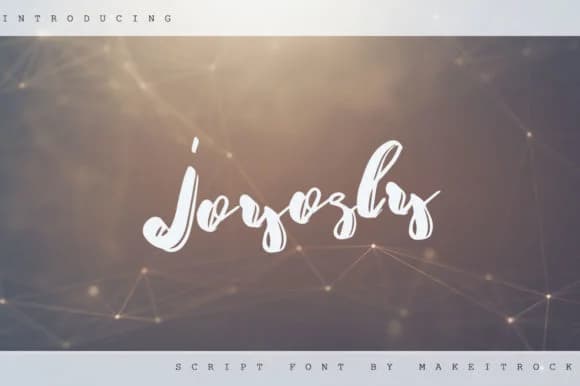
Browse fonts by theme
Curated collections →Saw a font in a picture? Identify any font from an image with our free Font Finder.
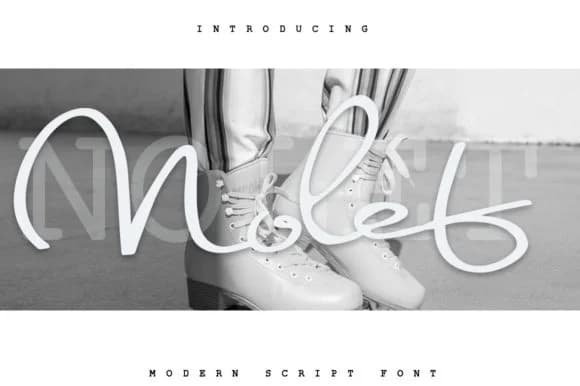
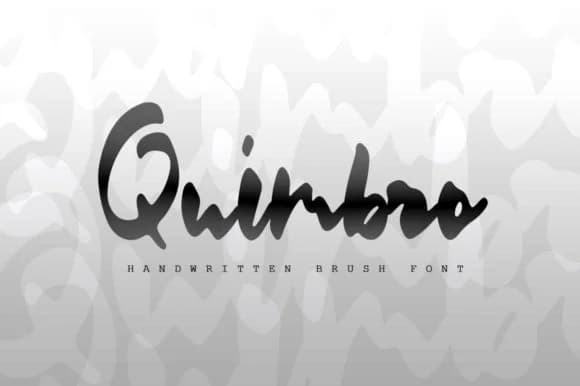
More Script Handwritten Fonts
Browse all →







What pairs well with Kolaer Ink Font?
Kolaer Ink Font is a script font that shines as a display or heading face. Pair it with a clean sans-serif or serif font for body text — the contrast creates a clear hierarchy while the two styles stay balanced and easy to read.



Kolaer Ink Font
Reviewed by the FontBoxDL team · Updated June 2026