 Firefox
 1 / 3
1 / 3About Costa La Vista Font
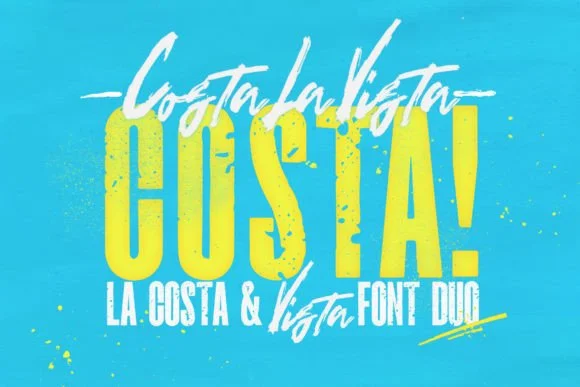
Costa La Vista, designed by Leonard Posavec, pairs condensed slab-serif forms with geometric weight that cuts through any layout. The typeface draws from retro and textured traditions without feeling dated, instead landing on that rare middle ground where vintage warmth meets contemporary sharpness. This is a font duo with real utility: eleven weights and styles total, including a complementary script font that expands what you can do in a single project.
Condensed proportions make this work surprisingly well across contexts. You'll find it earning its keep in wedding invitation suites where the script adds flourish, retro band posters and music festival materials where the boldness lands right, boutique packaging labels for food and skincare brands, and editorial magazine spreads where headlines need presence without taking up real estate. In print, the textured character gives pieces a personality that feels intentional rather than slapped-on, while the geometric DNA keeps it readable on smaller screens and mobile interfaces.
This suite fits best for designers working across print and digital, or anyone building a complete brand system where you need flexibility without sourcing five different typefaces. Grab Costa La Vista on Creative Fabrica to add both the main family and script to your collection.
Style & Use Cases
- Overall Style
- Sturdy, Confident
- Use Case
- Headlines, Merch
- Ideal For
- vintage posters, logos, and product packaging
- Pairs With
- a light sans-serif
How to Install Costa La Vista Font
Step-by-step instructions for every platform
- 1Download the Costa La Vista font file (.ttf or .otf).
- 2Locate the downloaded file in your Downloads folder.
- 3Right-click the font file.
- 4Select "Install" to install for the current user, or "Install for all users" to make it available system-wide.
- 5Costa La Vista is now available in Word, Photoshop, Illustrator, and all other apps.
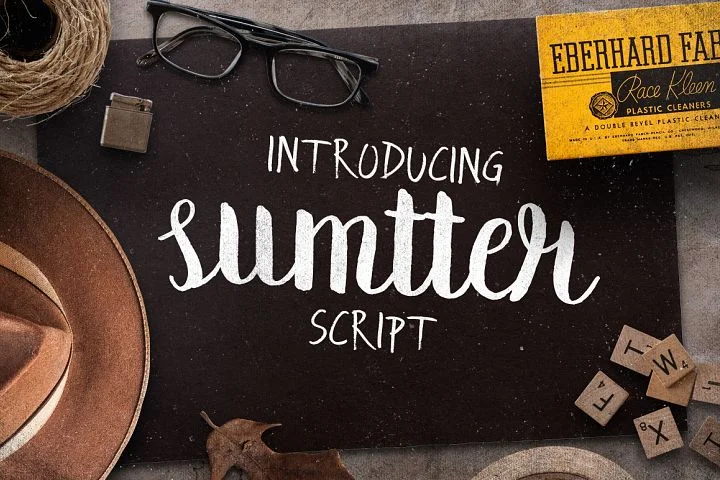
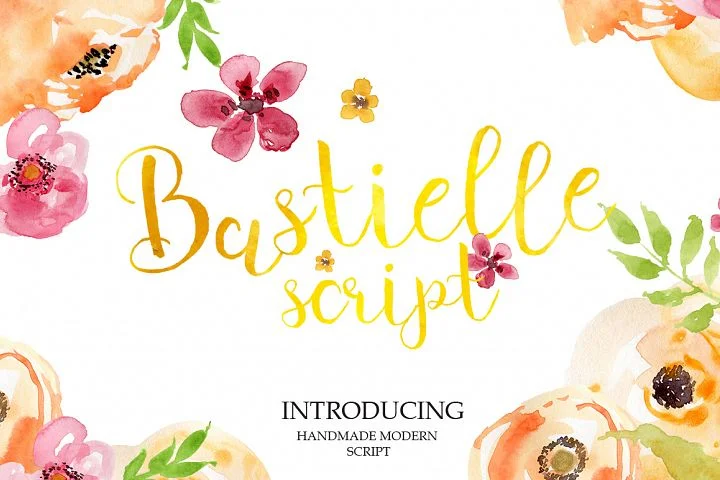
More by Leonard Posavec
View all →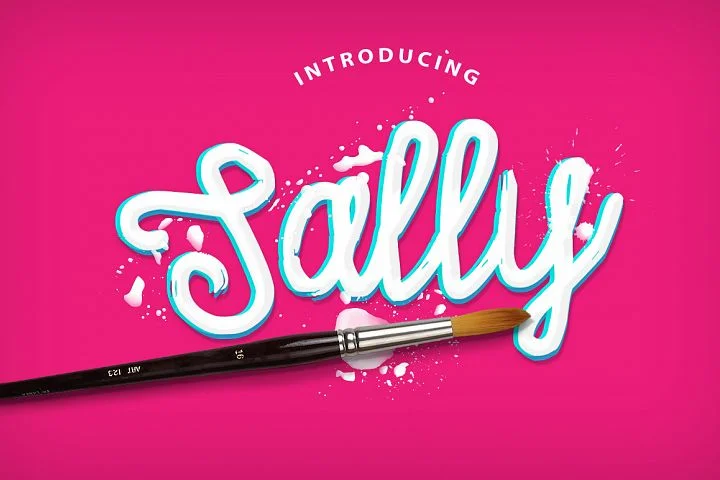

Browse fonts by theme
Curated collections →Saw a font in a picture? Identify any font from an image with our free Font Finder.
More Slab Serif Fonts
Browse all →


What pairs well with Costa La Vista Font?
Costa La Vista Font is a slab serif font that shines as a display or heading face. Pair it with a clean sans-serif or serif font for body text — the contrast creates a clear hierarchy while the two styles stay balanced and easy to read.




Costa La Vista Font
Reviewed by the FontBoxDL team · Updated September 2026