 Firefox
 1 / 7
1 / 7About College Vintage Font
College Vintage by Riman is a textured slab serif that carries the authentic look and feel of vintage college apparel and mid-century graphic design. Its worn details and chunky letterforms evoke the printed graphics and screen-printed imagery that defined that era, bringing an instantly recognizable nostalgia to any design without pushing the aged aesthetic too far.
This typeface excels on vintage band t-shirt graphics, retro book cover lettering, and heritage brand identities that require genuine period authenticity rather than mass-market pastiche. Greeting card designs gain real warmth from its substantial, confident presence and friendly weight, while packaging for vintage-inspired products and boutique services inherits the aged patina embedded in every character stroke. Display sizes showcase the texture beautifully, lending that hand-pulled, collectible quality to signage, posters, and editorial layouts that need historical grounding. The sturdy slab serif structure also carries enough definition to work in body text when carefully spaced, making it versatile across a range of applications.
Reach for College Vintage whenever you're building branding that needs real historical depth and weight, or apparel graphics that feel authentically throwback rather than artificially trendy. Find this font on Creative Fabrica and bring that irreplaceable vintage character to your next project.
Style & Use Cases
- Overall Style
- Sturdy, Confident, Slab Serif Fonts
- Use Case
- Headlines, Merch
- Ideal For
- vintage posters, logos, and product packaging
- Pairs With
- a light sans-serif
How to Install College Vintage Font
Step-by-step instructions for every platform
- 1Download the College Vintage font file (.ttf or .otf).
- 2Locate the downloaded file in your Downloads folder.
- 3Right-click the font file.
- 4Select "Install" to install for the current user, or "Install for all users" to make it available system-wide.
- 5College Vintage is now available in Word, Photoshop, Illustrator, and all other apps.
More by Riman (7NTypes)
View all →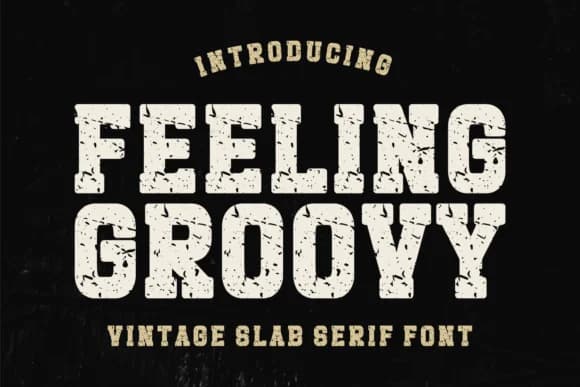

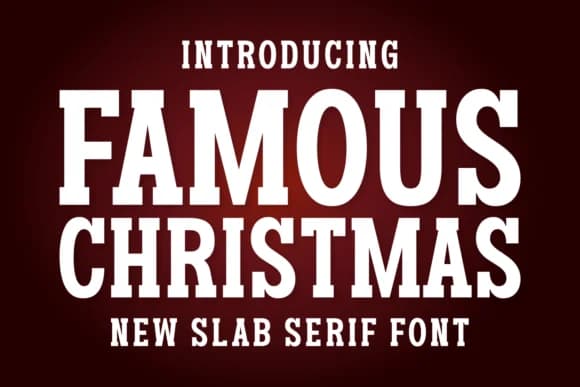

Browse fonts by theme
Curated collections →Saw a font in a picture? Identify any font from an image with our free Font Finder.
More Slab Serif Fonts
Browse all →







What pairs well with College Vintage Font?
College Vintage Font is a slab serif font that shines as a display or heading face. Pair it with a clean sans-serif or serif font for body text — the contrast creates a clear hierarchy while the two styles stay balanced and easy to read.



College Vintage Font
Reviewed by the FontBoxDL team · Updated August 2026