 Firefox
 1 / 3
1 / 3Loading font…
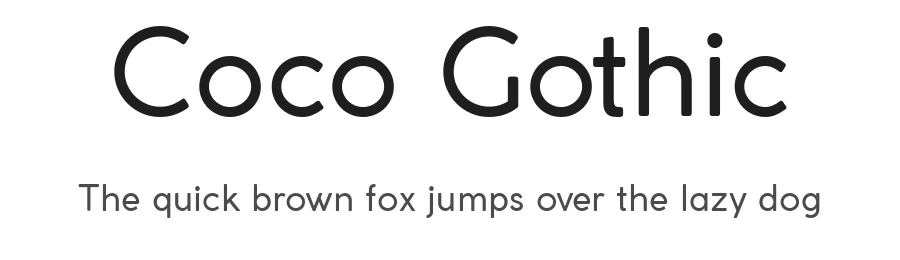
About Coco Gothic Font
This font is for PERSONAL USE ONLY!
To see the Full Family and buy the commercial license, please visit our site:
http://www.zetafonts.com/coco-gothic
Join the exclusive Type Club to get free fonts and special offers on new releases!
https://www.zetafonts.com/typeclub
CONTACT US:
website:
http://www.zetafonts.com
have a question?:
[email protected]
---
Coco Gothic is a contemporary take on the retro geometric sans serif style of early XX century typefaces like Futura and Avantgarde. The cold, geometric shapes typical of those modernism typefaces have been made softer and more contemporary by visual corrections and slightly rounded corners and a minimalistic design feel. The name of the typeface family comes from the nickname of fashion beloved icon Coco Chanel.
It comes in six weights with matching italics and features an extended character set with open type support for small caps, ligatures, alternates, European languages, Greek and Cyrillic alphabets. In 2017 a revised version was released, including 12 alternate and 12 smallcaps weights for a total of 36 fonts ready to solve your design problems.
Equipped with a rich array of historical variants, Coco Gothic is also an encyclopedia of styles from the last century, ready to transform itself and adapt to the mood of your text. You can check a visual presentation of this type family on our Behance Coco Gothic Page.
More...
Please notice: All advanced features (small caps, alternate sets & ligatures) are developed using open type technology, fully compatible with Adobe software and major design softwares and OS, but not supported by every software. Historical variants included only for uppercase letters, and avalaible in Indesign / Photoshop through stylistic sets and in illustrator through Glyph Window. Download trial version and check your configuration before buying.
Style & Use Cases
- Overall Style
- Clean, Modern, Basic
- Use Case
- Body Text, UI
- Ideal For
- branding, interfaces, and modern layouts
- Pairs With
- a contrasting serif for headings
Similar Fonts
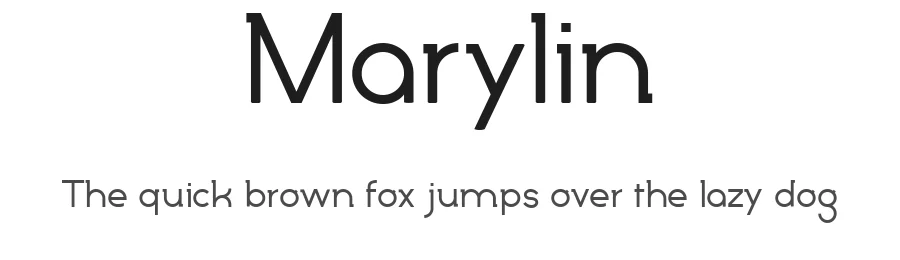
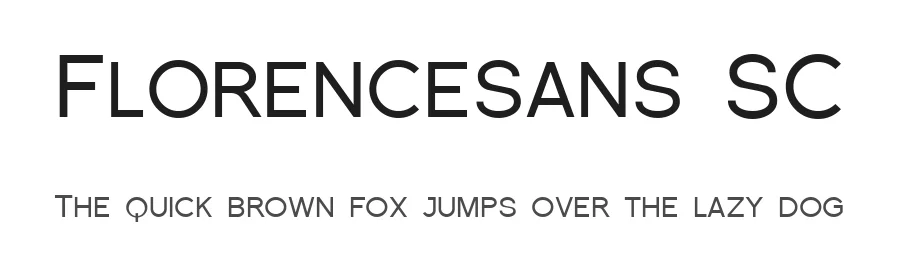
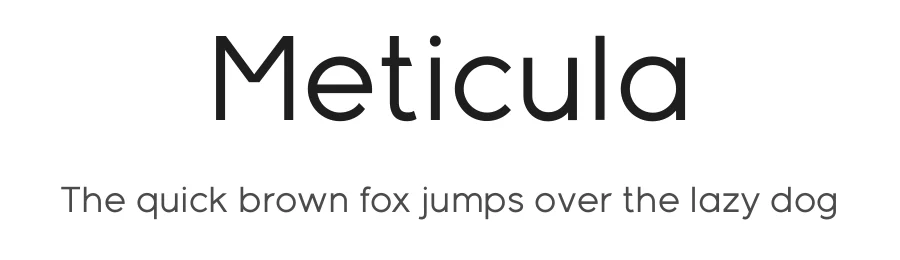
Fonts that look visually alike — matched by our Font Finder model.
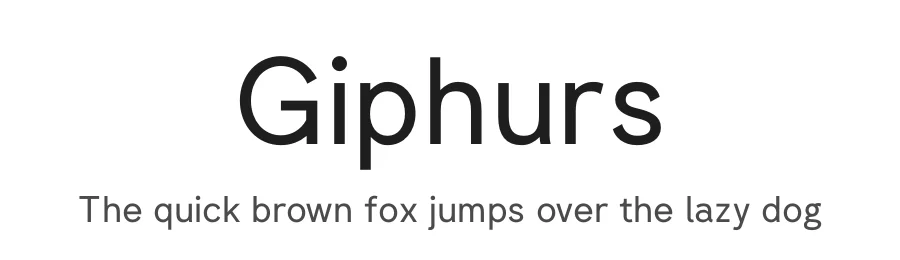
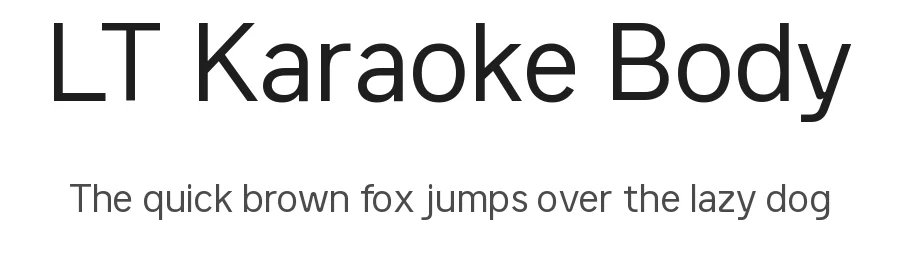
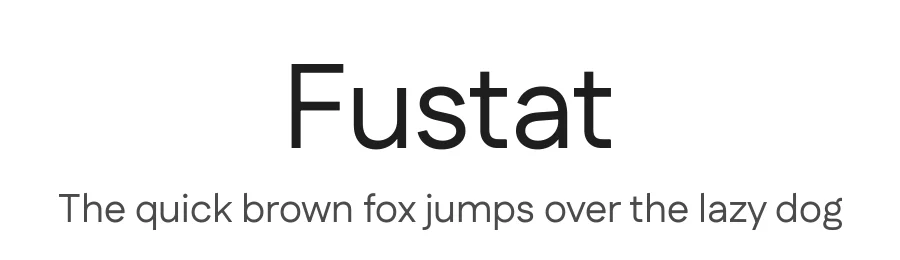
Coco Gothic Specifications
| Font Family | Coco Gothic |
| Style | Regular |
| Full Name | Coco Gothic |
| Version | 3.001 |
| Weight | 400 (Regular) |
| Glyph Count | 1195 glyphs |
| PostScript Name | CocoGothic |
| Designer | Cosimo Lorenzo Pancini |
| Format | TTF (TrueType) |
| File Size | 723.7 KB |
OpenType Features
Coco Gothic ships with 5 OpenType features you can switch on in apps that support them (Illustrator, InDesign, Affinity, Figma, CSS font-feature-settings).
- Standard ligatures
- Old-style figures
- Stylistic alternates
- Small capitals
- Stylistic sets (13)
Languages Supported
Coco Gothic supports 297 languages.
How to Install Coco Gothic Font
Step-by-step instructions for every platform
- 1Download the Coco Gothic font file (.ttf or .otf).
- 2Locate the downloaded file in your Downloads folder.
- 3Right-click the font file.
- 4Select "Install" to install for the current user, or "Install for all users" to make it available system-wide.
- 5Coco Gothic is now available in Word, Photoshop, Illustrator, and all other apps.
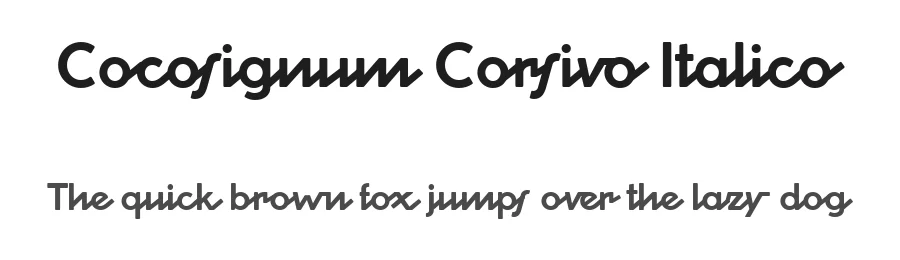
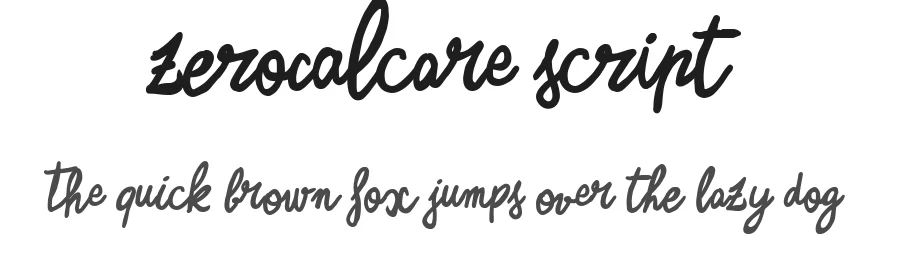
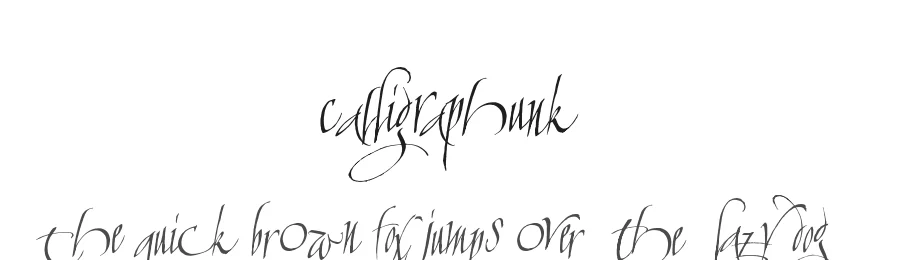
Coco Gothic Font is featured in
All collections →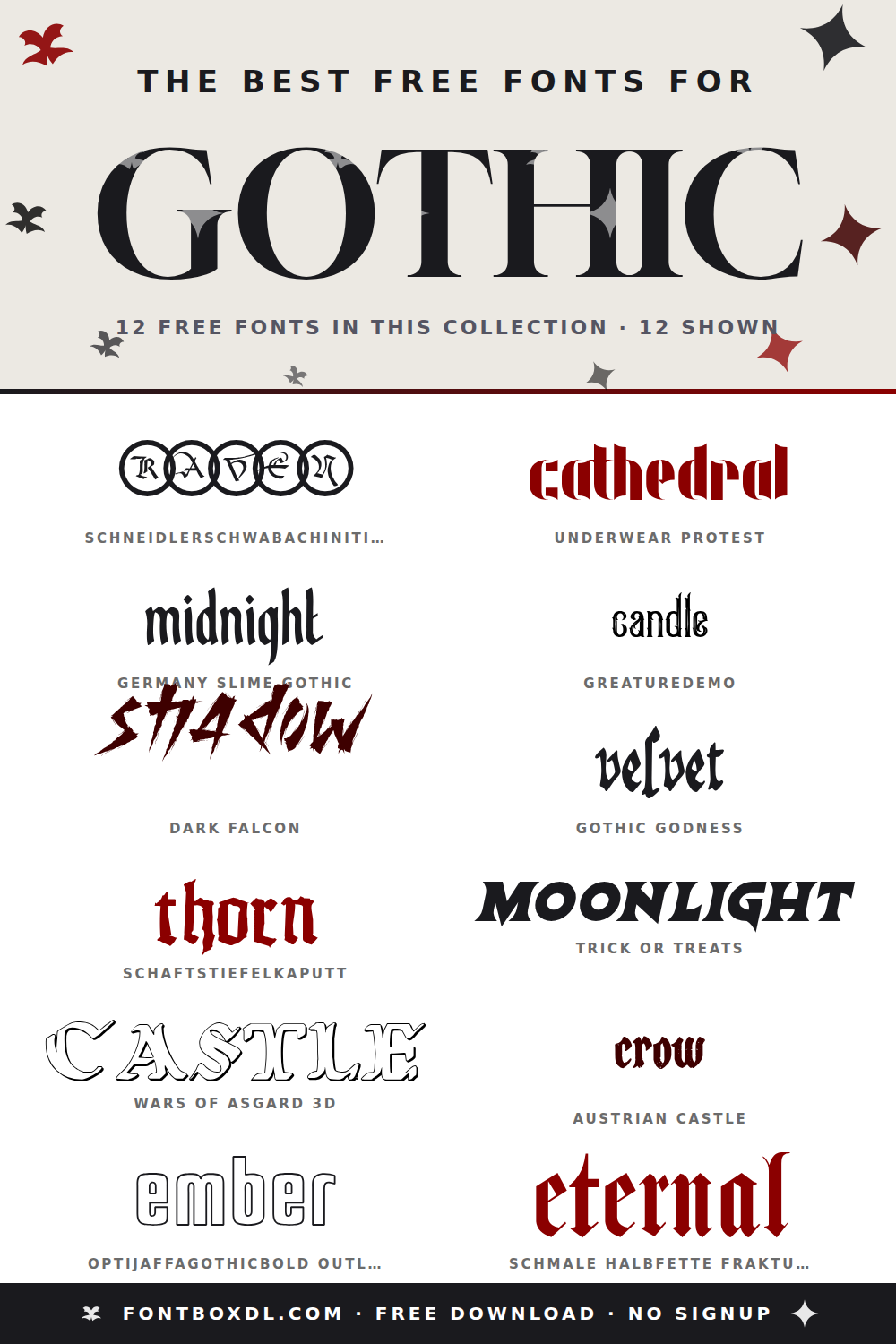
Browse fonts by theme
Curated collections →Saw a font in a picture? Identify any font from an image with our free Font Finder.
More Sans Serif Fonts
Browse all →
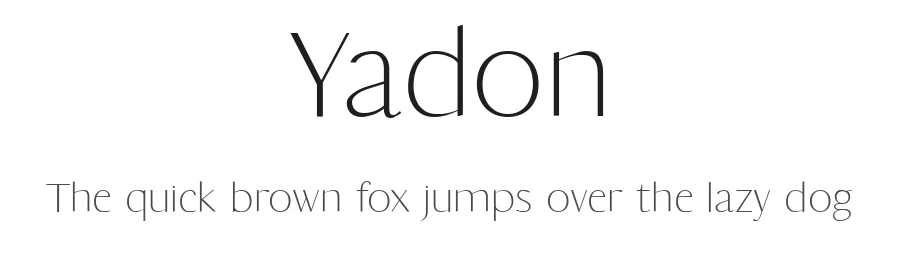
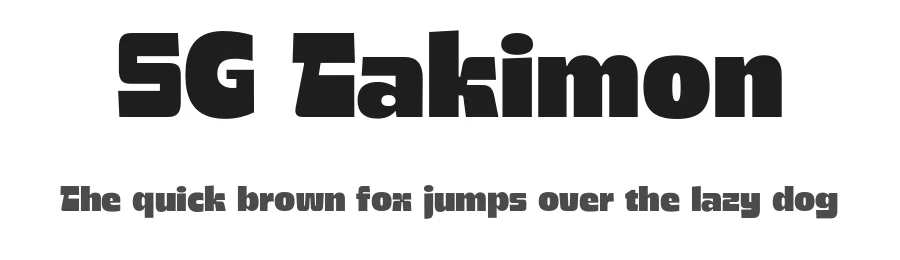
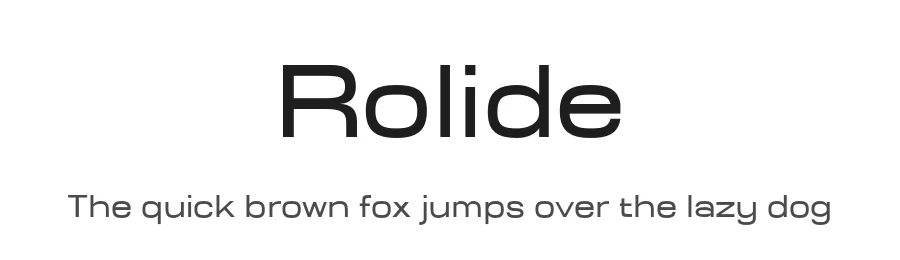
What pairs well with Coco Gothic Font?
Coco Gothic Font is a versatile sans-serif font that works for both headings and body text. Pair it with a contrasting serif or slab serif font to add visual interest and a clear distinction between titles and body copy.
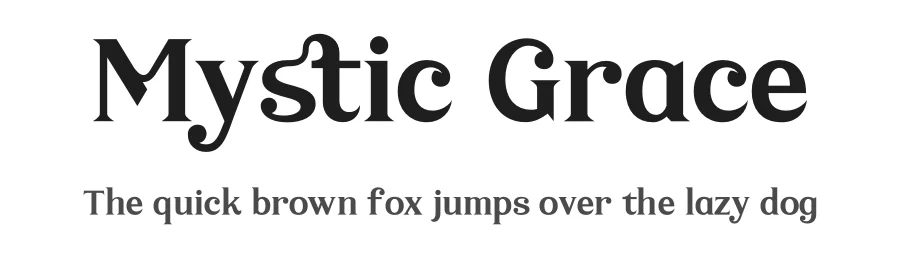
Premium Sans Serif Fonts
★ PremiumWant something with more weights, glyphs, and commercial polish? These premium sans serif fonts are worth a look.
Coco Gothic Font
by Zetafonts
Reviewed by the FontBoxDL team · Updated September 2026
License: Free for personal use