 Firefox
 1 / 9
1 / 9About Butterscotch Font by I Do Not Sleep Font
Butterscotch Font, designed by I Do Not Sleep, features thick, expressive letterforms with genuine personality that command attention on any layout where boldness serves the message. The script style flows with real confidence, each stroke deliberately weighted to deliver maximum visual impact and presence on the page.
This typeface excels on wedding invitation suites where designers need an authentic handwritten feel without the delicate or overly feminine read that many scripts bring to the table. It works equally well on Etsy product labels for artisan goods, where that strong character helps boutique brands cut through marketplace noise and build lasting recognition. Skincare and cosmetics packaging gain depth and confidence from its weight, steering clear of stuffy or dated territory while maintaining sophistication. Hand-lettered cafe menus come alive with this script, and independent branding projects benefit from this kind of unapologetic boldness to feel genuine and memorable.
The font suits designers who genuinely want their script to do real, meaningful visual work without relying on ornamental flourishes or excessive decorative detail. It works best on projects where personality and strength matter more than decoration and embellishment. Grab Butterscotch on Creative Fabrica.
Style & Use Cases
- Overall Style
- Elegant, Flowing
- Use Case
- Invitations, Branding
- Ideal For
- wedding stationery, greeting cards, and signatures
- Pairs With
- a simple uppercase sans
How to Install Butterscotch Font by I Do Not Sleep Font
Step-by-step instructions for every platform
- 1Download the Butterscotch Font by I Do Not Sleep font file (.ttf or .otf).
- 2Locate the downloaded file in your Downloads folder.
- 3Right-click the font file.
- 4Select "Install" to install for the current user, or "Install for all users" to make it available system-wide.
- 5Butterscotch Font by I Do Not Sleep is now available in Word, Photoshop, Illustrator, and all other apps.
More by I Do Not Sleep
View all →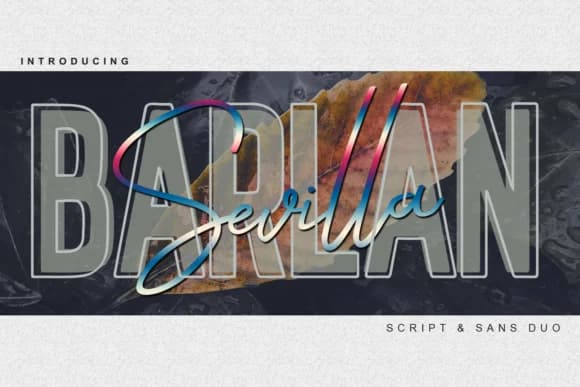
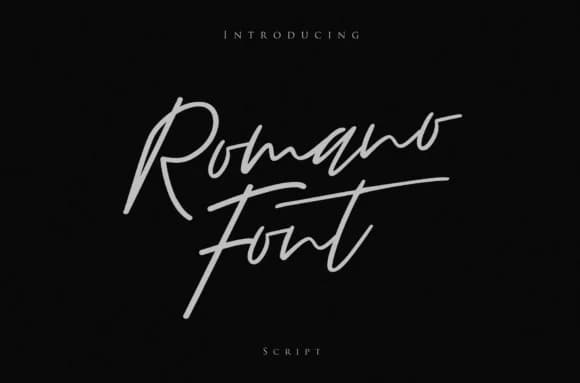
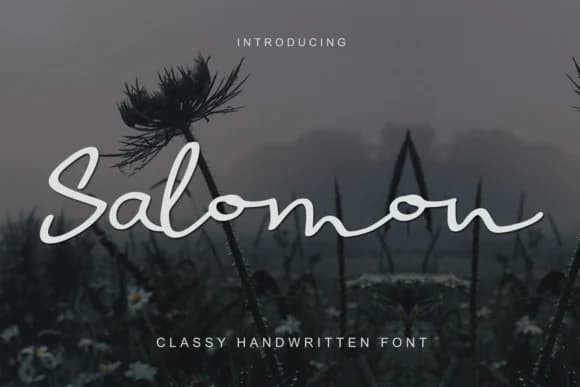
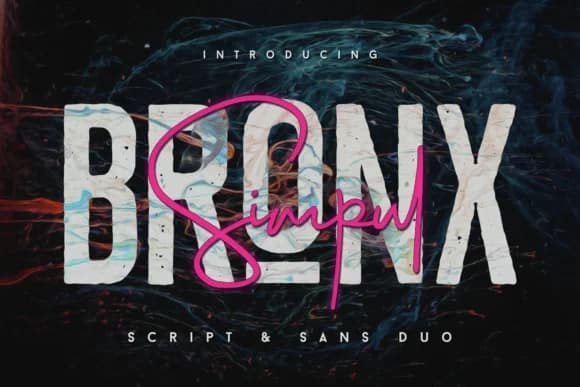
Browse fonts by theme
Curated collections →Saw a font in a picture? Identify any font from an image with our free Font Finder.
More Script Handwritten Fonts
Browse all →







What pairs well with Butterscotch Font by I Do Not Sleep Font?
Butterscotch Font by I Do Not Sleep Font is a script font that shines as a display or heading face. Pair it with a clean sans-serif or serif font for body text — the contrast creates a clear hierarchy while the two styles stay balanced and easy to read.



Butterscotch Font by I Do Not Sleep Font
Reviewed by the FontBoxDL team · Updated September 2026