 Firefox
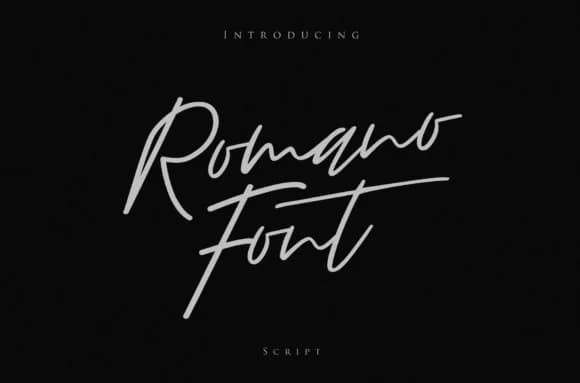 1 / 6
1 / 6About Romano Font
Romano Font by I Do Not Sleep is a signature script featuring refined letterforms with confident, dynamic movement. The design balances ornate flourishes with grounded construction, making it versatile for both elegant and contemporary applications. This flowing script excels for wedding invitation suites where its expressive curves draw attention, personal branding projects seeking authentic handwritten character, and luxury product labeling that demands visual sophistication. The fluid strokes of each letter create visual warmth while remaining legible, whether you're creating greeting cards, cosmetic packaging, or monogram elements that need an individualized touch.
The versatility of Romano makes it a thoughtful choice for creatives looking to add genuine personality and character to their work without sacrificing sophistication and refined polish. Its signature-style letterforms work beautifully for hand-lettered stationery designs and contemporary branding projects where personal expression shines through authentically. Whether you're layering it over backgrounds, using it as a focal point, or combining it with complementary typefaces, Romano adapts seamlessly to your creative vision and design system. The script's balanced construction ensures clarity whether scaled large for decorative purposes or sized more modestly within various compositions and layouts.
Discover Romano Font on Creative Fabrica and enhance your creative projects with its expressive, refined style.
Style & Use Cases
- Overall Style
- Elegant, Flowing, Romano
- Use Case
- Invitations, Branding
- Ideal For
- wedding stationery, greeting cards, and signatures
- Pairs With
- a simple uppercase sans
How to Install Romano Font Font
Step-by-step instructions for every platform
- 1Download the Romano Font font file (.ttf or .otf).
- 2Locate the downloaded file in your Downloads folder.
- 3Right-click the font file.
- 4Select "Install" to install for the current user, or "Install for all users" to make it available system-wide.
- 5Romano Font is now available in Word, Photoshop, Illustrator, and all other apps.
More by I Do Not Sleep
View all →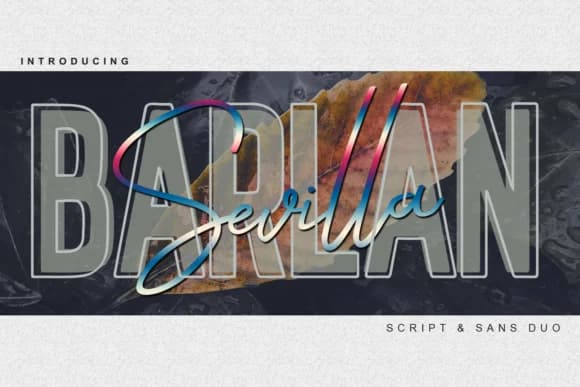
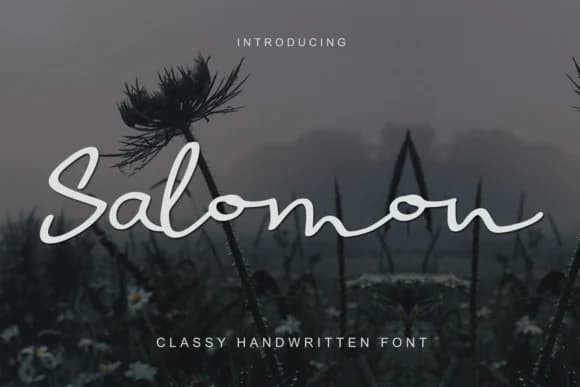
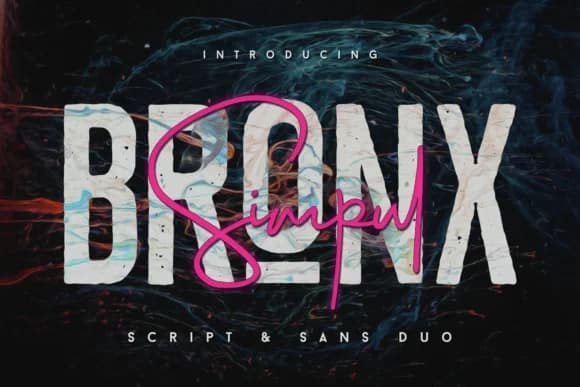
Browse fonts by theme
Curated collections →Saw a font in a picture? Identify any font from an image with our free Font Finder.
More Script Handwritten Fonts
Browse all →







What pairs well with Romano Font?
Romano Font is a script font that shines as a display or heading face. Pair it with a clean sans-serif or serif font for body text — the contrast creates a clear hierarchy while the two styles stay balanced and easy to read.



Romano Font
Reviewed by the FontBoxDL team · Updated May 2026