
 1 / 5
1 / 5About Bunny Divider Font
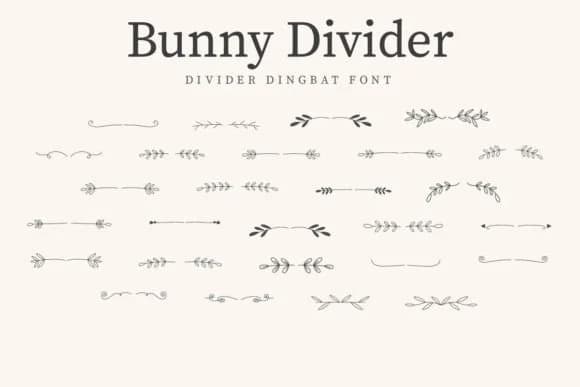
This font brings a natural, organic touch that feels both whimsical and polished. Bunny Divider, designed by CraftedType Studio, is a dingbat font built from delicate botanical illustrations that function as dividers, borders, and scattered ornaments throughout your designs.
The real strength lies in its versatility across different mediums. Wedding invitation suites benefit from its elegant botanical framing, while planner designs and journal spreads get an immediate boost from these ornamental elements. Scrapbook layouts gain depth when you layer the botanical dividers as section breaks and decorative anchors. Beyond paper, it works just as well for botanical product packaging, stationery embellishments, and creating ornamental borders for everything from event programs to greeting cards. The character set includes multiple glyphs and ornamental variations, so you have flexibility in layering and positioning across projects at different scales. You can hand-letter a single design or build a full visual system with plenty of ornamental variety to prevent repetition.
Pair it with a clean, modern sans-serif (something geometric and minimal) to balance all those organic flourishes and prevent layouts from feeling too dense. This combination is classic for a reason. You'll find Bunny Divider on Creative Fabrica, ready to add botanical polish to your next project.
Style & Use Cases
- Overall Style
- Iconographic, Divider
- Use Case
- Icons, Accents
- Ideal For
- ornaments, bullets, and decorative flourishes
- Pairs With
- any text font
How to Install Bunny Divider Font
Step-by-step instructions for every platform
- 1Download the Bunny Divider font file (.ttf or .otf).
- 2Locate the downloaded file in your Downloads folder.
- 3Right-click the font file.
- 4Select "Install" to install for the current user, or "Install for all users" to make it available system-wide.
- 5Bunny Divider is now available in Word, Photoshop, Illustrator, and all other apps.
More by CraftedType Studio
View all →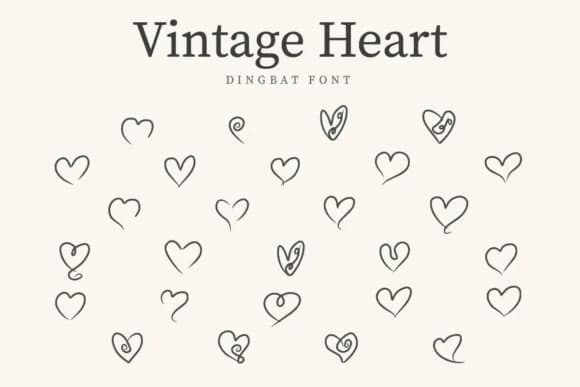
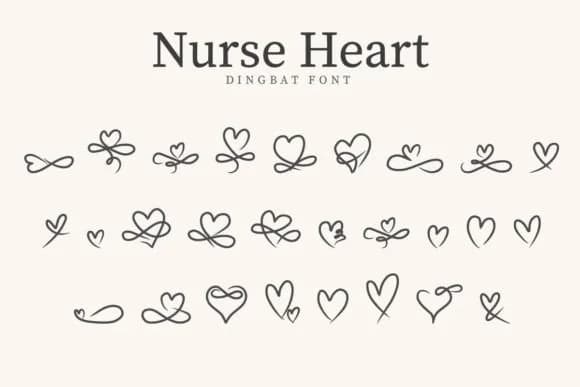
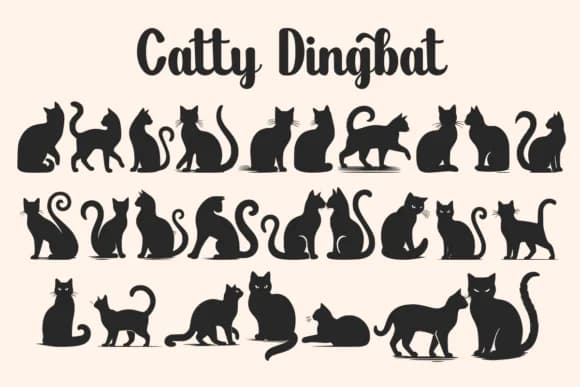
Browse fonts by theme
Curated collections →Saw a font in a picture? Identify any font from an image with our free Font Finder.
More Dingbats Fonts
Browse all →







What pairs well with Bunny Divider Font?
Bunny Divider Font is a versatile dingbats font that works for both headings and body text. Pair it with a contrasting sans-serif or serif font to add visual interest and a clear distinction between titles and body copy.



Bunny Divider Font
Reviewed by the FontBoxDL team · Updated August 2026