 Firefox
 1 / 5
1 / 5About Brush Script Pro Font
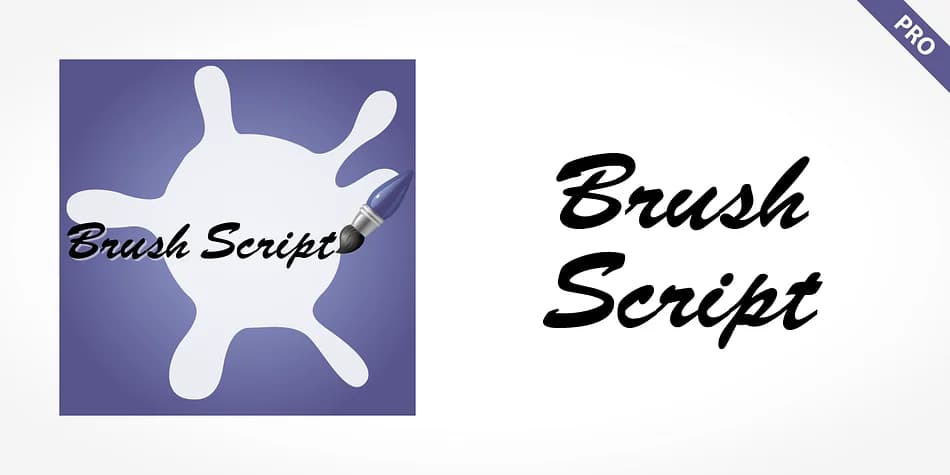
Brush Script Pro by SoftMaker is a brush script typeface with flowing, casual letterforms that feel like natural handwriting. The design carries decades of heritage, bringing that timeless informal quality to contemporary creative work. It's particularly strong for wedding invitation suites and thank-you cards where personality matters far more than formality. You'll also find it useful for boutique cosmetics packaging, Etsy product labels, artisan food branding, and restaurant menu design. These are contexts where a brushed, handmade aesthetic communicates authenticity that clean geometric fonts simply cannot match.
The language coverage is comprehensive. Central European, Baltic, Croatian, Slovene, Romanian, and Turkish characters all come included, making this typeface genuinely useful when working with international clients or designing for different markets. Beyond the core alphabets, you get case-sensitive punctuation marks designed specifically for all-caps headlines, fractions, a substantial ligature collection that adds refinement to word pairs, and both tabular and proportional numeral sets. This combination of casual warmth and technical depth makes Brush Script Pro a dependable option for display work that needs both personality and precision without sacrificing readability.
You'll find Brush Script Pro on Creative Fabrica, ready to add to your design toolkit.
Style & Use Cases
- Overall Style
- Elegant, Flowing
- Use Case
- Invitations, Branding
- Ideal For
- wedding stationery, greeting cards, and signatures
- Pairs With
- a simple uppercase sans
How to Install Brush Script Pro Font
Step-by-step instructions for every platform
- 1Download the Brush Script Pro font file (.ttf or .otf).
- 2Locate the downloaded file in your Downloads folder.
- 3Right-click the font file.
- 4Select "Install" to install for the current user, or "Install for all users" to make it available system-wide.
- 5Brush Script Pro is now available in Word, Photoshop, Illustrator, and all other apps.
More by SoftMaker
View all →

Browse fonts by theme
Curated collections →Saw a font in a picture? Identify any font from an image with our free Font Finder.
More Script Handwritten Fonts
Browse all →







What pairs well with Brush Script Pro Font?
Brush Script Pro Font is a script font that shines as a display or heading face. Pair it with a clean sans-serif or serif font for body text — the contrast creates a clear hierarchy while the two styles stay balanced and easy to read.



Brush Script Pro Font
by SoftMaker
Reviewed by the FontBoxDL team · Updated July 2026