 Firefox
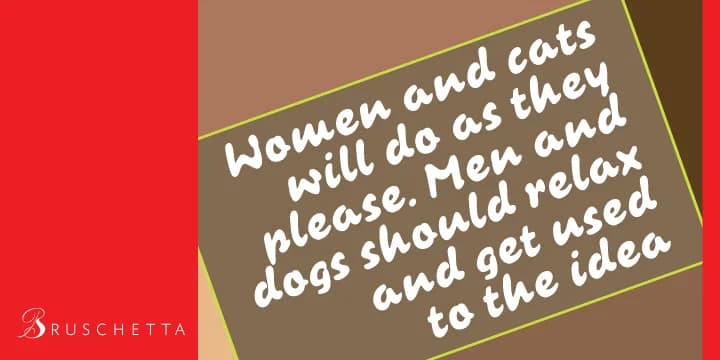
About Bruschetta Font
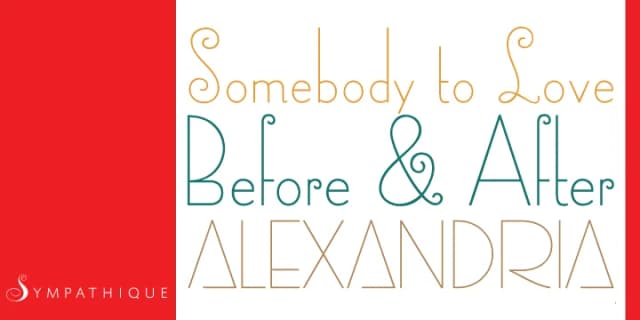
Brush scripts typically crumble when you push them into all-caps text, which is why so many designers avoid them when they know capitals are coming. Bruschetta, designed by Canada Type, solves this problem entirely: it's a brush script that actually works in all-caps without losing its organic character or visual warmth.
The letterforms maintain that loose, hand-drawn energy you want from a brush script, with natural stroke variation that feels gestural without looking forced or overdone. You get the handwritten personality paired with the structural confidence of a typeface that was actually designed to function, not just look decorative. It's the kind of font that works across wedding invitation suites, luxury cosmetics packaging, boutique restaurant menus, and artisanal product labels where you need personality but not chaos. The all-caps capability opens up design options most scripts simply can't touch.
Bruschetta shines for designers building brands around organic, approachable aesthetics. You might reach for it when creating hand-lettered event signage, personalized stationery, freelance branding work, or DIY craft projects that need genuine character. The technical functionality combined with visual warmth makes it stand out from other brush scripts. Find Bruschetta on Creative Fabrica.
Style & Use Cases
- Overall Style
- Elegant, Flowing
- Use Case
- Invitations, Branding
- Ideal For
- wedding stationery, greeting cards, and signatures
- Pairs With
- a simple uppercase sans
How to Install Bruschetta Font
Step-by-step instructions for every platform
- 1Download the Bruschetta font file (.ttf or .otf).
- 2Locate the downloaded file in your Downloads folder.
- 3Right-click the font file.
- 4Select "Install" to install for the current user, or "Install for all users" to make it available system-wide.
- 5Bruschetta is now available in Word, Photoshop, Illustrator, and all other apps.
More by Canada Type
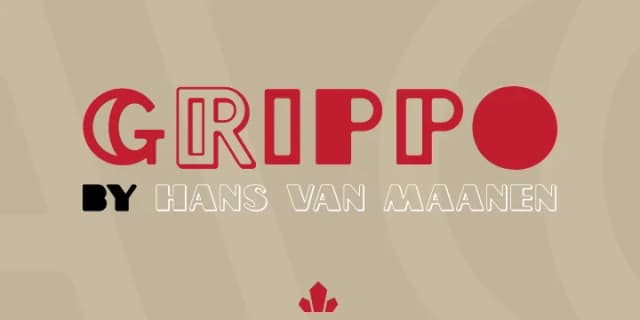
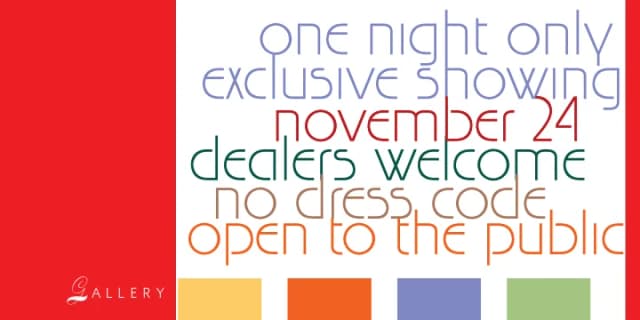
View all →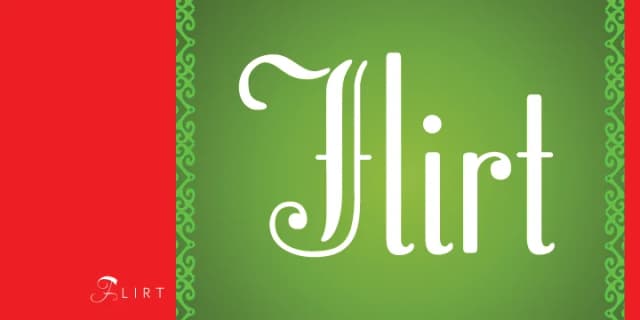
Browse fonts by theme
Curated collections →Saw a font in a picture? Identify any font from an image with our free Font Finder.
More Script Handwritten Fonts
Browse all →







What pairs well with Bruschetta Font?
Bruschetta Font is a script font that shines as a display or heading face. Pair it with a clean sans-serif or serif font for body text — the contrast creates a clear hierarchy while the two styles stay balanced and easy to read.



Bruschetta Font
by Canada Type
Reviewed by the FontBoxDL team · Updated July 2026