 Firefox
 1 / 4
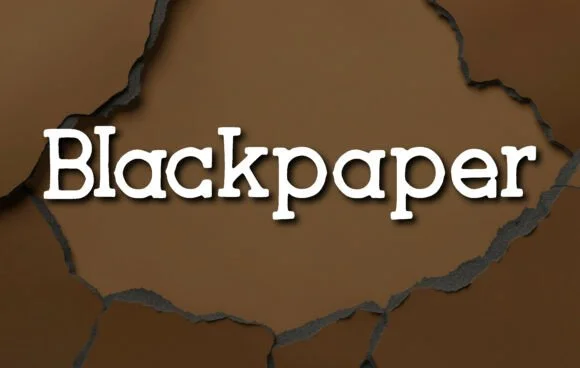
1 / 4About Blackpaper Font
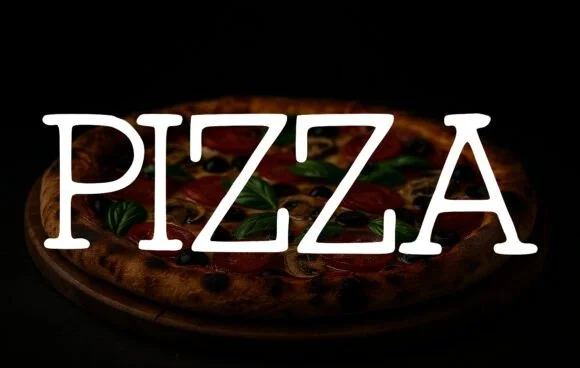
You're labeling handmade candles for a farmer's market booth, and you need a typeface that won't apologize for looking handcrafted. Blackpaper by OliviaFontCo steps in with honest letterforms that bridge vintage and contemporary design. This slab serif font trades pixel-perfect precision for character, giving each letter a slightly uneven edge that reads as intentional rather than sloppy.
The font works across several real-world applications. Craft brewery labels benefit from its earthy, tactile feel. Product packaging for small-batch goods finds a natural home in these sturdy, personable characters. Teachers building classroom posters and learning materials get letters that feel approachable without sacrificing legibility. Print zines and independent publications also lean on Blackpaper to signal authenticity and care in their layouts. That wobbly, lived-in quality extends across all weights, making it consistent from headlines to body text.
Blackpaper comes with multiple weights and language support, so you can adapt it to nearly any project scope. The font maintains readability at large sizes while its irregular edges actually become an asset in smaller applications, adding depth where mass-produced typefaces fall flat. Grab it from Creative Fabrica and start bringing warmth to your next design.
Style & Use Cases
- Overall Style
- Sturdy, Confident, Blackpaper
- Use Case
- Headlines, Merch
- Ideal For
- vintage posters, logos, and product packaging
- Pairs With
- a light sans-serif
How to Install Blackpaper Font
Step-by-step instructions for every platform
- 1Download the Blackpaper font file (.ttf or .otf).
- 2Locate the downloaded file in your Downloads folder.
- 3Right-click the font file.
- 4Select "Install" to install for the current user, or "Install for all users" to make it available system-wide.
- 5Blackpaper is now available in Word, Photoshop, Illustrator, and all other apps.
More by OliviaFontCo
View all →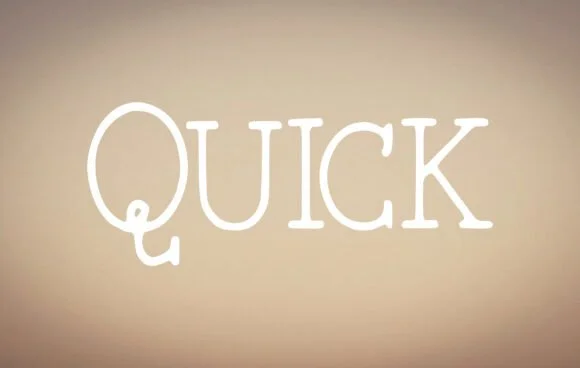
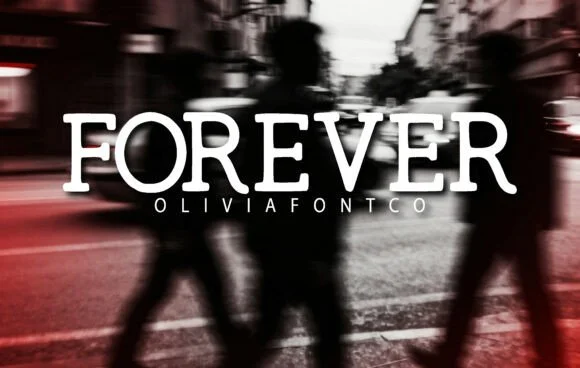
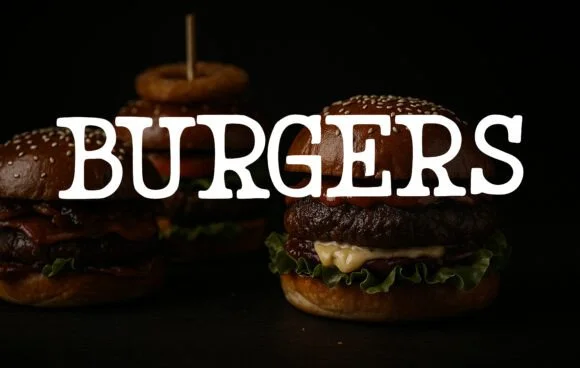
Browse fonts by theme
Curated collections →Saw a font in a picture? Identify any font from an image with our free Font Finder.
More Slab Serif Fonts
Browse all →







What pairs well with Blackpaper Font?
Blackpaper Font is a slab serif font that shines as a display or heading face. Pair it with a clean sans-serif or serif font for body text — the contrast creates a clear hierarchy while the two styles stay balanced and easy to read.




Blackpaper Font
by OliviaFontCo
Reviewed by the FontBoxDL team · Updated August 2026