 Firefox
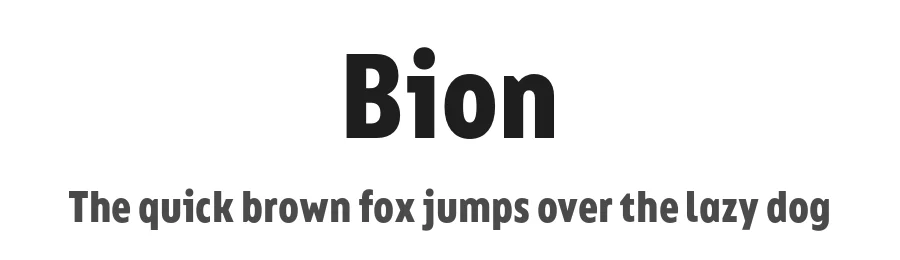 1 / 3
1 / 3Loading font…
About Bion Font
Get the full font family:
https://www.typeforward.com/typefaces/bion
Bion is a contemporary geometric sans serif with a down-to-earth attitude.
It is distinguished by a high x-height, vertically cut terminals, and a minimal stroke contrast, giving it a distinctive, sharp look that is both timeless and universally appealing.
Bion comes with 40 weights in a single variable file, ranging from Hairline to Black. We also included Upright, Italic, and Condensed variations to give you a fresh and diverse look for poster and title designs.
Whatever message you want to get across, Bion has you covered - with support for 220 languages and 1,220 glyphs in total, as well as Extended Latin, Cyrillic and Greek scripts and an exhaustive list of typographic symbols.
Our latest typeface also arrives packed full of OpenType features, including an alternative glyph set that will transform the way your text looks, giving it a more squarish appearance and offering additional visualization options.
The Bion type family also includes an extensive set of standard and discretionary ligatures, tabular and small figures, fractions, and language localizations. These features work in static and variable fonts alike, providing a ready-made solution to all your advanced typographic needs.
This functional, pragmatic typeface is clean and easily readable, making it an ideal choice for both print and on-screen media.
Style & Use Cases
- Overall Style
- Bold, Clean, Modern, Basic
- Use Case
- Body Text, UI
- Ideal For
- branding, interfaces, and modern layouts
- Pairs With
- a contrasting serif for headings
Similar Fonts
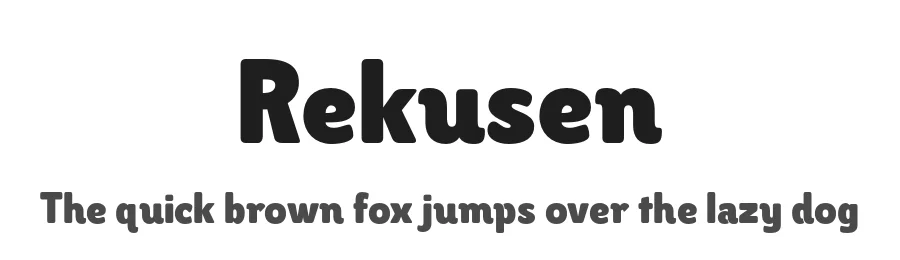
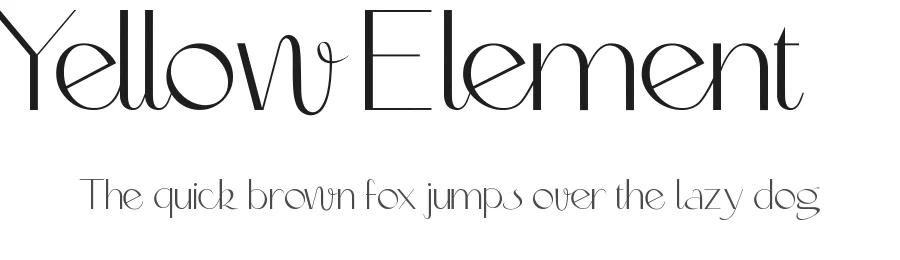
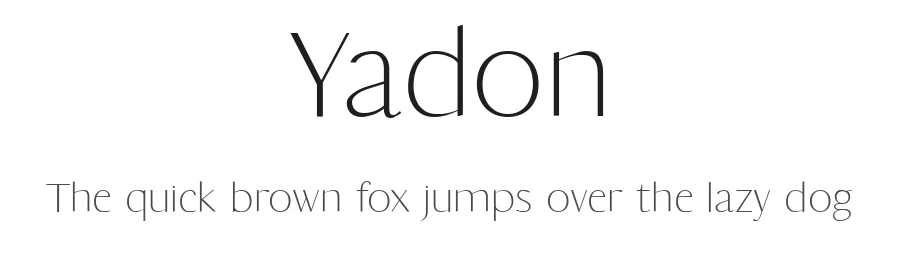
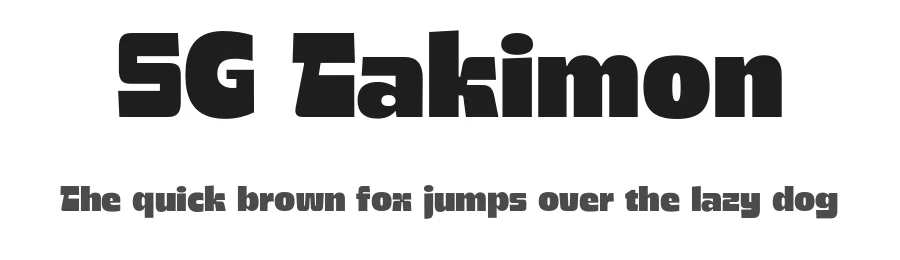
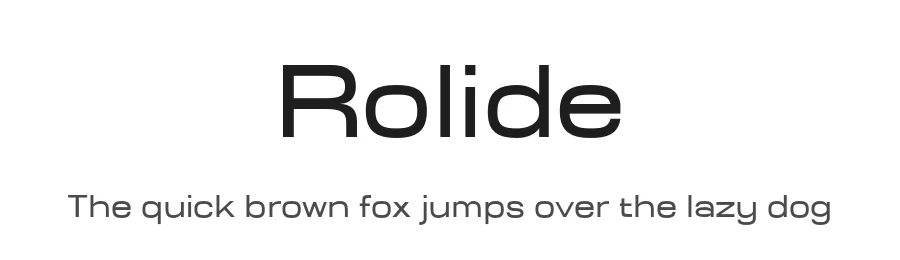
Fonts that look visually alike — matched by our Font Finder model.
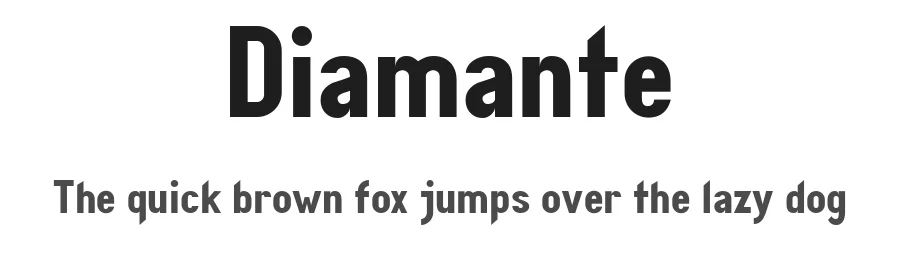
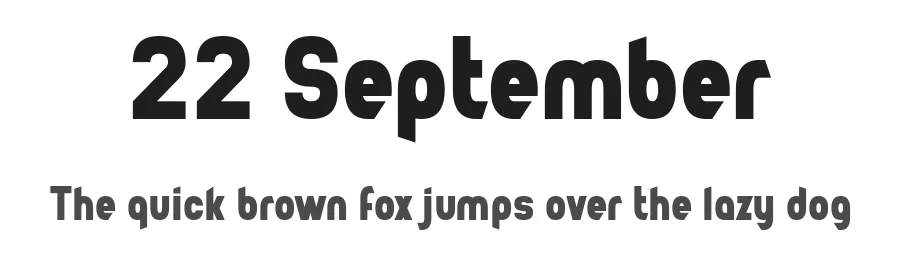
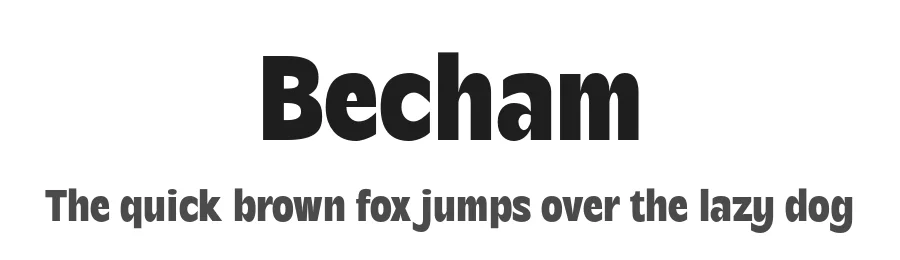
Bion Specifications
| Font Family | Bion Cond |
| Style | Bold |
| Full Name | Bion Bold Cond |
| Version | 1.000 |
| Weight | 700 (Bold) |
| Glyph Count | 1149 glyphs |
| PostScript Name | Bion-BoldCond |
| Designer | Mirela Belova, Stan Partalev |
| Format | OTF (CFF) |
| File Size | 152.2 KB |
OpenType Features
Bion ships with 14 OpenType features you can switch on in apps that support them (Illustrator, InDesign, Affinity, Figma, CSS font-feature-settings).
- Contextual alternates
- Case-sensitive forms
- Discretionary ligatures
- Fractions
- Standard ligatures
- Ordinals
- Proportional figures
- Stylistic alternates
- Scientific inferiors
- Subscripts
- Superscripts
- Tabular figures
- Slashed zero
- Stylistic sets (3)
Languages Supported
Bion supports 340 languages.
How to Install Bion Font
Step-by-step instructions for every platform
- 1Download the Bion font file (.ttf or .otf).
- 2Locate the downloaded file in your Downloads folder.
- 3Right-click the font file.
- 4Select "Install" to install for the current user, or "Install for all users" to make it available system-wide.
- 5Bion is now available in Word, Photoshop, Illustrator, and all other apps.
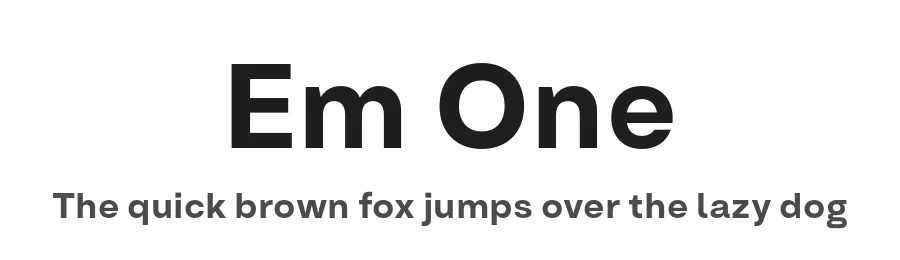
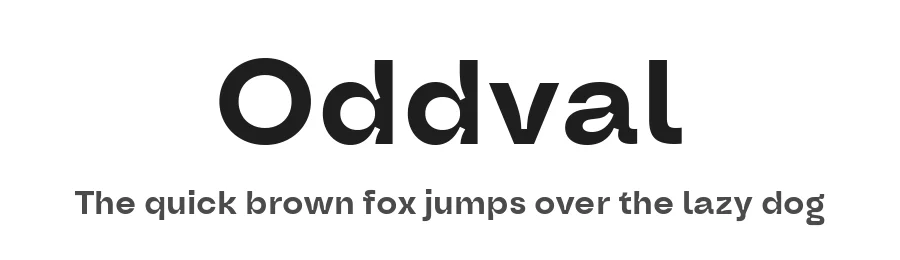
More by Type Forward Foundry
View all →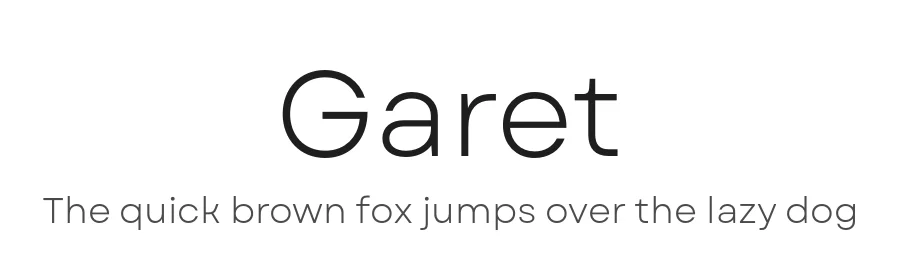
Browse fonts by theme
Curated collections →Saw a font in a picture? Identify any font from an image with our free Font Finder.
More Sans Serif Fonts
Browse all →
What pairs well with Bion Font?
Bion Font is a versatile sans-serif font that works for both headings and body text. Pair it with a contrasting serif or slab serif font to add visual interest and a clear distinction between titles and body copy.
Premium Sans Serif Fonts
★ PremiumWant something with more weights, glyphs, and commercial polish? These premium sans serif fonts are worth a look.
Bion Font
Reviewed by the FontBoxDL team · Updated September 2026
License: 100% Free