 Firefox
 1 / 3
1 / 3Loading font…
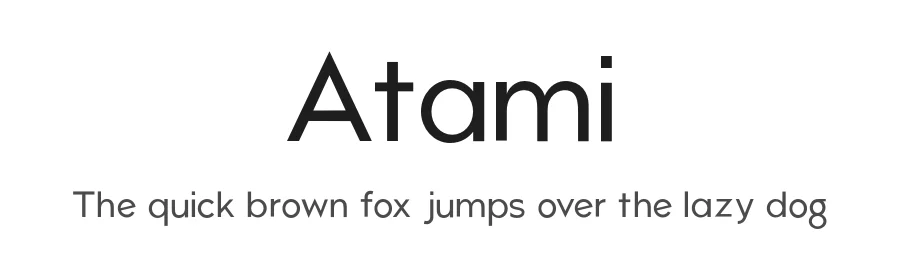
About Atami Font
Atami is a sans-serif typeface designed by Andrew Herndon. With 184 glyphs and support for 206+ languages using Latin-based scripts, Atami brings genuine international reach to any project where clarity and global accessibility matter. The regular weight delivers a clean, straightforward aesthetic that works equally well in digital interfaces and printed materials. Its broad character set spans enough linguistic territory to handle multilingual content without font substitution hassles, making it especially valuable for teams working across borders and regions.
For tech and modern design contexts, this typeface shines: product interfaces for SaaS applications, startup branding suites, minimalist poster campaigns, and multilingual website headers all benefit from its neutral, approachable character. Designers and developers often reach for generalist sans-serifs when they need something dependable and predictable. Atami fits squarely into that category, offering the kind of straightforwardness that performs reliably across screen sizes and print resolutions without demanding special handling or artistic ambition from the designer implementing it.
Free for both personal and commercial use, Atami removes licensing friction from your decision. Select this typeface when you need a no-nonsense sans-serif with extensive language coverage and want to avoid the rendering inconsistencies that sometimes plague default system fonts across different regions and browsers.
Style & Use Cases
- Overall Style
- Clean, Modern, Sans Serif
- Use Case
- Body Text, UI
- Ideal For
- branding, interfaces, and modern layouts
- Pairs With
- a contrasting serif for headings
Atami Specifications
| Font Family | Atami |
| Style | Regular |
| Full Name | Atami |
| Version | 1.000 |
| Weight | 400 (Regular) |
| Glyph Count | 184 glyphs |
| PostScript Name | Atami-Regular |
| Designer | Andrew Herndon |
| Format | OTF (CFF) |
| File Size | 19.5 KB |
OpenType Features
Atami ships with 3 OpenType features you can switch on in apps that support them (Illustrator, InDesign, Affinity, Figma, CSS font-feature-settings).
- Standard ligatures
- Stylistic alternates
- Stylistic sets (1)
Languages Supported
Atami supports 206 languages.
How to Install Atami Font
Step-by-step instructions for every platform
- 1Download the Atami font file (.ttf or .otf).
- 2Locate the downloaded file in your Downloads folder.
- 3Right-click the font file.
- 4Select "Install" to install for the current user, or "Install for all users" to make it available system-wide.
- 5Atami is now available in Word, Photoshop, Illustrator, and all other apps.
More by Andrew Herndon
View all →
Browse fonts by theme
Curated collections →Saw a font in a picture? Identify any font from an image with our free Font Finder.
More Sans Serif Fonts
Browse all →
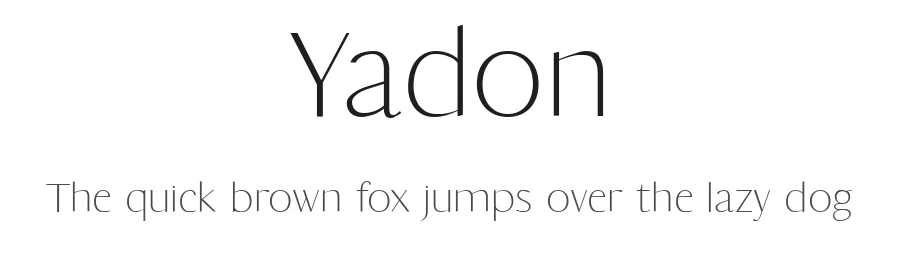
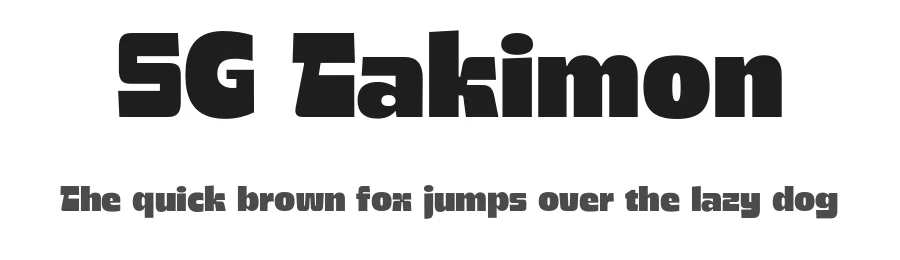
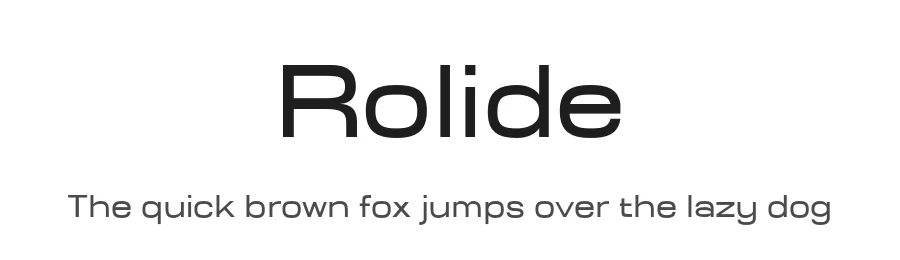
What pairs well with Atami Font?
Atami Font is a versatile sans-serif font that works for both headings and body text. Pair it with a contrasting serif or slab serif font to add visual interest and a clear distinction between titles and body copy.
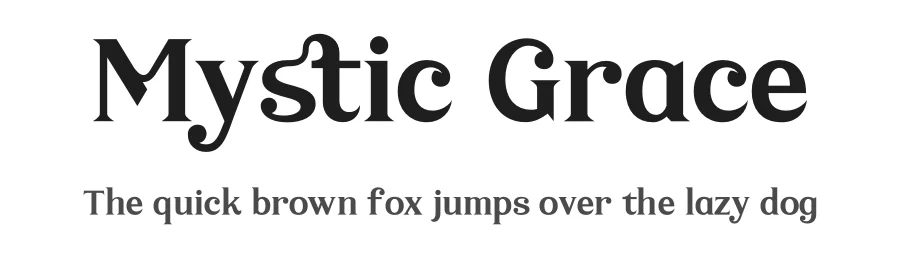
Premium Sans Serif Fonts
★ PremiumWant something with more weights, glyphs, and commercial polish? These premium sans serif fonts are worth a look.
Atami Font
Reviewed by the FontBoxDL team · Updated October 2026