 Firefox
 1 / 3
1 / 3Loading font…
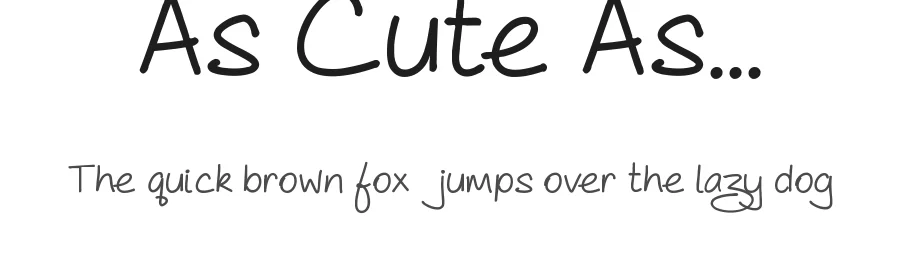
About As Cute As... Font
19th September, 2014 - this is a long-overdue update to 'As Cute As...'
The font family has been expended to four weights, each with a much larger character set than the previous versions. New in this version are numerals, accents and a few extra punctuation marks. Additionally, a couple of the original punctuation marks have been edited for greater clarity.
All weights of 'As Cute As...' remain free for both personal and commercial projects. If you use it, I'd love to see how, but this is not a condition of use.
Please check out my other fonts -
http://www.dafont.com/steve-gardner.d5188
. Any and all feedback on this and my other fonts is very welcome. Please send your comments and enquires to
[email protected]
Thanks and enjoy!
Style & Use Cases
- Overall Style
- Elegant, Flowing, Script
- Use Case
- Invitations, Branding
- Ideal For
- wedding stationery, greeting cards, and signatures
- Pairs With
- a simple uppercase sans
Similar Fonts
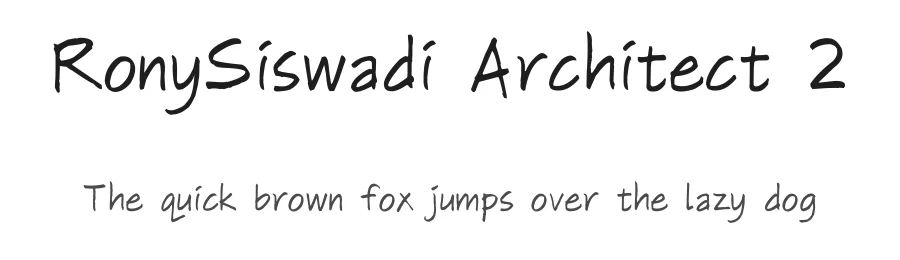
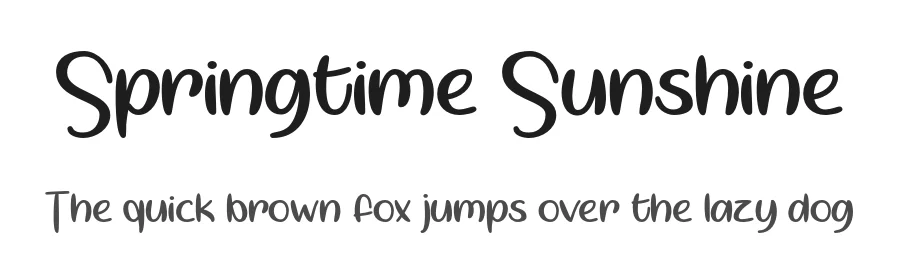
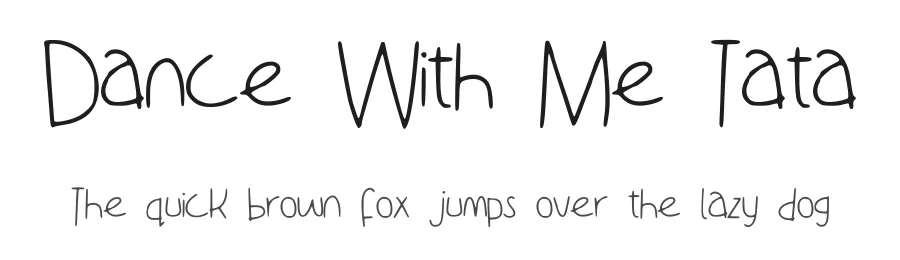
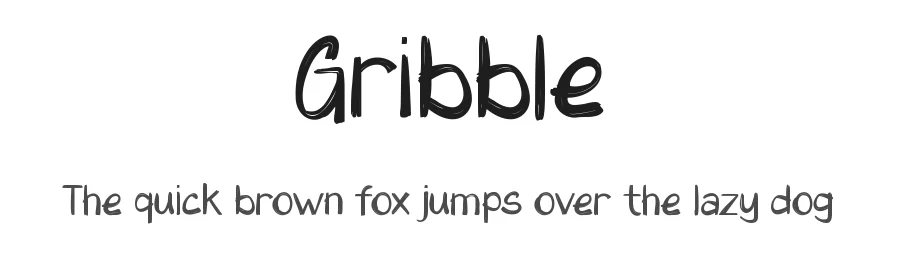
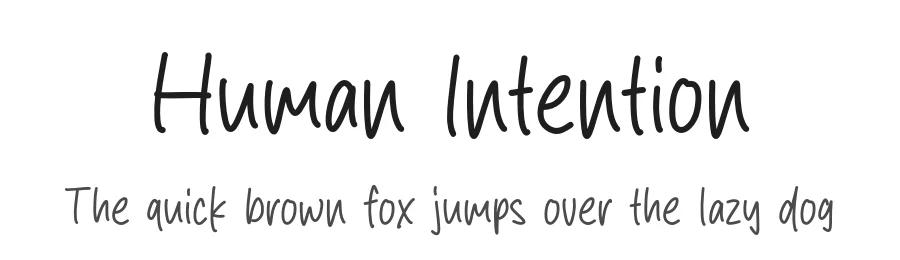
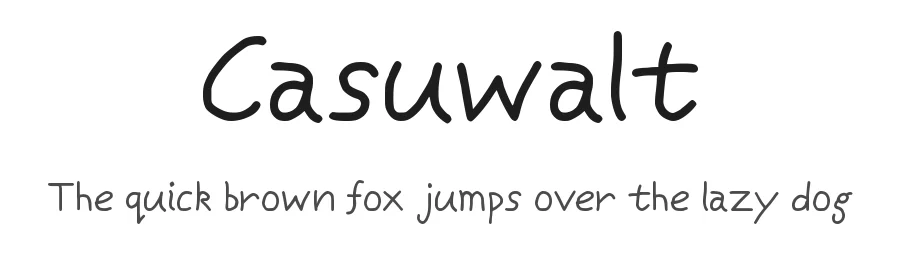
Fonts that look visually alike — matched by our Font Finder model.
As Cute As... Specifications
| Font Family | As Cute As... Bold |
| Style | Bold |
| Full Name | As Cute As... Bold |
| Version | 1.000 |
| Weight | 400 (Regular) |
| Glyph Count | 238 glyphs |
| PostScript Name | AsCuteAsBold-Bold |
| Format | TTF (TrueType) |
| File Size | 41.3 KB |
Languages Supported
As Cute As... supports 210 languages.
How to Install As Cute As... Font
Step-by-step instructions for every platform
- 1Download the As Cute As... font file (.ttf or .otf).
- 2Locate the downloaded file in your Downloads folder.
- 3Right-click the font file.
- 4Select "Install" to install for the current user, or "Install for all users" to make it available system-wide.
- 5As Cute As... is now available in Word, Photoshop, Illustrator, and all other apps.
More by Steve Gardner
View all →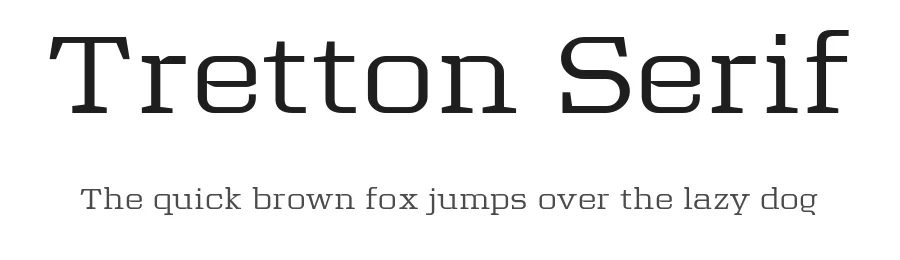
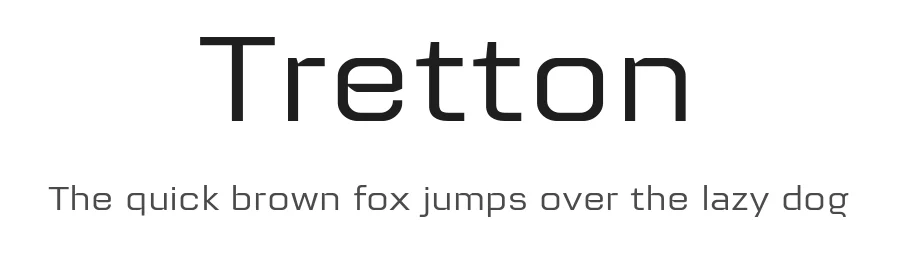
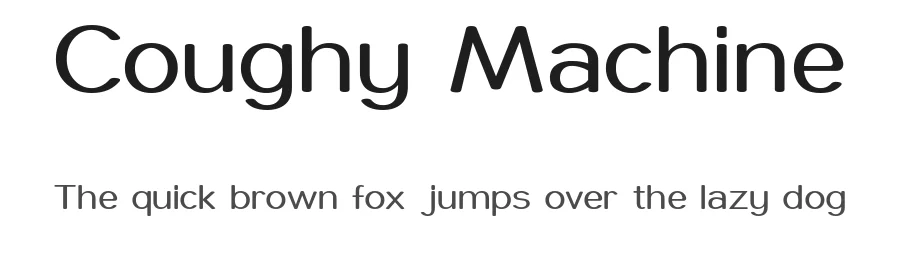
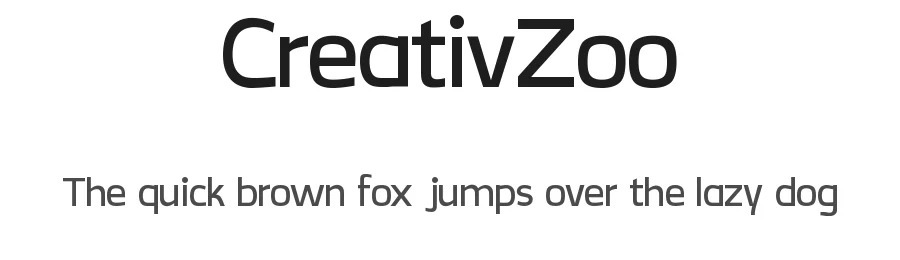
As Cute As... Font is featured in
All collections →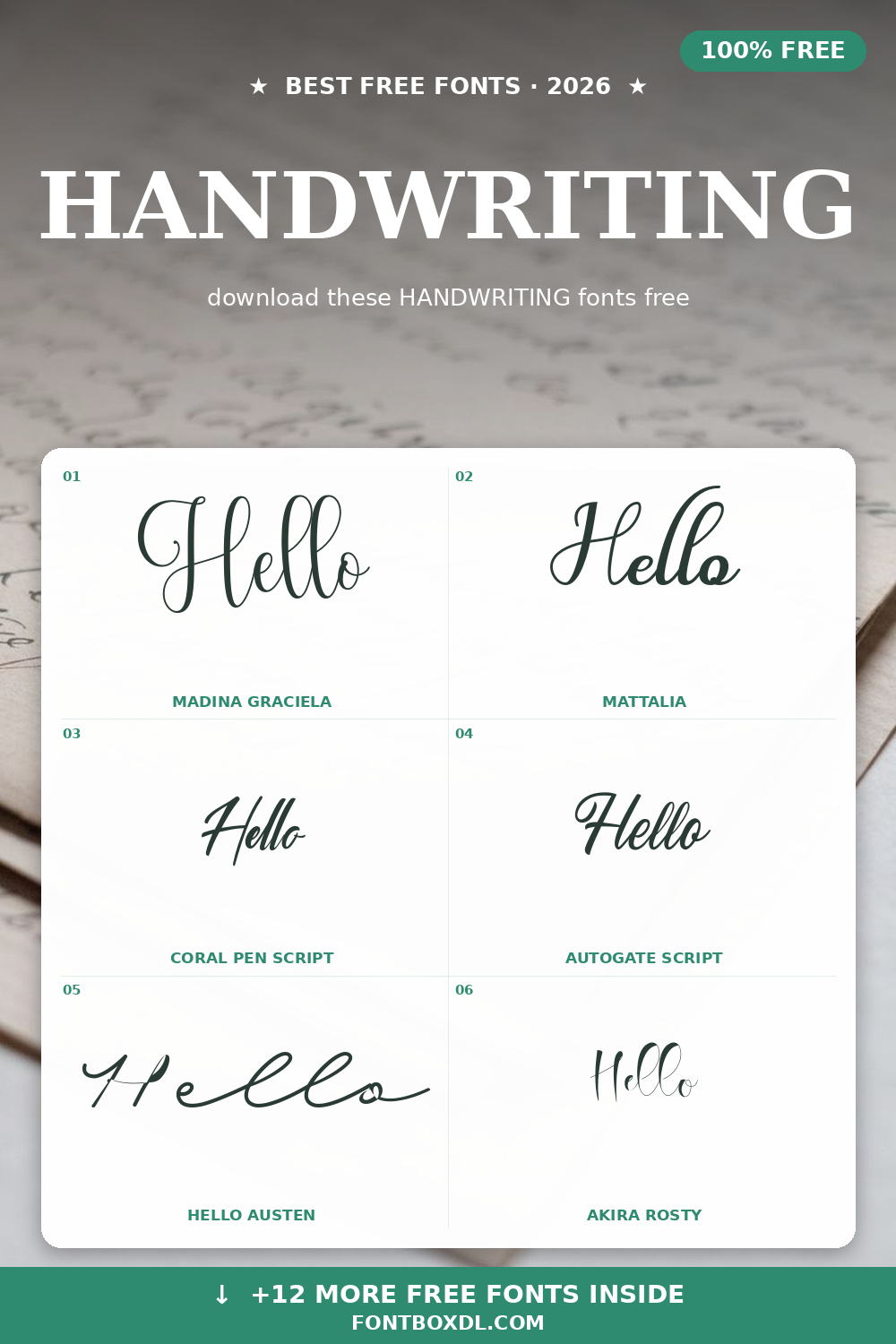
Browse fonts by theme
Curated collections →Saw a font in a picture? Identify any font from an image with our free Font Finder.
More Script Handwritten Fonts
Browse all →







What pairs well with As Cute As... Font?
As Cute As... Font is a script font that shines as a display or heading face. Pair it with a clean sans-serif or serif font for body text — the contrast creates a clear hierarchy while the two styles stay balanced and easy to read.




Premium Script Handwritten Fonts
★ PremiumWant something with more weights, glyphs, and commercial polish? These premium script handwritten fonts are worth a look.
As Cute As... Font
Reviewed by the FontBoxDL team · Updated July 2026
License: 100% Free