 Firefox
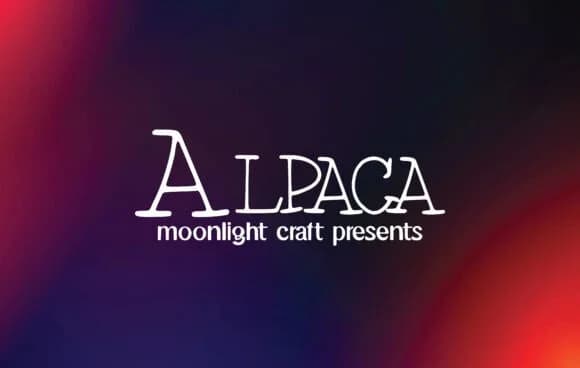 1 / 5
1 / 5About Alpaca Font
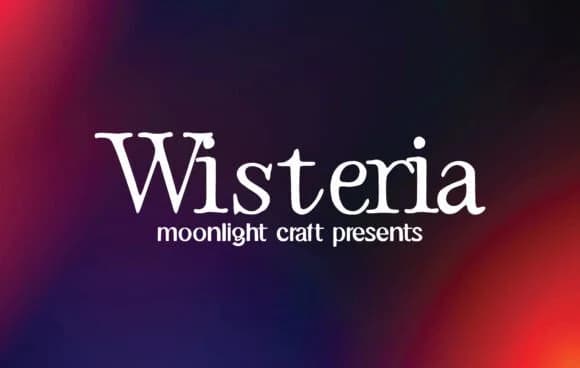
Alpaca, designed by moonlight craft, harnesses the visual weight of slab serifs to create letterforms that feel both modern and firmly rooted in typographic tradition. Those chunky brackets anchoring each stroke give the typeface character while maintaining excellent legibility across sizes and contexts.
The range here is what makes it genuinely useful. Designers turn to Alpaca when building luxury product labels and boutique skincare packaging that need to signal confidence and craft. Wedding invitation suites gain sophistication and real memorability in a crowded invitation landscape. Vintage band posters and music memorabilia benefit from its retro-modern credibility. Coffee shop menus, bookstore window signage, and indie magazine mastheads all settle comfortably into what this typeface does well. Vinyl record sleeves, poster campaigns, and even art-focused retail branding work beautifully within its visual personality.
The slab-serif structure holds up equally well at large sizes for headlines or running substantial body copy. This isn't a typeface attempting to solve every design problem, but what it commits to, it executes with genuine character and reliability. When you need a display face built for impact and memorability, Alpaca performs. Find it on Creative Fabrica and put it to work on projects that deserve its presence.
Style & Use Cases
- Overall Style
- Sturdy, Confident, Alpaca
- Use Case
- Headlines, Merch
- Ideal For
- vintage posters, logos, and product packaging
- Pairs With
- a light sans-serif
How to Install Alpaca Font
Step-by-step instructions for every platform
- 1Download the Alpaca font file (.ttf or .otf).
- 2Locate the downloaded file in your Downloads folder.
- 3Right-click the font file.
- 4Select "Install" to install for the current user, or "Install for all users" to make it available system-wide.
- 5Alpaca is now available in Word, Photoshop, Illustrator, and all other apps.
More by moonlight craft
View all →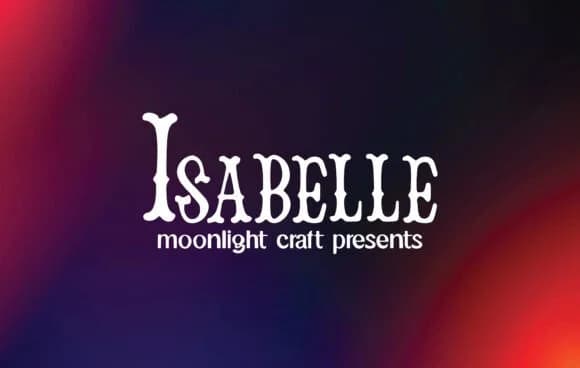
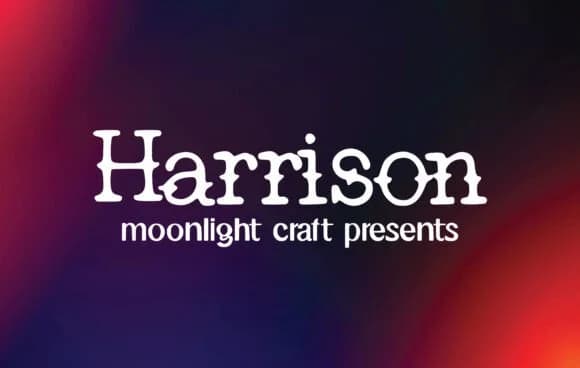
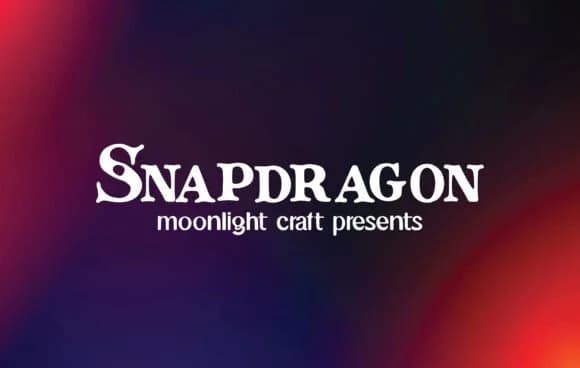
Browse fonts by theme
Curated collections →Saw a font in a picture? Identify any font from an image with our free Font Finder.
More Slab Serif Fonts
Browse all →







What pairs well with Alpaca Font?
Alpaca Font is a slab serif font that shines as a display or heading face. Pair it with a clean sans-serif or serif font for body text — the contrast creates a clear hierarchy while the two styles stay balanced and easy to read.



Alpaca Font
Reviewed by the FontBoxDL team · Updated August 2026