 Firefox
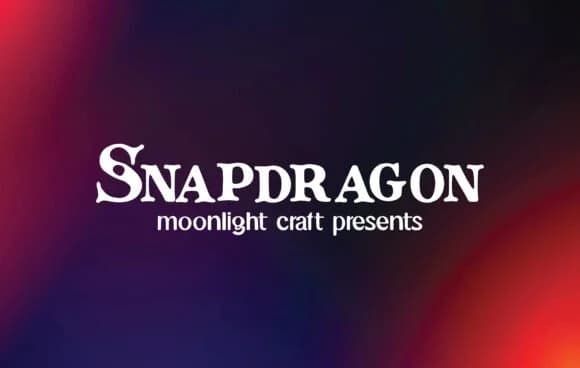 1 / 5
1 / 5About Snapdragon Font
Snapdragon by moonlight craft is a slab-serif built for bold headlines and complete brand identities. It strikes that rare balance between strong personality and genuine readability, which means it functions as a statement typeface without the self-consciousness some display fonts carry. The letterforms have real presence and weight without sacrificing legibility, even when you push them to larger text sizes or demanding headline applications.
You'll find Snapdragon at home with high-end product packaging, music album artwork, small press book publishing, retro-style poster campaigns, and boutique fashion branding. The typeface transitions smoothly between print and digital contexts; it holds up equally well on website headers, podcast cover art, social media branding, and printed marketing collateral. Because the letterforms carry that much confidence, you often don't need much else to establish a strong visual direction. Many designers use Snapdragon to anchor an entire brand identity on its own, treating it as the primary voice. Others pair it with something cleaner or lighter when they want visual contrast or need a supporting typeface for body text and longer reading passages.
Grab Snapdragon from Creative Fabrica and add it to your collection: a typeface built to carry serious visual weight in everything you design.
Style & Use Cases
- Overall Style
- Sturdy, Confident, Snapdragon
- Use Case
- Headlines, Merch
- Ideal For
- vintage posters, logos, and product packaging
- Pairs With
- a light sans-serif
How to Install Snapdragon Font
Step-by-step instructions for every platform
- 1Download the Snapdragon font file (.ttf or .otf).
- 2Locate the downloaded file in your Downloads folder.
- 3Right-click the font file.
- 4Select "Install" to install for the current user, or "Install for all users" to make it available system-wide.
- 5Snapdragon is now available in Word, Photoshop, Illustrator, and all other apps.
More by moonlight craft
View all →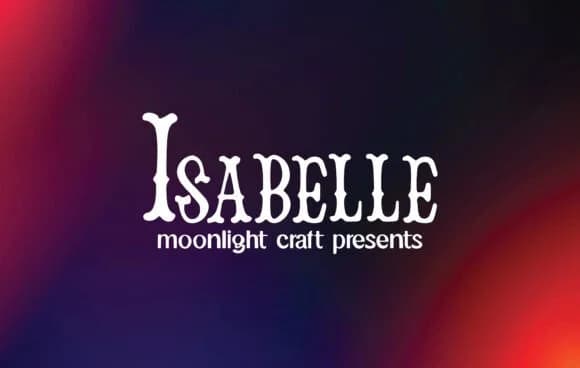
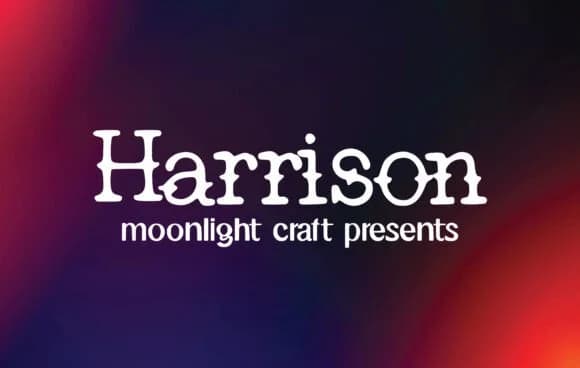
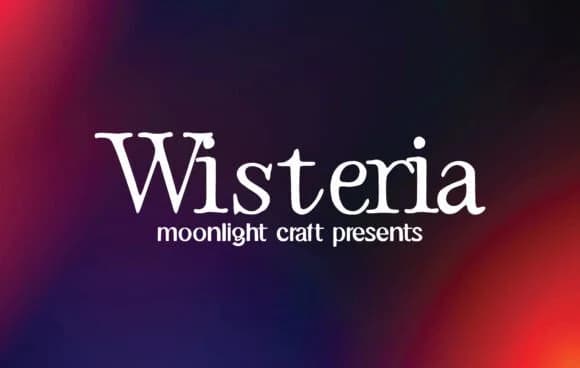
Browse fonts by theme
Curated collections →Saw a font in a picture? Identify any font from an image with our free Font Finder.
More Slab Serif Fonts
Browse all →







What pairs well with Snapdragon Font?
Snapdragon Font is a slab serif font that shines as a display or heading face. Pair it with a clean sans-serif or serif font for body text — the contrast creates a clear hierarchy while the two styles stay balanced and easy to read.



Snapdragon Font
Reviewed by the FontBoxDL team · Updated August 2026