 Firefox
 1 / 3
1 / 3Loading font…
About Alef Font
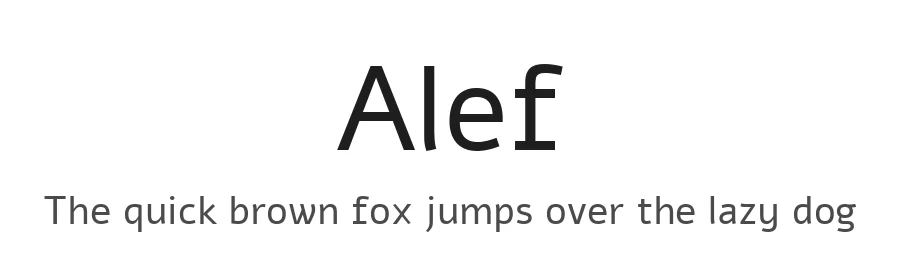
Alef was born in the screen and designed to the pixel in an attempt to extend the palette of Hebrew fonts available for web design. It challenges the default, Arial. Alef supports both the Hebrew and Latin writing systems. To contribute, see alef.hagilda.com
Style & Use Cases
- Overall Style
- Clean, Modern, Sans Serif
- Use Case
- Body Text, UI
- Ideal For
- branding, interfaces, and modern layouts
- Pairs With
- a contrasting serif for headings
Alef Specifications
| Font Family | Alef |
| Style | Regular |
| Full Name | Alef Regular |
| Version | 1.002 |
| Weight | 400 (Regular) |
| Glyph Count | 424 glyphs |
| PostScript Name | Alef-Regular |
| Designer | Hagilda Tel Aviv |
| Format | TTF (TrueType) |
| File Size | 88.9 KB |
OpenType Features
Alef ships with 1 OpenType feature you can switch on in apps that support them (Illustrator, InDesign, Affinity, Figma, CSS font-feature-settings).
- Standard ligatures
Languages Supported
Alef supports 282 languages.
How to Install Alef Font
Step-by-step instructions for every platform
- 1Download the Alef font file (.ttf or .otf).
- 2Locate the downloaded file in your Downloads folder.
- 3Right-click the font file.
- 4Select "Install" to install for the current user, or "Install for all users" to make it available system-wide.
- 5Alef is now available in Word, Photoshop, Illustrator, and all other apps.
Browse fonts by theme
Curated collections →Saw a font in a picture? Identify any font from an image with our free Font Finder.
More Sans Serif Fonts
Browse all →
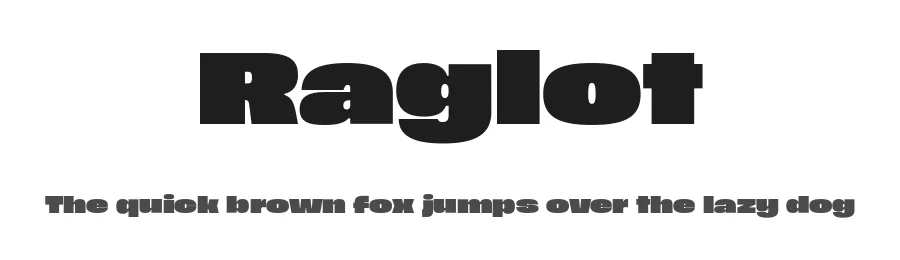
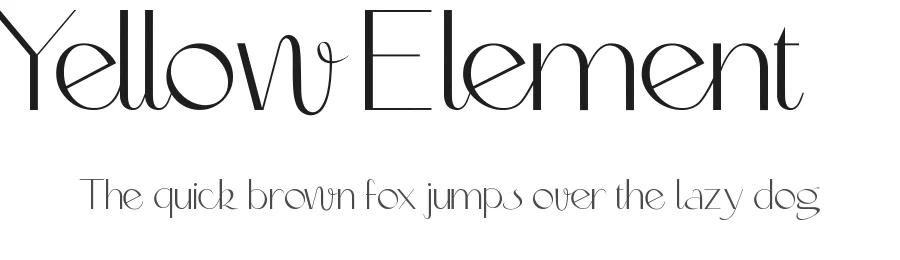
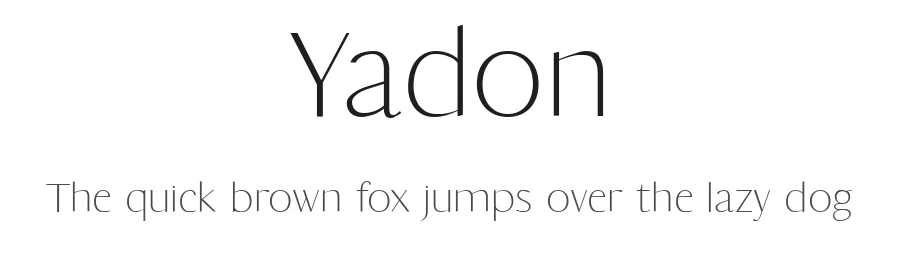
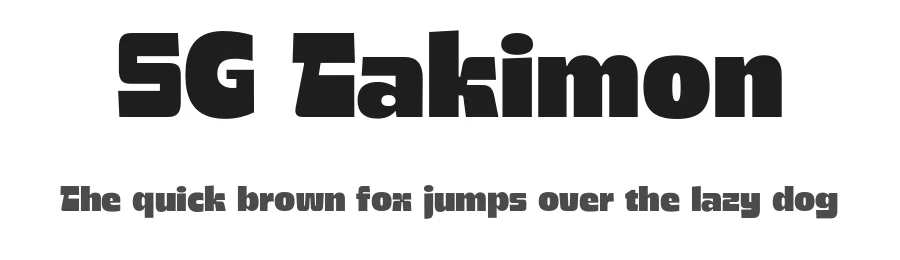
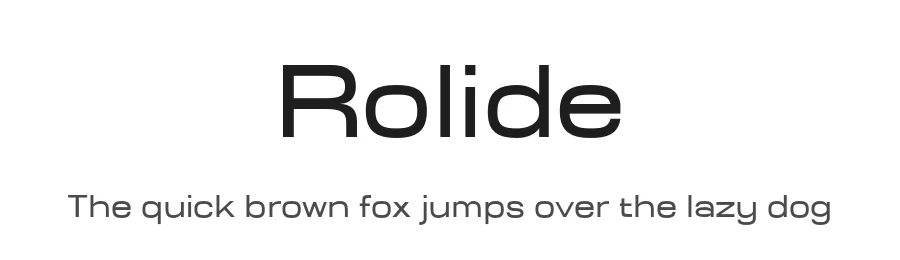
What pairs well with Alef Font?
Alef Font is a versatile sans-serif font that works for both headings and body text. Pair it with a contrasting serif or slab serif font to add visual interest and a clear distinction between titles and body copy.
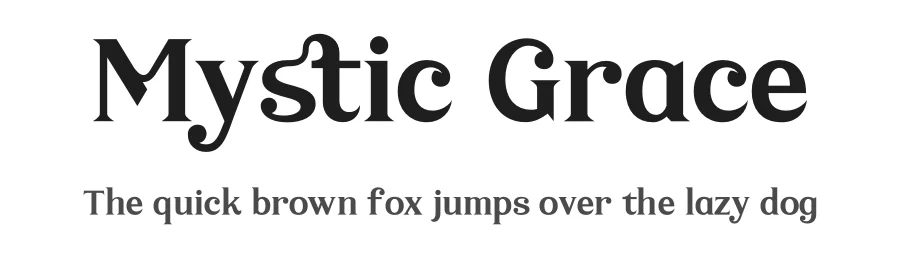
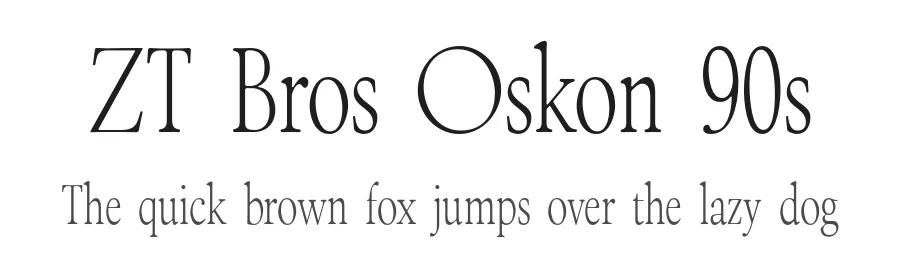
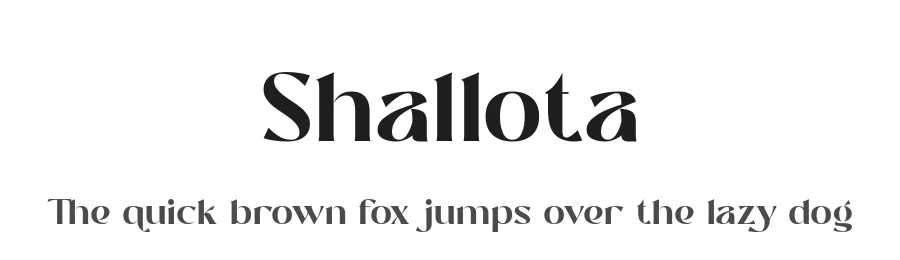
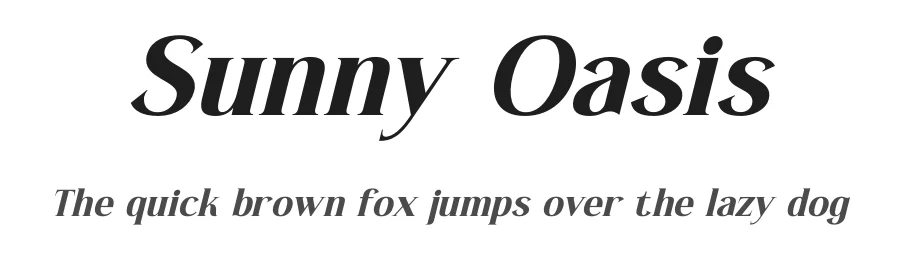
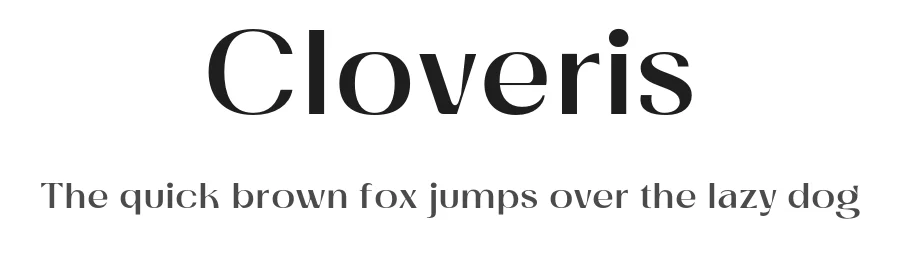
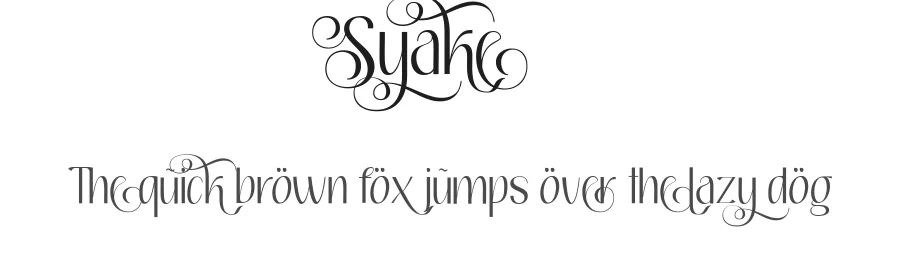
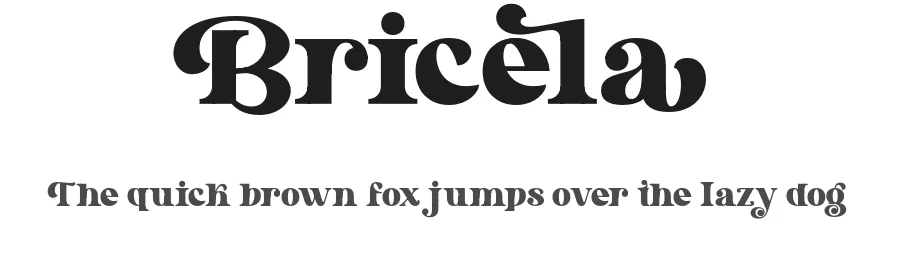
Premium Sans Serif Fonts
★ PremiumWant something with more weights, glyphs, and commercial polish? These premium sans serif fonts are worth a look.
Alef Font
Reviewed by the FontBoxDL team · Updated July 2026