Firefox
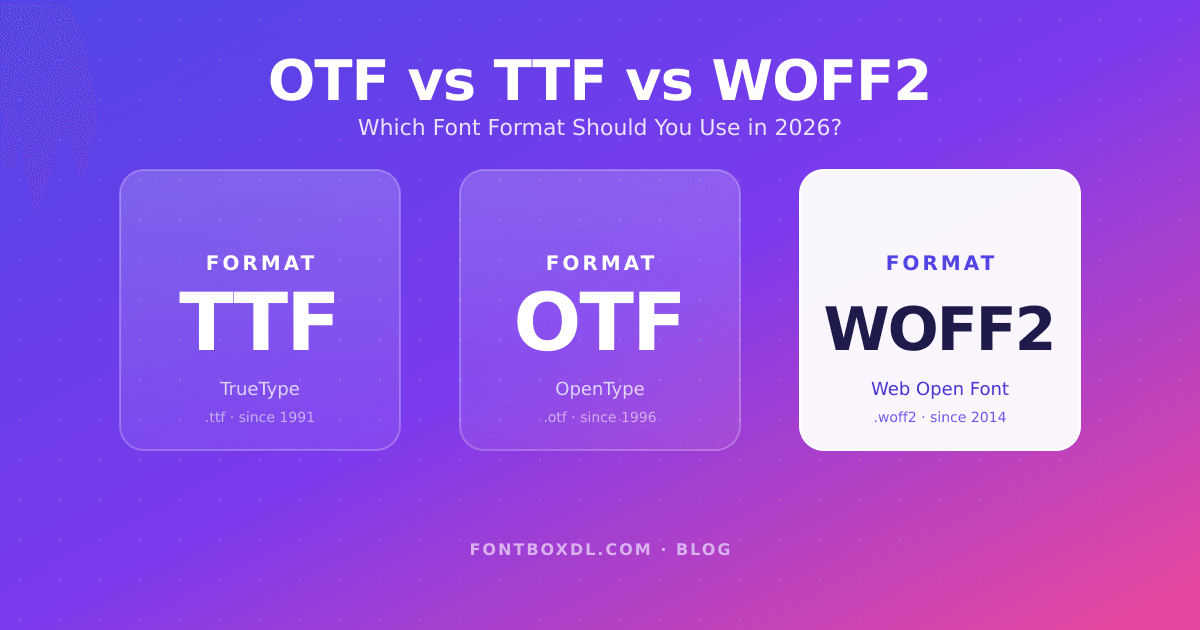
If you've ever downloaded a font, you've probably faced a confusing choice: TTF, OTF, WOFF, or WOFF2? They all install fonts onto your computer (or website) — but they're not interchangeable, and picking the wrong format can mean missing features, larger file sizes, or fonts that simply won't load on your site.
This guide breaks down what each format actually does, where it shines, and exactly which one you should use in 2026 — whether you're designing a logo, building a website, or printing a poster.
TL;DR — Quick Answer
- Designing offline (Photoshop, Word, Illustrator, print)? Use OTF if available, otherwise TTF.
- Building a website? Use WOFF2 — it's 30–50% smaller than TTF and supported by every modern browser.
- Need maximum compatibility (legacy software, old systems)? Use TTF.
- Got a font in the wrong format? Convert it with our free webfont generator — drag in a TTF or OTF and download WOFF2 instantly.
What Is TTF (TrueType)?
TrueType (.ttf) is the original cross-platform font format, jointly developed by Apple and Microsoft in the late 1980s. It uses quadratic Bézier curves to describe each glyph's outline, and it's been the default for desktop fonts on both macOS and Windows for over three decades.
TTF is incredibly reliable: every operating system supports it natively, every design app reads it, and Microsoft Office, Adobe Creative Cloud, Affinity Suite, and Figma all handle it without complaint. If a font ships with only one file, it's almost always a TTF.
Use TTF when:
- You're working with older software or operating systems.
- You don't need advanced typography features like ligatures, alternate glyphs, or stylistic sets.
- You want the broadest possible compatibility for desktop use.
What Is OTF (OpenType)?
OpenType (.otf) was launched in 1996 by Microsoft and Adobe as a successor to both TrueType and Adobe's earlier PostScript Type 1 format. It supports cubic Bézier curves (which produce smoother outlines at certain sizes) and — more importantly — adds a huge layer of typographic intelligence on top.
What does that mean in practice? OTF files can include:
- Ligatures — automatic letter combinations like "fi", "fl", "ffl" that join cleanly.
- Stylistic alternates — multiple versions of the same letter (swashed capitals, alternate "g" shapes, etc.).
- Small caps, old-style figures, fractions, contextual alternates — features that professional typographers rely on.
- Up to 65,000 glyphs — perfect for fonts with extended language support, icon sets, or decorative variants.
If you're designing a wedding invitation, a magazine spread, a logo with calligraphic flourishes, or anything else where typography is the star, OTF is the format you want. Many of our most popular display and script typefaces — like Sunny Oasis — ship as OTF specifically to take advantage of these features.
Use OTF when:
- Your software supports advanced OpenType features (Adobe apps, Affinity, modern InDesign, etc.).
- You need stylistic alternates, ligatures, or extended glyph sets.
- You want the highest typographic quality for print and editorial design.
What Is WOFF and WOFF2?
WOFF (Web Open Font Format) and its successor WOFF2 are the formats designed specifically for the web. They're not new fonts — they're compressed wrappers around an existing TTF or OTF file, optimised to download as quickly as possible to a visitor's browser.
The difference between the two:
- WOFF (1.0) — released in 2009, uses zlib compression. About 30% smaller than the original TTF.
- WOFF2 — released in 2014, uses Brotli compression. About 30% smaller again on top of WOFF, and roughly 30–50% smaller than a raw TTF.
That size reduction matters a lot. Web fonts are render-blocking by default — every kilobyte of font file delays the moment your text becomes visible. A 100 KB WOFF2 file replacing a 200 KB TTF can shave 100ms off your first contentful paint, which directly affects Core Web Vitals and SEO rankings.
Browser support is excellent in 2026: WOFF2 is supported in every modern browser, including Chrome, Firefox, Safari, Edge, and all mobile browsers. Unless you specifically need to support Internet Explorer (you don't), there's no reason to ship anything else for the web.
Use WOFF2 when:
- You're embedding a font on a website using
@font-face. - You care about page load speed, Core Web Vitals, or mobile performance.
- You want the smallest possible file size without sacrificing quality.
What About Variable Fonts?
You may have also seen variable fonts — these are a relatively new development (2016+) that pack multiple weights, widths, and styles into a single file. A variable font might let you smoothly slide between Light, Regular, Bold, and Black weights from one .ttf or .woff2 file, instead of loading four separate files.
Variable fonts use the same .ttf, .otf, or .woff2 extensions — they're not a separate format. They simply contain extra data that supporting apps and browsers can interpolate. For websites loading multiple weights, a single variable WOFF2 is often smaller than three or four static WOFF2 files combined.
Less Common Formats You Might See
- EOT (Embedded OpenType) — a Microsoft-only format from the 1990s, used for Internet Explorer. Don't use it. No modern browser needs it.
- SVG fonts — deprecated. Replaced by WOFF2 and SVG-in-OpenType (color fonts).
- PostScript Type 1 (.pfb / .pfm) — discontinued by Adobe in 2023. Use OTF instead.
- TTC (TrueType Collection) — multiple TTF files bundled together, common on macOS system fonts.
So Which Format Should You Actually Use?
Here's the simple decision tree:
- Print, posters, logos, offline design work → OTF if the foundry offers it (you'll get advanced typography). Otherwise TTF.
- Microsoft Word, Google Docs, basic graphic design → TTF works perfectly and avoids any compatibility surprises.
- Websites, web apps, anything with
@font-face→ WOFF2, no question. Optionally include a WOFF fallback if you must support browsers older than 2015 (which is rare). - Mobile apps → TTF or OTF. Both iOS and Android prefer these for bundled fonts.
The good news: every font on FontBoxDL ships in at least TTF, and most include OTF. For web use, you can always convert any .ttf or .otf into a perfectly optimised .woff2 file for free using our webfont generator — no signup, no upload limit, all conversion happens in your browser.
Converting Between Formats
If you've downloaded a font in one format but need another, conversion is straightforward and lossless (for TTF↔OTF↔WOFF2). The fastest option is our free webfont generator — drop in your TTF or OTF and download WOFF2 in seconds. For more complex needs (subsetting, hinting adjustments, variable axis fixes), tools like FontForge or fonttools (Python) handle the heavy lifting.
Final Thoughts
Font formats sound technical, but the practical answer for 2026 is short: OTF for design work, WOFF2 for the web, TTF when you need maximum compatibility. Knowing which to grab when you download a font means fewer surprises later — slower page loads, missing ligatures, or fonts that simply don't render.
Browse our full catalogue of serif, sans-serif, and script fonts — every one is available in production-ready formats, ready for whatever you're building next.