Firefox
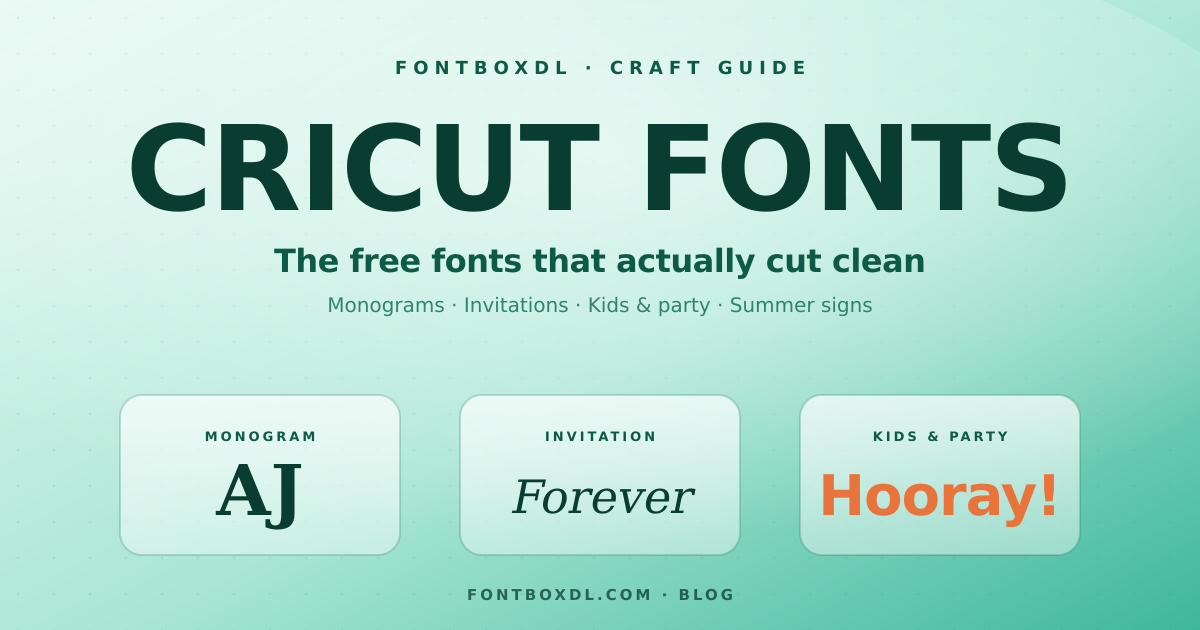
Here's something nobody tells you when you start crafting: most of the fonts that look gorgeous on screen are a nightmare to cut. You find the perfect swirly script, load it into Design Space, hit "Make It," and end up peeling a tangle of paper-thin loops off your mat with tweezers. Been there. So this isn't a "top 50 prettiest fonts" list — it's the honest version: which free fonts actually behave on a Cricut, and how to set them up so you're not fighting your machine.
What makes a font good for Cricut (and what doesn't)
Pretty and cuttable are two different things. A font can be stunning in a wedding invitation mockup and still fall apart the second you try to cut it from vinyl. After enough ruined mats, you start to notice a pattern. The fonts that work tend to share a few traits:
- Decent weight. Hairline-thin strokes tear, especially in small sizes or on heat-transfer vinyl. Slightly chunkier letterforms hold up.
- Connected scripts, not disconnected ones. A flowing script where the letters join up cuts as one clean piece. A "fake script" where each letter floats separately means a dozen tiny shapes to weed.
- Simple interiors. Tiny serifs, fine details, and ornate flourishes look amazing on a poster and terrible at 1 inch tall.
None of this means you can't use a delicate font — it just means you size up, slow down, and weed with patience. Know what you're getting into before you press the button.
Pick the font to fit the project
The fastest way to choose is to start from what you're making, not from the font. A few starting points:
Monograms and initials. Single-letter and split-letter fonts are made for this — they frame two or three initials into something that looks custom. If you want to mock one up before you cut, our Monogram Maker lets you type your initials, preview them in real monogram fonts, and download a transparent PNG. Browse the full set on the monogram fonts page.
Wedding and invitations. This is script territory — elegant, connected, romantic. A flowing calligraphy headline paired with a clean serif for the details reads beautifully on cardstock. Start with our wedding fonts.
Kids' shirts, classroom decor, and party signs. Go bouncy and bold. Rounded, friendly letters cut cleanly and read from across the room. The cute fonts collection is a good place to dig.
Summer signs and seasonal crafts. It's the season for beach decor, vacation shirts, and popsicle-stand vibes. Bright, breezy display faces fit the mood — see the summer fonts picks. Super Summer and Summer Adventure are both fun starting points.
Eight free fonts worth previewing first
I'm not going to pretend I've cut all 60,000 fonts on the site. But these are the kinds of free fonts I reach for, grouped by what they're good at. Preview each with your actual text before you download — what works for "Hello" might not work for a long surname.
For scripts and invitations:
- Madelyn — a soft, looping script that feels handwritten without getting fussy. Good for names and short phrases.
- Zaletta — a modern calligraphy style with confident connected strokes; weld it and it cuts as one flowing piece.
- Everything Rises — a bouncy signature script that suits planners, mugs, and gift tags.
For sturdy, easy-to-weed lettering:
- Shallota — has the weight to survive small sizes and tricky materials.
- Laviossa — clean and readable; a safe pick for quotes and home decor.
- Sunny Oasis — friendly and rounded, nice for seasonal and kids' projects.
For a hand-painted, casual look:
- Arizona — a relaxed brush style with personality; great on totes and tees.
- Rustyne — a textured script for that rustic, farmhouse-sign feel.
Once you've narrowed it down, check the matching script & handwritten and display categories for siblings in the same mood.
Try before you commit
You don't have to install ten fonts to find the one. Type your actual text — the name, the phrase, the date — and look at it before you download anything. Our Font Generator lets you preview your words in thousands of real fonts and export a transparent PNG, which is handy for planning a layout even before you open Design Space. Seeing "Emma & Jack · June 2026" in a font tells you far more than seeing "The quick brown fox."
Getting them onto your Cricut
The font part is simple, the install part trips people up. Download the file (TTF or OTF both work), install it on your computer or phone, and restart Design Space so it shows up in the font list. If you're not sure how, we wrote a step-by-step walkthrough for every device here: How to install fonts on any device.
One Design Space tip that saves a lot of grief: when you use a script font, select your text and use Weld so the connected letters cut as a single continuous piece instead of overlapping chunks. Without it, you'll get little gaps where letters meet.
A quick word on licenses
"Free" usually means free for personal use. If you're selling what you make — Etsy shirts, custom signs, commissioned invitations — check the license on the font's page first. Plenty of free fonts allow commercial use, and plenty don't; it takes ten seconds to look and saves you a headache later. Every font on FontBoxDL lists its license right on the download page.
The short version
Cut-friendly beats pretty-on-screen. Match the font to the project, not the other way around. Preview your real words before you download. Weld your scripts. And glance at the license before you sell. Do those five things and your mat will thank you.
Ready to dig in? Start with the monogram and wedding collections, or just browse all 60,000+ free fonts and search for your project. Happy crafting.