 Firefox
 1 / 3
1 / 3Loading font…
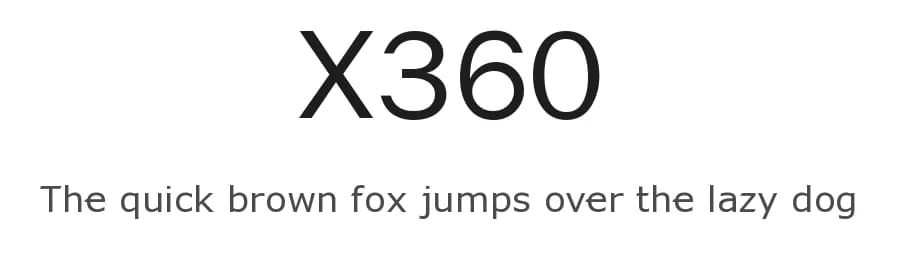
About X360 Font
X360 is a sans-serif typeface designed by Redge. Featuring 919 glyphs and comprehensive support for over 312 Latin-based languages, this font serves designers, developers, and makers who need reliable multilingual typography without settling for limited character sets. The normal weight and neutral construction provide a stable foundation for design work where legibility must never be compromised. This is the kind of typeface that works equally well for a website read by international audiences or for a local community project that needs to acknowledge multiple languages.
The practical character set makes X360 useful for building website navigation and body text, creating app interface labels and form fields, designing social media templates, and preparing Cricut vinyl cutting files where precision and clarity drive results. You won't encounter frustrating moments where a missing glyph forces a font swap mid-project. Instead, the deep language support means your designs remain internally consistent across global text. This matters for anyone working on truly multilingual layouts, whether that's international business websites, community signage, or craft applications aimed at diverse audiences.
Available as a free download from this page, the font comes with licence terms specified there. Select X360 when you value a font that handles multiple writing systems as native capability rather than an afterthought, and when clarity and functional utility matter more than visual drama.
Style & Use Cases
- Overall Style
- Clean, Modern, Basic
- Use Case
- Body Text, UI
- Ideal For
- branding, interfaces, and modern layouts
- Pairs With
- a contrasting serif for headings
Similar Fonts
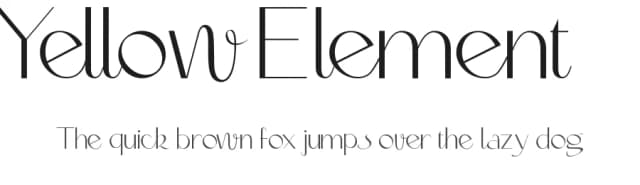
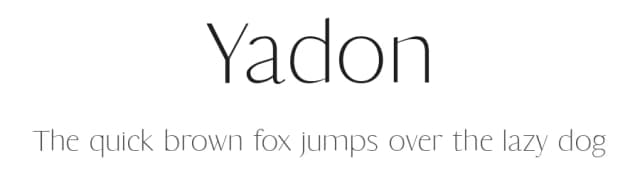
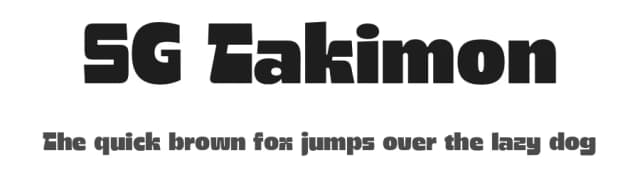
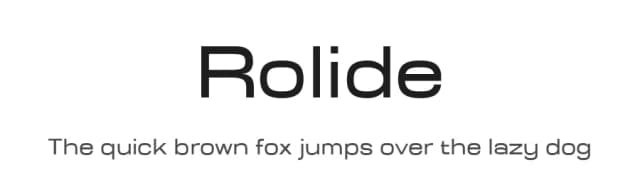
Fonts that look visually alike — matched by our Font Finder model.


X360 Specifications
| Font Family | X360 by Redge |
| Style | Normal |
| Full Name | X360 by Redge |
| Weight | 400 (Regular) |
| Glyph Count | 919 glyphs |
| PostScript Name | XBOX360 |
| Format | TTF (TrueType) |
| File Size | 63.4 KB |
Languages Supported
X360 supports 312 languages.
How to Install X360 Font
Step-by-step instructions for every platform
- 1Download the X360 font file (.ttf or .otf).
- 2Locate the downloaded file in your Downloads folder.
- 3Right-click the font file.
- 4Select "Install" to install for the current user, or "Install for all users" to make it available system-wide.
- 5X360 is now available in Word, Photoshop, Illustrator, and all other apps.
Browse fonts by theme
Curated collections →Saw a font in a picture? Identify any font from an image with our free Font Finder.
More Sans Serif Fonts
Browse all →
What pairs well with X360 Font?
X360 Font is a versatile sans-serif font that works for both headings and body text. Pair it with a contrasting serif or slab serif font to add visual interest and a clear distinction between titles and body copy.



Premium Sans Serif Fonts
★ PremiumWant something with more weights, glyphs, and commercial polish? These premium sans serif fonts are worth a look.


