 Firefox
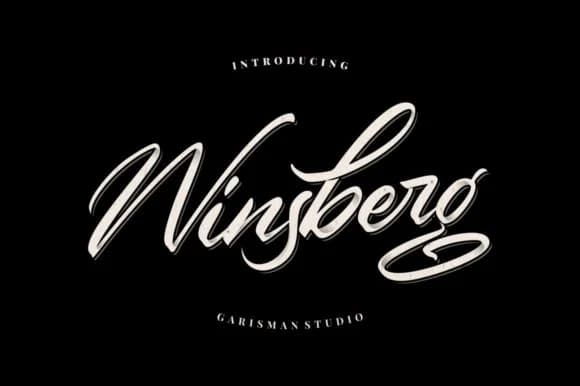 1 / 8
1 / 8About Winsberg Font
There's something refined yet bold about a script that walks the line between signature and personal statement. Winsberg Font by Garisman Studio captures this with confident handwritten strokes and pronounced swashes that give every single letterform distinct personality.
This script works beautifully when you're building branding that demands authenticity and character. Wedding invitation suites benefit from that handcrafted warmth, especially when you want every element to feel deliberately chosen. Fashion designers rely on scripts like this for mood boards and lookbooks where genuine hand-drawn character reads as more intentional than perfection. High-end product labels for artisan chocolate, specialty skincare, or handmade goods shine with this kind of organic personality. Personal signature logos for boutique services and creative professionals gain genuine authority from Winsberg's natural flow and movement.
The bold swashes deliver visual weight and real drama without sacrificing readability at larger display sizes. Pair Winsberg with a clean geometric sans-serif for your supporting text, and you've got a combination that feels both intentional and balanced. The contrast between the script's organic movement and a simple companion keeps your design feeling curated rather than cluttered. Pick up Winsberg on Creative Fabrica and bring that hand-crafted sensibility to your next branding project.
Style & Use Cases
- Overall Style
- Elegant, Flowing, Branding
- Use Case
- Invitations, Branding
- Ideal For
- wedding stationery, greeting cards, and signatures
- Pairs With
- a simple uppercase sans
How to Install Winsberg Font Font
Step-by-step instructions for every platform
- 1Download the Winsberg Font font file (.ttf or .otf).
- 2Locate the downloaded file in your Downloads folder.
- 3Right-click the font file.
- 4Select "Install" to install for the current user, or "Install for all users" to make it available system-wide.
- 5Winsberg Font is now available in Word, Photoshop, Illustrator, and all other apps.
More by Garisman Studio
View all →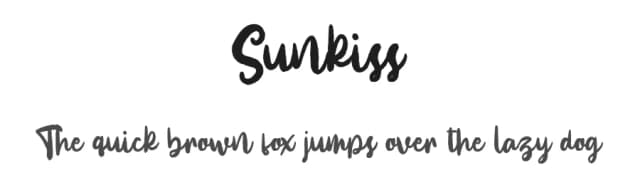
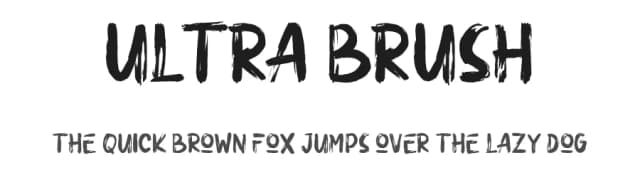
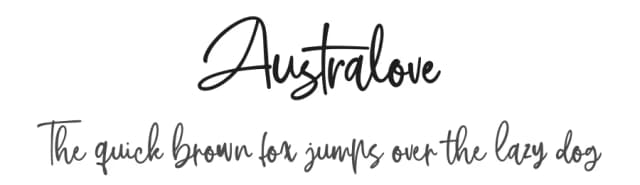
Browse fonts by theme
Curated collections →Saw a font in a picture? Identify any font from an image with our free Font Finder.
More Script Handwritten Fonts
Browse all →







What pairs well with Winsberg Font?
Winsberg Font is a script font that shines as a display or heading face. Pair it with a clean sans-serif or serif font for body text — the contrast creates a clear hierarchy while the two styles stay balanced and easy to read.



Winsberg Font
Reviewed by the FontBoxDL team · Updated August 2026