 Firefox
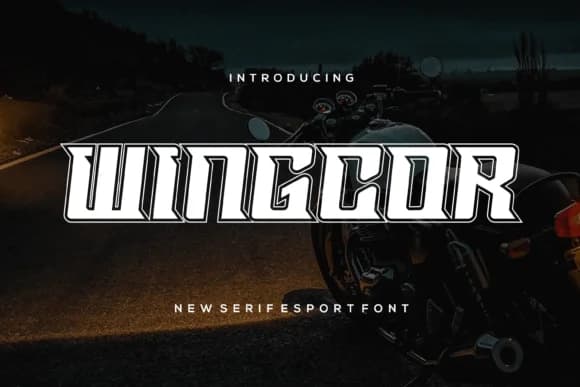 1 / 7
1 / 7About Wingcor Font
Wingcor by riotama85 is a bold slab serif that combines retro attitude with modern structural clarity and strength. The typeface carries real weight and a no-apologies geometric sensibility that reads distinctly at display sizes and commands the page. Its clean outline forms and multiple weight options give you substantial flexibility across both print and digital applications, making it equally comfortable at massive headline scale or in branded graphic systems where visual impact matters most.
The font's personality fits naturally into entertainment and retail design work. You'll spot it doing real work on vinyl album cover lettering, indie game UI and credits, vintage concert poster campaigns, music festival branding, and boutique retail signage where a timid approach simply won't work. Graphic designers and creative directors reach for Wingcor when building a brand identity or designing a magazine masthead that actually commands real attention in a crowded marketplace. Its combination of weight and clarity makes it readable at any size you choose, from tiny captions to oversized displays. Because it sits genuinely between retro nostalgia and current design thinking, the typeface avoids feeling dated or trendy in equal measure.
Find Wingcor on Creative Fabrica when you need a slab serif that refuses to whisper.
Style & Use Cases
- Overall Style
- Sturdy, Confident, Advertising Fonts
- Use Case
- Headlines, Merch
- Ideal For
- vintage posters, logos, and product packaging
- Pairs With
- a light sans-serif
How to Install Wingcor Font
Step-by-step instructions for every platform
- 1Download the Wingcor font file (.ttf or .otf).
- 2Locate the downloaded file in your Downloads folder.
- 3Right-click the font file.
- 4Select "Install" to install for the current user, or "Install for all users" to make it available system-wide.
- 5Wingcor is now available in Word, Photoshop, Illustrator, and all other apps.
More by riotama85
View all →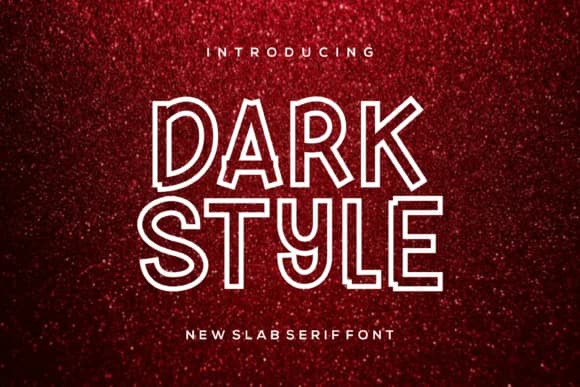
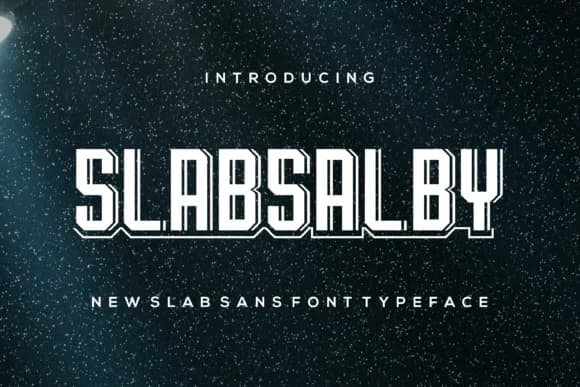

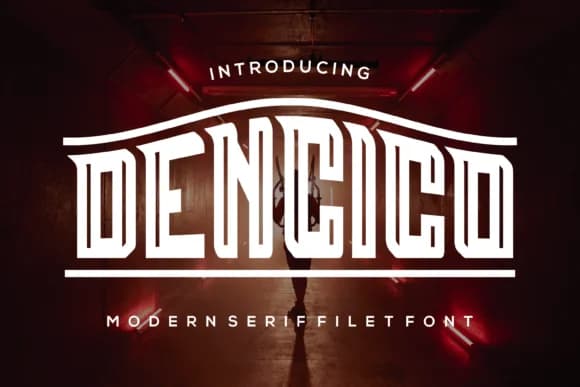
Browse fonts by theme
Curated collections →Saw a font in a picture? Identify any font from an image with our free Font Finder.
More Slab Serif Fonts
Browse all →







What pairs well with Wingcor Font?
Wingcor Font is a slab serif font that shines as a display or heading face. Pair it with a clean sans-serif or serif font for body text — the contrast creates a clear hierarchy while the two styles stay balanced and easy to read.



Wingcor Font
by riotama85
Reviewed by the FontBoxDL team · Updated September 2026