 Firefox
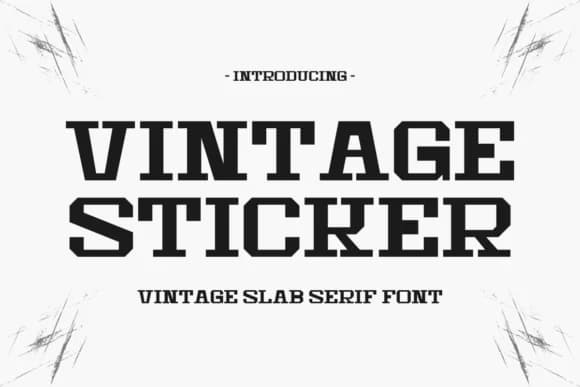 1 / 8
1 / 8Loading font…
About Vintage Sticker Font
Picture yourself lettering a vintage brewery's sticker sheet or designing labels for a craft spirits brand. You reach for Vintage Sticker from Intype Studio, and instantly the slab serif structure catches your eye. It's compact, bold, and carries just enough retro charm to feel authentic without sliding into kitsch or parody.
This condensed display font works across several specific needs. Retro vinyl record labels love its nostalgic punch and sturdy character. T-shirt graphics and apparel branding benefit from its chunky letterforms that read clearly at any scale, from small chest prints to large back logos. Event posters for festivals or concerts lean on its striking presence to grab attention. Product label design, from boutique skincare to vintage-inspired goods, gains immediate shelf appeal from the font's confident structure.
Vintage Sticker bridges mid-century sensibility with contemporary design, which is why it lands well on modern work without feeling trapped in the past. The condensed width keeps letterforms tight and graphic, letting you pack genuine personality into smaller spaces without sacrificing legibility. Its slab serif construction lends weight and authority even at display sizes. Get it from Creative Fabrica and make it your go-to for anything calling for bold, unapologetic retro character.
Style & Use Cases
- Overall Style
- Sturdy, Confident, Vintage Font
- Use Case
- Headlines, Merch
- Ideal For
- vintage posters, logos, and product packaging
- Pairs With
- a light sans-serif
How to Install Vintage Sticker Font
Step-by-step instructions for every platform
- 1Download the Vintage Sticker font file (.ttf or .otf).
- 2Locate the downloaded file in your Downloads folder.
- 3Right-click the font file.
- 4Select "Install" to install for the current user, or "Install for all users" to make it available system-wide.
- 5Vintage Sticker is now available in Word, Photoshop, Illustrator, and all other apps.
More by Intype Studio
View all →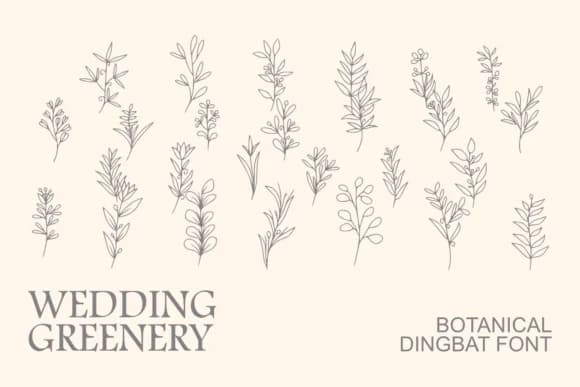
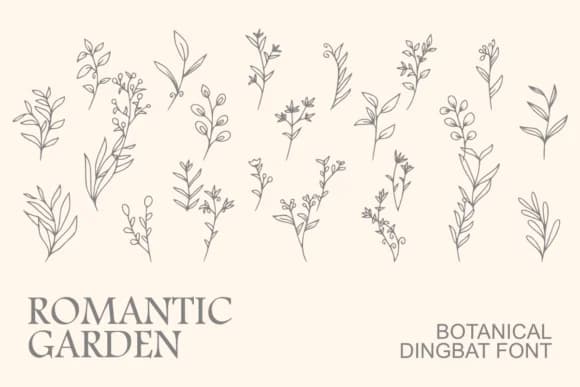
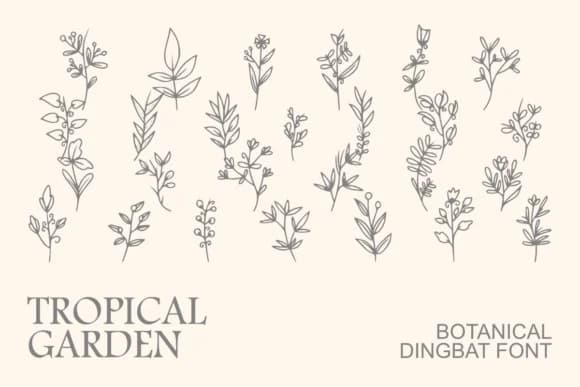
Browse fonts by theme
Curated collections →Saw a font in a picture? Identify any font from an image with our free Font Finder.
More Slab Serif Fonts
Browse all →







What pairs well with Vintage Sticker Font?
Vintage Sticker Font is a slab serif font that shines as a display or heading face. Pair it with a clean sans-serif or serif font for body text — the contrast creates a clear hierarchy while the two styles stay balanced and easy to read.



Vintage Sticker Font
Reviewed by the FontBoxDL team · Updated October 2026