 Firefox
 1 / 6
1 / 6About Vesetia Font
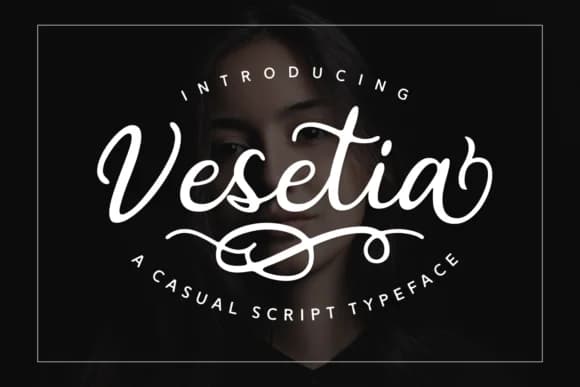
Picture a high-end wedding invitation suite where the typography needs to whisper luxury without shouting. Vesetia, designed by Adyfo at 7NTypes, is a casual script typeface with generous swashes that feels genuinely handwritten yet refined enough for formal use. The flowing letterforms carry just enough personality to stand out without overwhelming the content, making this an excellent choice for luxury brand identity systems, formal wedding invitation suites, boutique cosmetics packaging, and high-end product labels where sophisticated typography matters.
The real strength here is the careful balance between movement and control. The swashes curve naturally and predictably, giving your work that personal, crafted touch that generic stock fonts simply cannot deliver. This works especially well for Etsy product branding, art print headers, upscale menu design, and invitation systems where clients expect to see intentional typography choices. Pull Vesetia into a layout, and the difference becomes obvious immediately. There's movement without chaos, elegance without stiffness, and a sense of handmade quality that reads as premium.
Vesetia renders beautifully at large sizes, where those swashes really sing and become integral to your composition rather than decorative afterthoughts. The design is built for genuine visual impact without pretense. Find it on Creative Fabrica, ready to bring that handcrafted-but-polished sensibility to your next project.
Style & Use Cases
- Overall Style
- Elegant, Flowing, Vesetia
- Use Case
- Invitations, Branding
- Ideal For
- wedding stationery, greeting cards, and signatures
- Pairs With
- a simple uppercase sans
How to Install Vesetia Font Font
Step-by-step instructions for every platform
- 1Download the Vesetia Font font file (.ttf or .otf).
- 2Locate the downloaded file in your Downloads folder.
- 3Right-click the font file.
- 4Select "Install" to install for the current user, or "Install for all users" to make it available system-wide.
- 5Vesetia Font is now available in Word, Photoshop, Illustrator, and all other apps.
More by Adyfo (7NTypes)
View all →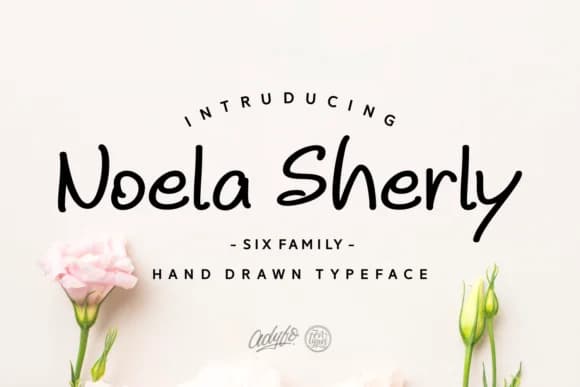
Browse fonts by theme
Curated collections →Saw a font in a picture? Identify any font from an image with our free Font Finder.
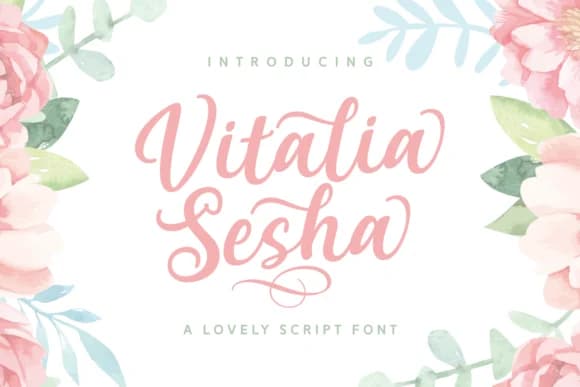
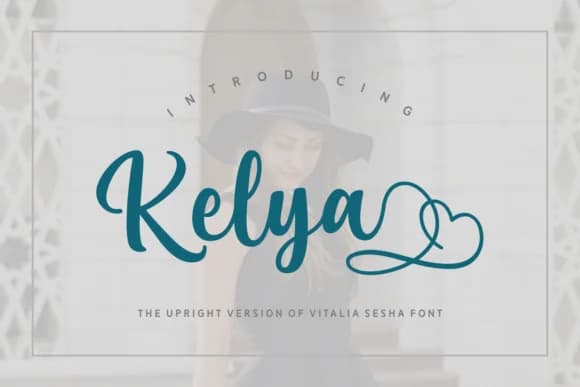
More Script Handwritten Fonts
Browse all →







What pairs well with Vesetia Font?
Vesetia Font is a script font that shines as a display or heading face. Pair it with a clean sans-serif or serif font for body text — the contrast creates a clear hierarchy while the two styles stay balanced and easy to read.



Vesetia Font
Reviewed by the FontBoxDL team · Updated May 2026