 Firefox
 1 / 3
1 / 3Loading font…
About Unifont
Unifont is a sans-serif typeface engineered for comprehensive multilingual coverage. With an exceptional 57,090 glyphs spanning 698+ Latin-based languages, this font eliminates the need to juggle multiple typefaces when designing for international audiences. The extensive character set means you can confidently handle projects that incorporate diverse writing systems without falling back to system defaults or font substitution tricks.
The breadth of language support makes Unifont particularly valuable for specific applications: building multilingual SaaS interfaces where all users see the same font regardless of locale, creating international corporate identity systems that need unified typography across branches and regions, developing global data dashboards that display charts and labels in multiple languages simultaneously, and designing product packaging or marketing materials destined for export markets. Beyond these commercial applications, the font works well for any project where you're serving content to non-English speakers without compromise.
A clean, straightforward sans-serif aesthetic keeps text readable at small sizes and across screen resolutions, making it suitable for dense information layouts. The Open Font License means Unifont is free for both personal and commercial use. When building products or publications for genuinely global audiences, this font deserves consideration over narrower alternatives that force you to choose your languages in advance.
Style & Use Cases
- Overall Style
- Clean, Modern, Sans Serif
- Use Case
- Body Text, UI
- Ideal For
- branding, interfaces, and modern layouts
- Pairs With
- a contrasting serif for headings
Similar Fonts
Fonts that look visually alike — matched by our Font Finder model.


Unifont Specifications
| Font Family | Unifont |
| Style | Regular |
| Full Name | Unifont |
| Version | 13.0.06 |
| Weight | 500 (Medium) |
| Glyph Count | 57090 glyphs |
| PostScript Name | UnifontMedium |
| Format | TTF (TrueType) |
| File Size | 11992 KB |
Languages Supported
Unifont supports 698 languages.
How to Install Unifont Font
Step-by-step instructions for every platform
- 1Download the Unifont font file (.ttf or .otf).
- 2Locate the downloaded file in your Downloads folder.
- 3Right-click the font file.
- 4Select "Install" to install for the current user, or "Install for all users" to make it available system-wide.
- 5Unifont is now available in Word, Photoshop, Illustrator, and all other apps.
Browse fonts by theme
Curated collections →Saw a font in a picture? Identify any font from an image with our free Font Finder.
More Sans Serif Fonts
Browse all →
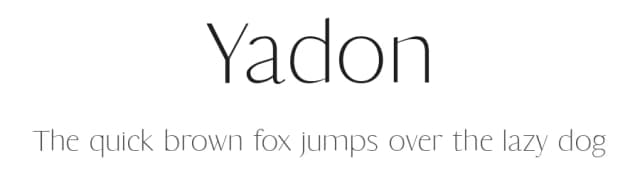
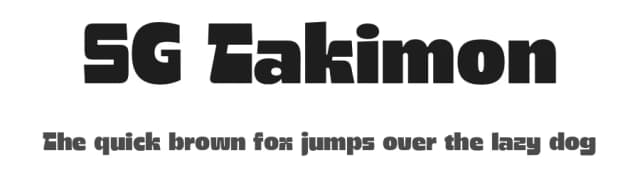

What pairs well with Unifont?
Unifont is a versatile sans-serif font that works for both headings and body text. Pair it with a contrasting serif or slab serif font to add visual interest and a clear distinction between titles and body copy.


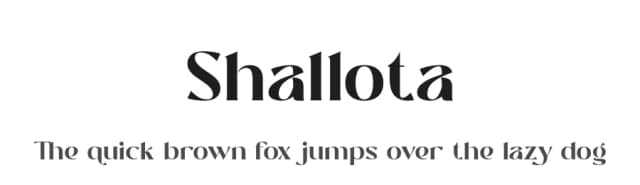

Premium Sans Serif Fonts
★ PremiumWant something with more weights, glyphs, and commercial polish? These premium sans serif fonts are worth a look.


Unifont
Reviewed by the FontBoxDL team · Updated October 2026