 Firefox
 1 / 3
1 / 3Loading font…
About Ubuntu Condensed Font
The Ubuntu Font Family are a set of matching new libre/open fonts in development during 2010-2011. The development is being funded by Canonical Ltd on behalf the wider Free Software community and the Ubuntu project. The technical font design work and implementation is being undertaken by Dalton Maag . Both the final font Truetype/OpenType files and the design files used to produce the font family are distributed under an open licence and you are expressly encouraged to experiment, modify, share and improve. The new Ubuntu Font Family was started to enable the personality of Ubuntu to be seen and felt in every menu, button and dialog. The typeface is sans-serif, uses OpenType features and is manually hinted for clarity on desktop and mobile computing screens. The scope of the Ubuntu Font Family includes all the languages used by the various Ubuntu users around the world in tune with Ubuntu's philosophy which states that every user should be able to use their software in the language of their choice. So the Ubuntu Font Family project will be extended to cover many more written languages. Ubuntu and Canonical are registered trademarks of Canonical Ltd. Updated August 2014: All styles were updated to 0.83 to fix a problem where some characters were not displayed as expected in some OS X applications.
Style & Use Cases
- Overall Style
- Clean, Modern, Sans Serif
- Use Case
- Body Text, UI
- Ideal For
- branding, interfaces, and modern layouts
- Pairs With
- a contrasting serif for headings
Ubuntu Condensed Specifications
| Font Family | Ubuntu Condensed |
| Style | Regular |
| Full Name | Ubuntu Condensed |
| Version | 0.83 |
| Weight | 400 (Regular) |
| Glyph Count | 1263 glyphs |
| PostScript Name | UbuntuCondensed-Regular |
| Designer | Dalton Maag Ltd |
| Format | TTF (TrueType) |
| File Size | 342.2 KB |
OpenType Features
Ubuntu Condensed ships with 11 OpenType features you can switch on in apps that support them (Illustrator, InDesign, Affinity, Figma, CSS font-feature-settings).
- Case-sensitive forms
- Fractions
- Standard ligatures
- Ordinals
- Proportional figures
- Stylistic alternates
- Scientific inferiors
- Subscripts
- Superscripts
- Tabular figures
- Stylistic sets (1)
Languages Supported
Ubuntu Condensed supports 372 languages.
How to Install Ubuntu Condensed Font
Step-by-step instructions for every platform
- 1Download the Ubuntu Condensed font file (.ttf or .otf).
- 2Locate the downloaded file in your Downloads folder.
- 3Right-click the font file.
- 4Select "Install" to install for the current user, or "Install for all users" to make it available system-wide.
- 5Ubuntu Condensed is now available in Word, Photoshop, Illustrator, and all other apps.
More by Dalton Maag
View all →


Browse fonts by theme
Curated collections →Saw a font in a picture? Identify any font from an image with our free Font Finder.
More Sans Serif Fonts
Browse all →
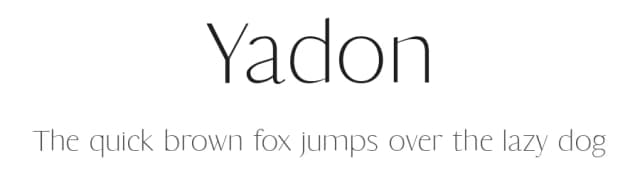
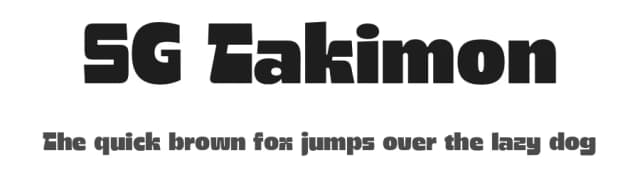
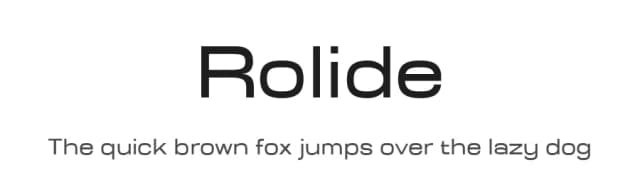
What pairs well with Ubuntu Condensed Font?
Ubuntu Condensed Font is a versatile sans-serif font that works for both headings and body text. Pair it with a contrasting serif or slab serif font to add visual interest and a clear distinction between titles and body copy.


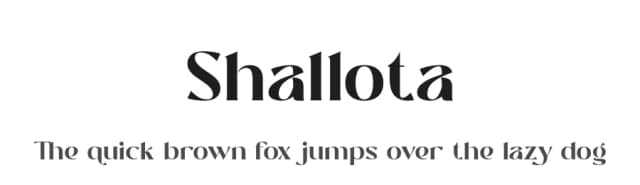

Premium Sans Serif Fonts
★ PremiumWant something with more weights, glyphs, and commercial polish? These premium sans serif fonts are worth a look.


Ubuntu Condensed Font
by Dalton Maag
Reviewed by the FontBoxDL team · Updated July 2026