 Firefox
 1 / 9
1 / 9About The Promised Font
The Promised Font by Moonstone Co is a signature script that balances lightness with genuine personality. Its contemporary stroke work brings a human touch without the weight of fussy decorative letterforms. Letters flow with natural rhythm, offering enough visual presence to catch attention while maintaining an approachable, modern aesthetic that works across different design contexts and project scales.
Wedding invitation suites, custom packaging for small independent brands, Etsy product labels, and hand-lettered stationery designs are all natural homes for this typeface. It performs well at smaller sizes too, which makes it practical for layered compositions or detailed work where readability matters to the overall execution. Modern sensibility lets it pair equally well with minimal, stripped-down layouts and more ornate, patterned design work alike. Boutique skincare labels, DIY craft signage, and formal event materials that still want personality all benefit from what this script brings to the table. The letterforms won't compete with surrounding design elements, so they fit naturally into whatever layout you're building.
Choose this when you need something that reads as personal and contemporary rather than stiff or overly decorative. Grab it from Creative Fabrica and watch how it brings authentic character and dimension to your next project.
Style & Use Cases
- Overall Style
- Elegant, Flowing, The Promised
- Use Case
- Invitations, Branding
- Ideal For
- wedding stationery, greeting cards, and signatures
- Pairs With
- a simple uppercase sans
How to Install The Promised Font Font
Step-by-step instructions for every platform
- 1Download the The Promised Font font file (.ttf or .otf).
- 2Locate the downloaded file in your Downloads folder.
- 3Right-click the font file.
- 4Select "Install" to install for the current user, or "Install for all users" to make it available system-wide.
- 5The Promised Font is now available in Word, Photoshop, Illustrator, and all other apps.
More by Moonstone Co
View all →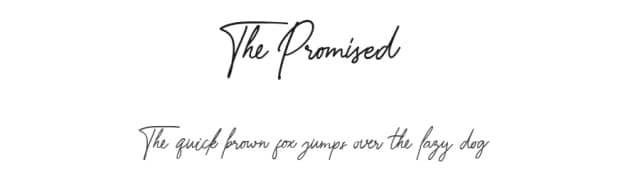
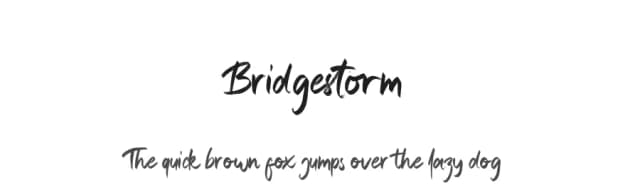
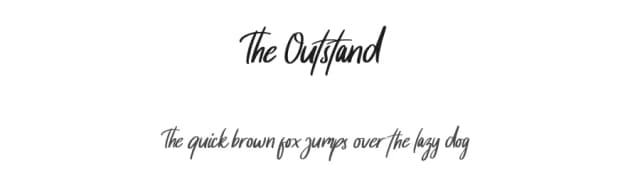
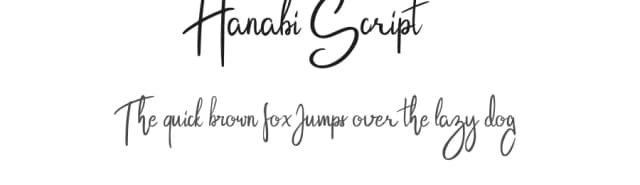
Browse fonts by theme
Curated collections →Saw a font in a picture? Identify any font from an image with our free Font Finder.
More Script Handwritten Fonts
Browse all →







What pairs well with The Promised Font?
The Promised Font is a script font that shines as a display or heading face. Pair it with a clean sans-serif or serif font for body text — the contrast creates a clear hierarchy while the two styles stay balanced and easy to read.



The Promised Font
by Moonstone Co
Reviewed by the FontBoxDL team · Updated August 2026