 Firefox
 1 / 6
1 / 6About The Cactus Font
The Cactus Font displays a light, flowing letterform style that genuinely reads as handwritten, not digitally traced. Created by Studio_Art, this script captures an organic quality that adds real character to design work without demanding center stage.
The font shines for wedding invitation suites where grace and readability need to coexist, hand-lettered social media graphics meant to catch attention in a crowded feed, artisanal product labels for skincare and wellness brands, and personalized greeting cards that feel individually considered rather than mass-produced. Each stroke carries enough presence to work at large sizes while remaining clear when scaled smaller, which matters for anyone working across multiple applications and formats. The flowing letterforms feel natural without sacrificing legibility, a balance many handwritten scripts struggle to achieve.
This is the font for small-batch cosmetics companies building a cohesive visual identity, editorial spreads where a handmade touch grounds the overall composition, and designers creating stationery suites that feel thoughtfully assembled. The handwritten charm translates beautifully across applications, from packaging to custom wedding save-the-dates to anywhere you want genuine personality without looking forced. Find The Cactus Font on Creative Fabrica and start using it across your projects.
Style & Use Cases
- Overall Style
- Elegant, Flowing, Cactus
- Use Case
- Invitations, Branding
- Ideal For
- wedding stationery, greeting cards, and signatures
- Pairs With
- a simple uppercase sans
How to Install The Cactus Font Font
Step-by-step instructions for every platform
- 1Download the The Cactus Font font file (.ttf or .otf).
- 2Locate the downloaded file in your Downloads folder.
- 3Right-click the font file.
- 4Select "Install" to install for the current user, or "Install for all users" to make it available system-wide.
- 5The Cactus Font is now available in Word, Photoshop, Illustrator, and all other apps.
More by Studio_Art
View all →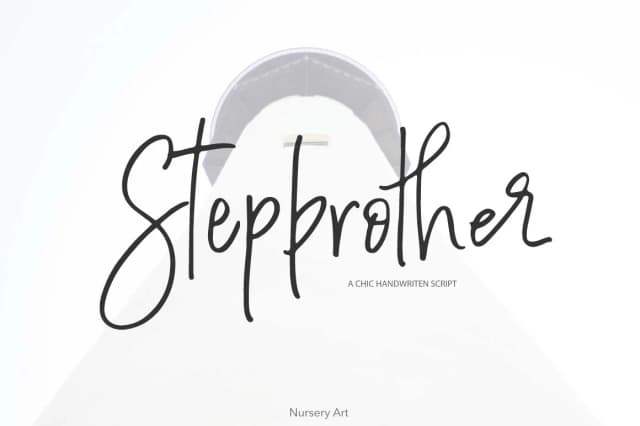
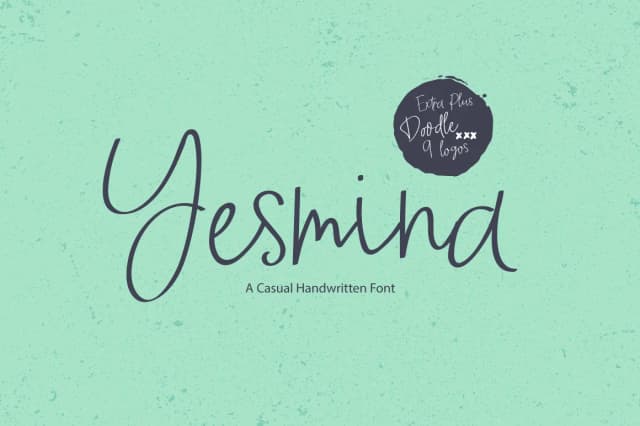
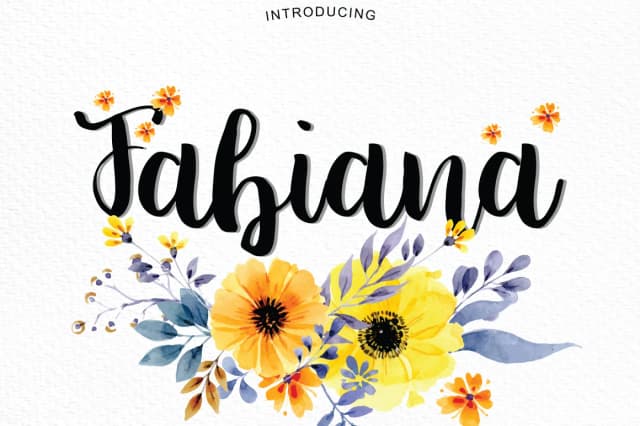
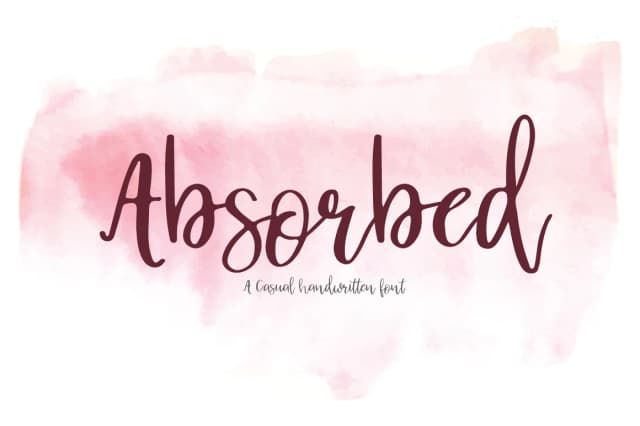
Browse fonts by theme
Curated collections →Saw a font in a picture? Identify any font from an image with our free Font Finder.
More Script Handwritten Fonts
Browse all →







What pairs well with The Cactus Font?
The Cactus Font is a script font that shines as a display or heading face. Pair it with a clean sans-serif or serif font for body text — the contrast creates a clear hierarchy while the two styles stay balanced and easy to read.



The Cactus Font
by Studio_Art
Reviewed by the FontBoxDL team · Updated August 2026