 Firefox
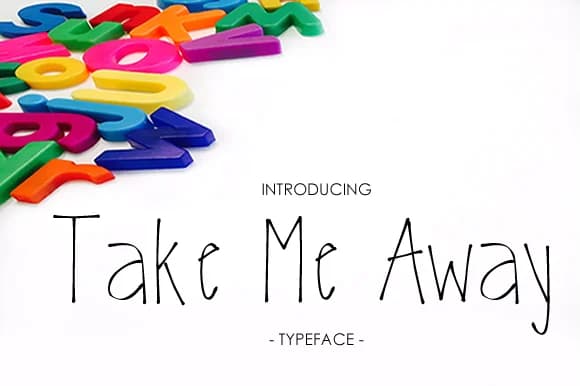
About Take Me Away Font
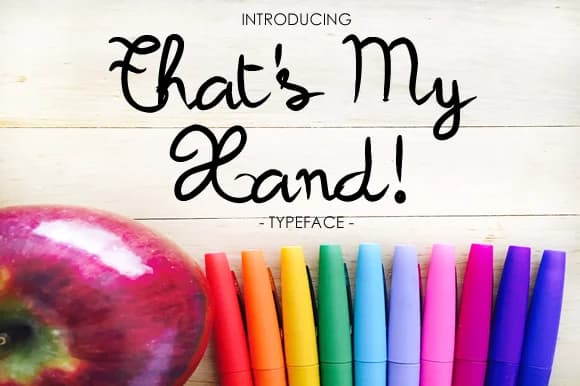
Take Me Away Font by yh.seaofknowledge is a delicate, flowing script that brings a gentle, approachable quality to any design. The font's refined letterforms strike a balance between sophistication and playfulness, making it instantly appealing for projects that need warmth and personality. With its smooth, connected strokes, this typeface conveys both friendliness and elegance without overwhelming your designs, creating a visual experience that feels inviting and contemporary.
This versatile script performs beautifully across children's book illustrations, where its organic letterforms feel natural and engaging for young readers discovering stories. It excels in creating inviting classroom bulletin board labels and announcements that capture the attention of students while remaining clear and easy to read. The font also works wonderfully for designing kids' birthday invitation suites, bringing charm to celebratory occasions and making each invitation feel special. Whether you're creating playroom wall stickers or school-themed packaging designs for children's products, Take Me Away delivers a thoughtful, accessible take on handwritten typography that feels both current and timeless.
The font's delicate nature makes it an excellent choice for anyone seeking legible, artistic letterforms without resorting to overly decorative styles that compromise readability. Its gentle aesthetic works across educational materials, greeting cards, and any project where a touch of human warmth enhances the overall message. Find Take Me Away Font on Creative Fabrica and add this graceful script to your design toolkit.
Style & Use Cases
- Overall Style
- Elegant, Flowing, Take Me Away
- Use Case
- Invitations, Branding
- Ideal For
- wedding stationery, greeting cards, and signatures
- Pairs With
- a simple uppercase sans
How to Install Take Me Away Font Font
Step-by-step instructions for every platform
- 1Download the Take Me Away Font font file (.ttf or .otf).
- 2Locate the downloaded file in your Downloads folder.
- 3Right-click the font file.
- 4Select "Install" to install for the current user, or "Install for all users" to make it available system-wide.
- 5Take Me Away Font is now available in Word, Photoshop, Illustrator, and all other apps.
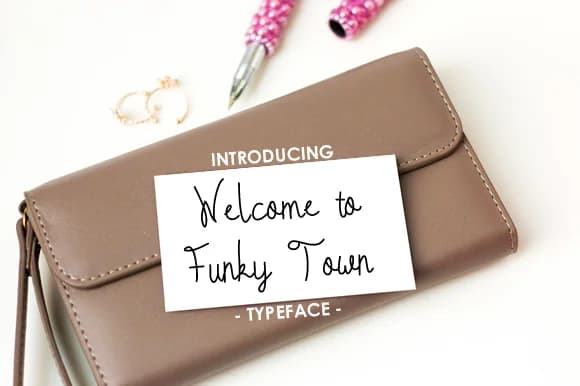
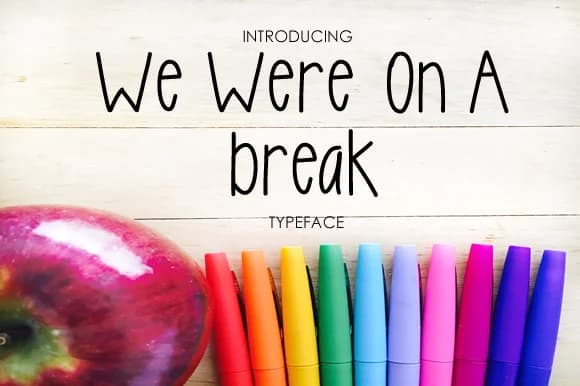
More by yh.seaofknowledge
View all →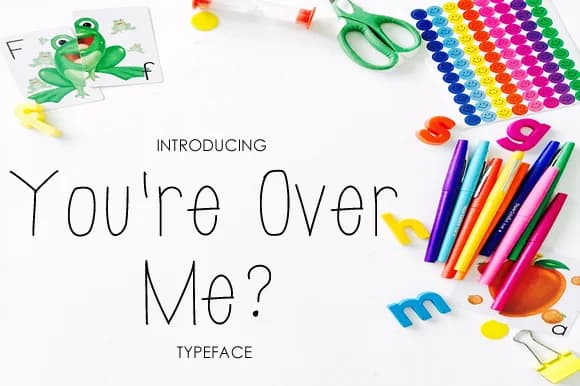
Browse fonts by theme
Curated collections →Saw a font in a picture? Identify any font from an image with our free Font Finder.
More Script Handwritten Fonts
Browse all →







What pairs well with Take Me Away Font?
Take Me Away Font is a script font that shines as a display or heading face. Pair it with a clean sans-serif or serif font for body text — the contrast creates a clear hierarchy while the two styles stay balanced and easy to read.



Take Me Away Font
Reviewed by the FontBoxDL team · Updated May 2026