 Firefox
 1 / 8
1 / 8About Synthia Font
Synthia Font strikes that delicate balance between casual confidence and refined elegance. Created by RantauType, this script captures a contemporary energy that feels both personal and polished at once. The bold weight gives it real presence on a page, while the sweet, flowing strokes keep it approachable and genuinely human rather than corporate.
This typeface shines brightest in situations where you need personality without pretension. It works beautifully for wedding invitation suites, custom name labels on handmade items, greeting card headers that need warmth, and upscale small business branding. The contemporary style bridges the gap between purely decorative typefaces and actually functional workhorses, making it versatile enough for print projects, social media graphics, and brand applications where a handwritten touch really matters. You could also use it for custom product packaging, event signage, or any project where the audience expects to feel a human connection behind the design.
Pair Synthia with a light, geometric sans-serif for supporting body text so the script can breathe and do its thing. This is the kind of font that stays with you once you start using it, and you'll find it reliably waiting on Creative Fabrica whenever you need that specific balance of charm and sophistication.
Style & Use Cases
- Overall Style
- Elegant, Flowing
- Use Case
- Invitations, Branding
- Ideal For
- wedding stationery, greeting cards, and signatures
- Pairs With
- a simple uppercase sans
How to Install Synthia Font Font
Step-by-step instructions for every platform
- 1Download the Synthia Font font file (.ttf or .otf).
- 2Locate the downloaded file in your Downloads folder.
- 3Right-click the font file.
- 4Select "Install" to install for the current user, or "Install for all users" to make it available system-wide.
- 5Synthia Font is now available in Word, Photoshop, Illustrator, and all other apps.
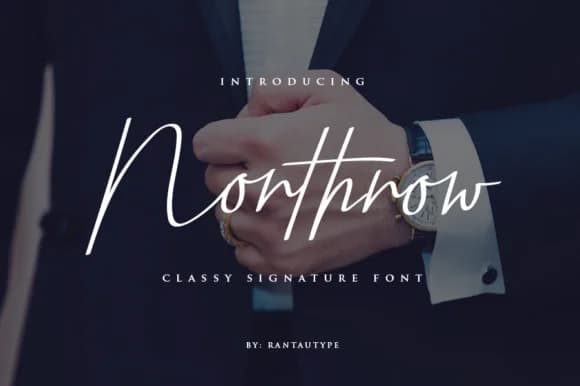
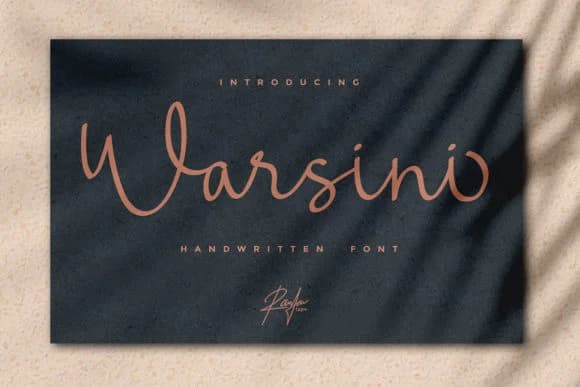
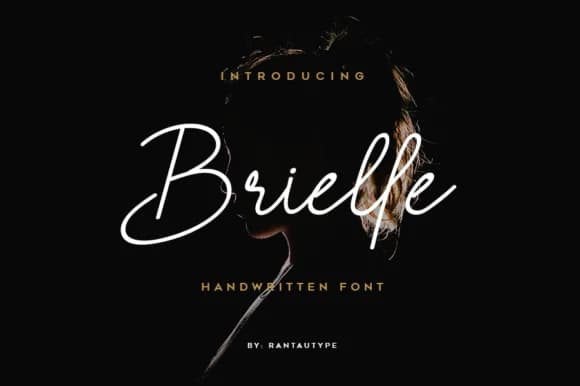
More by RantauType
View all →
Browse fonts by theme
Curated collections →Saw a font in a picture? Identify any font from an image with our free Font Finder.
More Script Handwritten Fonts
Browse all →







What pairs well with Synthia Font?
Synthia Font is a script font that shines as a display or heading face. Pair it with a clean sans-serif or serif font for body text — the contrast creates a clear hierarchy while the two styles stay balanced and easy to read.



Synthia Font
by RantauType
Reviewed by the FontBoxDL team · Updated September 2026