 Firefox
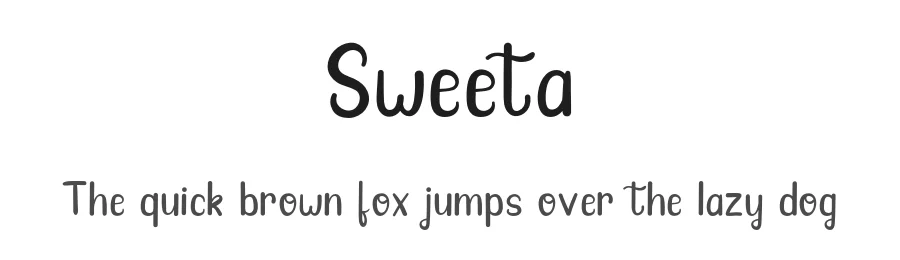 1 / 3
1 / 3Loading font…
About Sweeta Font
NOTE: This demo font is for PERSONAL USE ONLY!
If you want to use it for commercial project, you need to buy license.
Link to purchase full version and commercial license:
https://fontbundles.net/josgandos/101260-sweeta/rel=XGAI8O
If you have any question about this font or maybe want to discuss about license price, don't hesitate to contact me at
[email protected]
Thank You
Style & Use Cases
- Overall Style
- Elegant, Flowing, Script
- Use Case
- Invitations, Branding
- Ideal For
- wedding stationery, greeting cards, and signatures
- Pairs With
- a simple uppercase sans
Similar Fonts
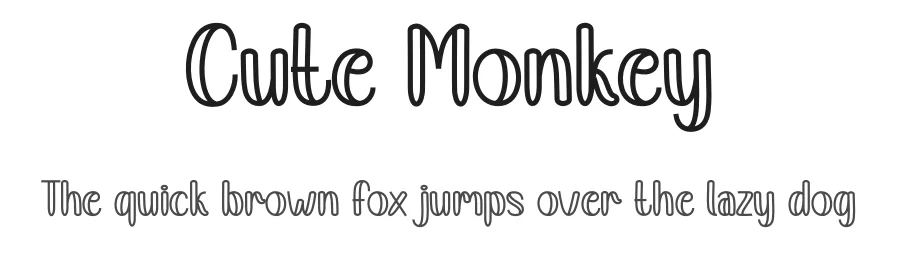
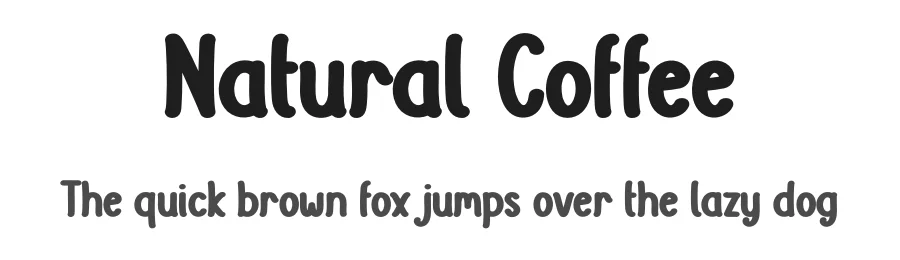
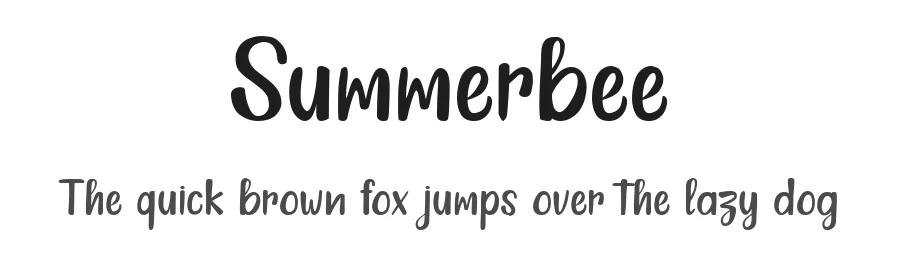
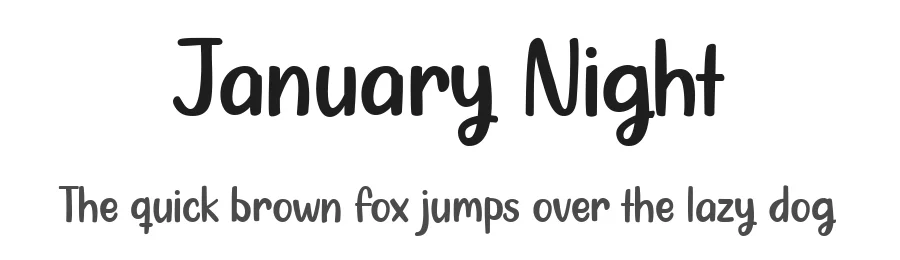
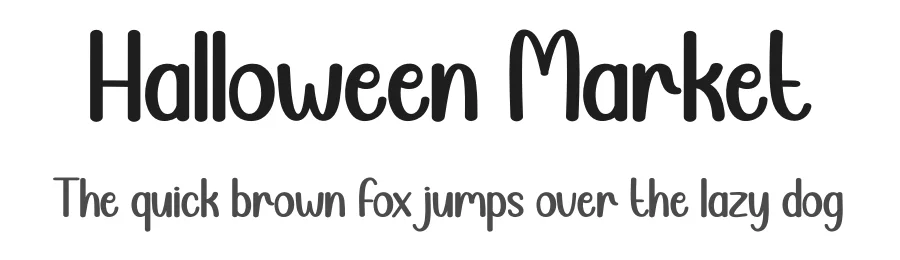
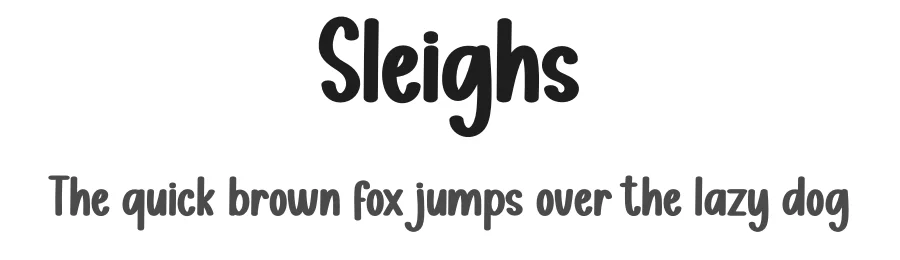
Fonts that look visually alike — matched by our Font Finder model.
Sweeta Specifications
| Font Family | Sweeta |
| Style | Regular |
| Full Name | Sweeta-Regular |
| Version | 1.000 |
| Weight | 400 (Regular) |
| Glyph Count | 237 glyphs |
| PostScript Name | Sweeta-Regular |
| Designer | jozgandoz |
| Format | OTF (CFF) |
| File Size | 27.1 KB |
OpenType Features
Sweeta ships with 1 OpenType feature you can switch on in apps that support them (Illustrator, InDesign, Affinity, Figma, CSS font-feature-settings).
- Standard ligatures
Languages Supported
Sweeta supports 217 languages.
How to Install Sweeta Font
Step-by-step instructions for every platform
- 1Download the Sweeta font file (.ttf or .otf).
- 2Locate the downloaded file in your Downloads folder.
- 3Right-click the font file.
- 4Select "Install" to install for the current user, or "Install for all users" to make it available system-wide.
- 5Sweeta is now available in Word, Photoshop, Illustrator, and all other apps.
More by Letter Jos
View all →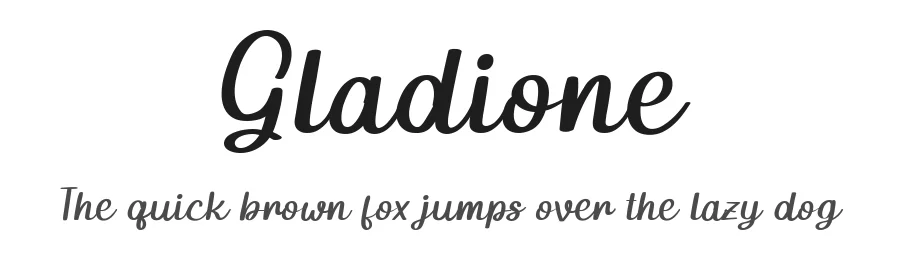
Browse fonts by theme
Curated collections →Saw a font in a picture? Identify any font from an image with our free Font Finder.
More Script Handwritten Fonts
Browse all →







What pairs well with Sweeta Font?
Sweeta Font is a script font that shines as a display or heading face. Pair it with a clean sans-serif or serif font for body text — the contrast creates a clear hierarchy while the two styles stay balanced and easy to read.




Premium Script Handwritten Fonts
★ PremiumWant something with more weights, glyphs, and commercial polish? These premium script handwritten fonts are worth a look.
Sweeta Font
by Letter Jos
Reviewed by the FontBoxDL team · Updated July 2026
License: Free for personal use