 Firefox
 1 / 9
1 / 9About Sweet Pancake Font
Sweet Pancake by Locomotype is a calligraphy script with genuine character that deliberately pushes past standard brush pen conventions found in most hand-lettered fonts. Rather than copying predictable letterforms, the designer reshaped each character to feel more human and distinctive throughout. The concept eventually developed into two distinct versions: the original with soft, flowing flourishes, plus a companion with sharper, more angular stems for bolder visual contrast and better versatility across different design applications.
What makes this font particularly useful is the extensive swash collection baked directly in. Simply type hyphen combinations (two, three, or four in a row), and the automatic ligature feature swaps in elegant terminal flourishes without extra effort, letting you layer different swash endings together for truly customized letterforms. It shines especially in invitation suite design, artisanal cosmetics branding, high-end restaurant menus, and hand-drawn product labeling on small-batch goods where personality and craft matter.
The technical foundation is solid: both OTF and TTF files ship with the font, multi-language support covers most regional projects, and PUA encoding ensures alternate characters integrate without friction. Grab Sweet Pancake on Creative Fabrica and start layering those swashes into your next project.
Style & Use Cases
- Overall Style
- Elegant, Flowing
- Use Case
- Invitations, Branding
- Ideal For
- wedding stationery, greeting cards, and signatures
- Pairs With
- a simple uppercase sans
How to Install Sweet Pancake Font
Step-by-step instructions for every platform
- 1Download the Sweet Pancake font file (.ttf or .otf).
- 2Locate the downloaded file in your Downloads folder.
- 3Right-click the font file.
- 4Select "Install" to install for the current user, or "Install for all users" to make it available system-wide.
- 5Sweet Pancake is now available in Word, Photoshop, Illustrator, and all other apps.
More by Locomotype
View all →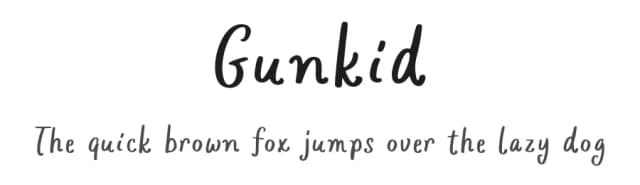
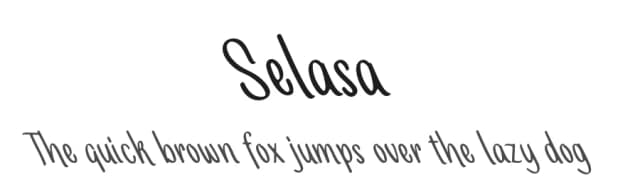
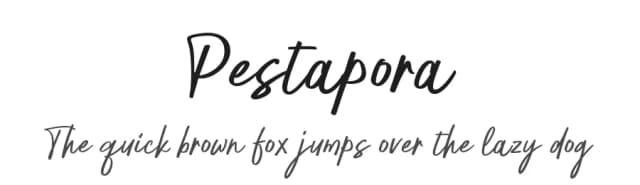
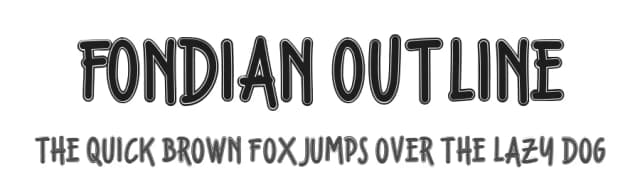
Browse fonts by theme
Curated collections →Saw a font in a picture? Identify any font from an image with our free Font Finder.
More Script Handwritten Fonts
Browse all →







What pairs well with Sweet Pancake Font?
Sweet Pancake Font is a script font that shines as a display or heading face. Pair it with a clean sans-serif or serif font for body text — the contrast creates a clear hierarchy while the two styles stay balanced and easy to read.



Sweet Pancake Font
by Locomotype
Reviewed by the FontBoxDL team · Updated July 2026